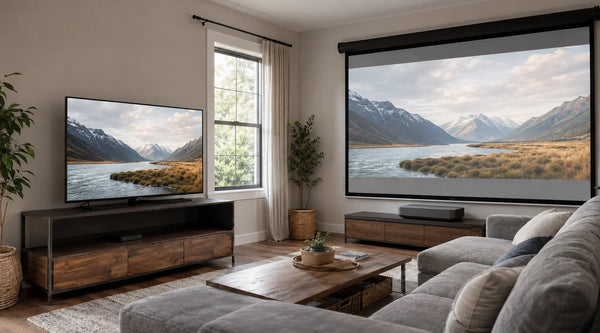
The Anatomy of a Perfect UST System: Critical Specs You Need to Know
If you’re in the market for an Ultra Short Throw (UST) projector, you’ve likely realized one thing quickly: the spec sheets are confusing, and the potential for error feels expensive.
We see this frustration constantly. You have a healthy budget and you want a 100-inch+ cinematic experience to replace your TV. But between acronyms like ALR, CLR, DLP, and throw ratios, it’s hard to know what actually impacts image quality and what is just marketing fluff.
The reality is that buying a UST isn’t like buying a TV; you are building a system. The projector and the screen must work in tandem. If they don't, you risk ending up with a washed-out image that looks worse than a budget television.
This guide cuts through the noise to focus on the anatomy of a projector system and the specs that actually matter for your setup.
At a Glance: The 30-Second Spec Cheat Sheet
Don't have time to read the physics? Here are the four non-negotiables for a premium setup:
- The Screen: Must be CLR (Ceiling Light Rejecting). Never pair a UST with a standard white wall or generic ALR screen. It must be Tensioned or Fixed Frame to avoid warping.
- The Light Engine: Prioritize Triple Laser (RGB) for the best color gamut. Look for Contrast (2500:1+) rather than just high "Peak Lumens."
- The Geometry: Measure your furniture depth first. Look for a Throw Ratio of 0.25:1 to keep the projector close to the wall.
- The Resolution: Don't overpay for "Native 4K." 4K Pixel Shift (XPR) is the industry standard and visually indistinguishable at normal viewing distances.
Screen Selection: Why You Must Prioritize CLR Material
If there is one rule to live by in the UST world, it is this: Date the projector, marry the screen. You can have the world's best projector, but if you pair it with a standard white wall or a generic screen, the image will suffer. For a deeper dive, read our comprehensive screen buying guide for UST projectors.
ALR vs. CLR: Avoiding the Common "Standard ALR" Mistake
A common trap for new buyers is purchasing a standard "Ambient Light Rejecting" (ALR) screen found on generic marketplaces.
Standard ALR screens are designed for traditional projectors that sit at the back of the room. They reject light coming from the sides and top, but they also reject light coming from below. Since a UST projector shoots its image from underneath the screen, a standard ALR screen will block your projector's light, resulting in a dark, unwatchable image.
For a UST setup, you specifically need to understand the difference between ALR vs. CLR screens. You need CLR (Ceiling Light Rejecting) or UST-Specific ALR material. These are engineered to accept light from a steep bottom angle while rejecting light from overhead lamps or windows.
The "Sawtooth" Advantage: How Lenticular Screens Boost Contrast
The difference lies in the microscopic structure of the screen surface. High-quality UST screens utilize a "sawtooth" or lenticular structure.
- The Top Side (Black): Absorbs ambient light coming from ceiling fixtures.
- The Bottom Side (Reflective): Catches and reflects the light coming from your UST projector toward your eyes.
This physics-based approach is how premium screens maintain deep black levels and vibrant colors even in a well-lit living room. For example, screens using Cinematic+ ALR surfaces (like those found in our Motorized Floor Rising screens) can reject up to 95% of overhead light, ensuring your contrast isn't sacrificed just because you turned a lamp on.
Visual Specs: How to Read Beyond the Marketing Hype
Once you have the screen sorted, it’s time to look at the projector. But be warned: the biggest number on the box isn't always the most important.
Contrast Ratio vs. Peak Lumens: Preventing the "Gray Blob" Effect
Marketing departments love to shout about "Peak Lumens," but brightness without control is meaningless. If a projector pumps out light but can't produce deep blacks, you get a low-contrast, milky image. It is vital to understand the difference between ANSI Lumens vs. ISO Lumens when comparing models.
For a true home theater experience, prioritize Contrast and ISO Lumens (a stricter standard than generic "marketing" lumens).
- The Sweet Spot: You generally want a projector that offers high brightness (3,000+ ISO Lumens) without washing out the dark areas.
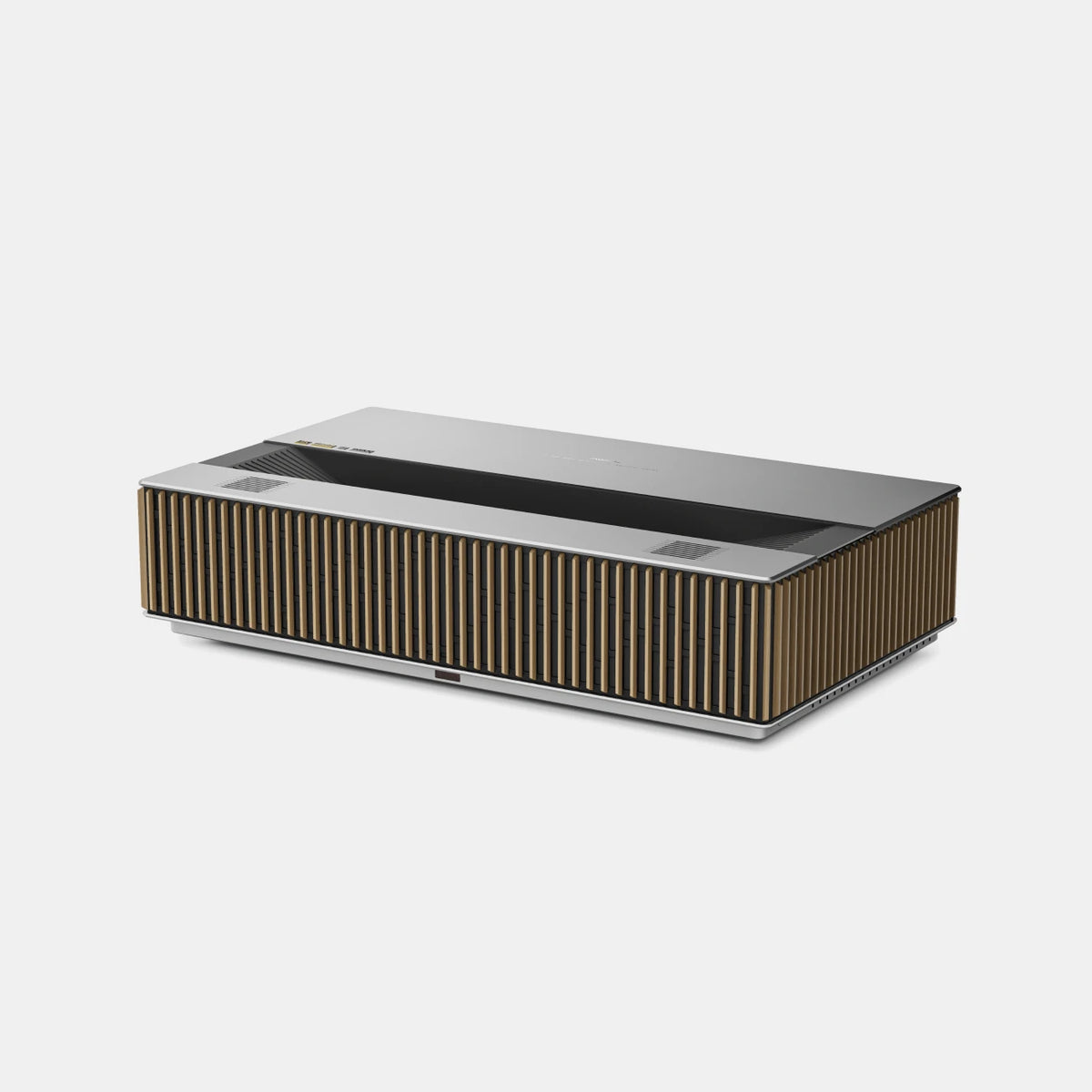
- The Tech: Look for RGB vs. Single Laser systems. Unlike single-laser or lamp-based units, RGB triple-laser projectors can reproduce a significantly wider color space. For example, the AWOL LuxVision delivers 6,000 ISO lumens, covers 110% of Rec.2020, and reaches a 10,000:1 native contrast ratio with its dynamic iris. This combination helps preserve both vivid highlights and deeper blacks, rather than increasing brightness at the expense of image depth.
Native 4K vs. Pixel Shifting: Where to Save Your Budget
"Is it real 4K?" This is the most common question on forums. Most UST projectors under $10,000 use a 0.47-inch DMD chip with pixel-shifting technology. They take a 1080p chip and flash it four times per frame at incredible speeds to create a distinct 8.3 million pixels on screen.
The Truth: To the human eye, at a normal viewing distance, high-quality XPR technology is virtually indistinguishable from native 4K.
- Verdict: Don't overspend on "Native 4K" chips unless you have an unlimited budget. A well-implemented pixel-shift 4K projector allows you to allocate more money toward laser engine quality and screen material, which yield a much bigger visual upgrade.
Refresh Rate and Input Lag: Specs That Matter for Motion
Resolution tells you how much detail an image contains, but refresh rate and input lag determine how that image feels in motion. This matters most for gaming, live sports, and fast action. LuxVision supports end-to-end 4K at 120Hz, along with VRR, ALLM, and a rated 1ms input lag at 4K/120Hz. These features help reduce motion blur, screen tearing, and the delay between a controller input and the on-screen response.

Installation Logic: Measuring Throw Distance and Offset
This is the boring part that, if ignored, will force you to return your projector. You cannot just place a UST anywhere.
Calculating Throw Ratio: Will It Fit Your Media Console?
The "Throw Ratio" dictates how far the projector must sit from the wall to create a specific image size. You can learn more about the mechanics in our guide on Short Throw vs. UST Projectors.
- The Math: A typical ratio is 0.25:1. To get a 120-inch image, the projector might need to sit roughly 26 inches from the wall.
- The Console Problem: Most media consoles are only 18–20 inches deep. If your projector needs 26 inches, you have to pull your furniture away from the wall, leaving an ugly gap behind it.
- The Solution: Measure your furniture depth before you buy. Use a projector distance calculator to verify the fit. If space is tight, look for projectors with ultra-short throw ratios (0.25:1 or lower) that can produce massive images while hugging the wall closer than older models.
Newer UST designs can reduce this furniture-placement constraint even further. AWOL LuxVision uses a 0.18:1 throw ratio and can produce a 120-inch image from just 7.5 inches away. It also supports optical vertical lens shift, giving users more installation flexibility without digitally scaling or cropping the 4K image.

Understanding Vertical Offset to Avoid Ceiling Projection
UST projectors shoot upwards. The "Vertical Offset" is the distance between the projector and the bottom of the image. If your media console is tall (e.g., 25 inches) and the projector has a high offset, the image might end up hitting your ceiling. Always check the installation diagram to ensure your wall has enough vertical real estate.
Budgeting Smart: Spending on the System, Not Just the Box
The "Rigid Screen" Rule: Why Fixed Frames Beat Retractable Models
In the Reddit threads, a common nightmare is the "wavy" screen. Standard pull-down screens are not rigid; they curl at the edges and ripple in the middle. With a UST projector, any slight wave distorts the geometry of the image, making straight lines look curvy.
Your options for a flat surface:
- Fixed Frame: A screen stretched over a metal frame permanently mounted to the wall. It is the cheapest way to get a perfectly flat surface, but it dominates the room decor.
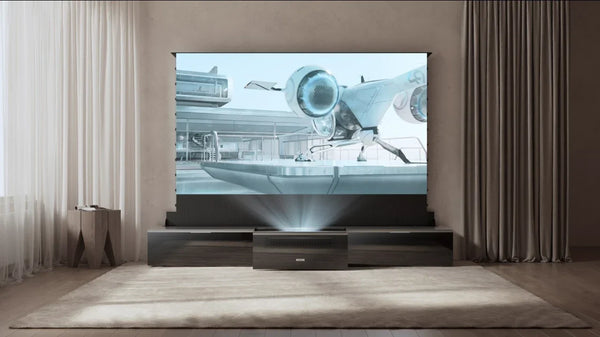
- Motorized Floor Rising (Tensioned): This is the modern solution for multi-use living rooms. These screens rise out of a casing on the floor and use a tab-tension system to pull the material tight, mimicking the rigidity of a fixed frame.
100" vs. 120": Understanding the Price Jump
Finally, be prepared for the "size tax." You will often see a significant price jump when moving from a 100-inch to a 120-inch screen. This isn't just arbitrary markup; it is often due to manufacturing yields and shipping logistics. However, the immersion difference is substantial. You should calculate screen size based on seating distance to see if you can accommodate the larger format. If your room dimensions and budget allow, the 120-inch size is generally the "sweet spot" for a true theater feel.
FAQ
Can I use a regular projector screen with a UST projector?
No. Regular screens reflect light in all directions. Because UST projectors shoot from a steep angle below, a regular screen will reflect most of that light up to the ceiling rather than back to your eyes, resulting in a dim, washed-out image. You need a CLR (Ceiling Light Rejecting) screen.
Is 4K Pixel Shifting as good as Native 4K?
For almost all home theater applications, yes. Modern 4K pixel shifting (like XPR technology) creates an image that is visually indistinguishable from native 4K at standard viewing distances, while costing significantly less.
How far does a UST projector need to be from the wall for a 120-inch screen?
This depends on the throw ratio. A projector with a 0.25:1 throw ratio generally needs to be placed about 26 inches away from the wall (measured from the back of the unit) to achieve a 120-inch image.
Be the First to Know
Subscribe for special deals, news, and important product information, and get your exclusive $100 discount.
Related Articles
A Projector in an Apartment: Make Room for the Screen, Not a Theater
Small Man Cave Ideas: 10 Activity-Based Setups for Limited Space
Frame TV Alternative: A Smarter Vision for the Living Room
How to Connect a Speaker to a Projector
Hidden Projector Screen Ideas: How to Make a 120-Inch Screen Disappear