
















Guarantee
Free Warranty
Match Guarantee
Support
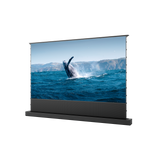
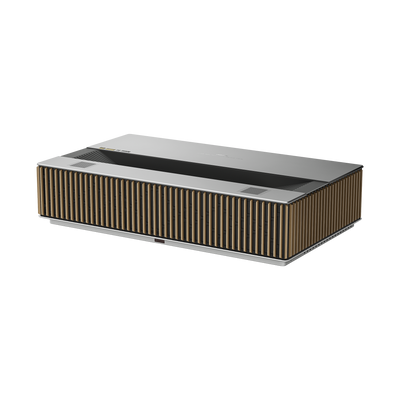
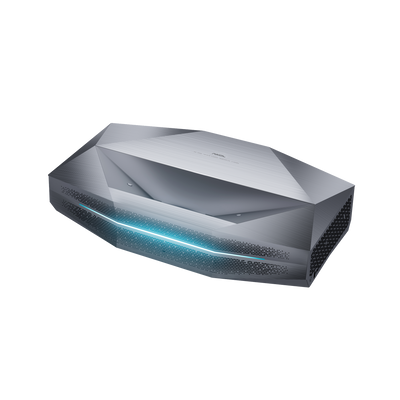
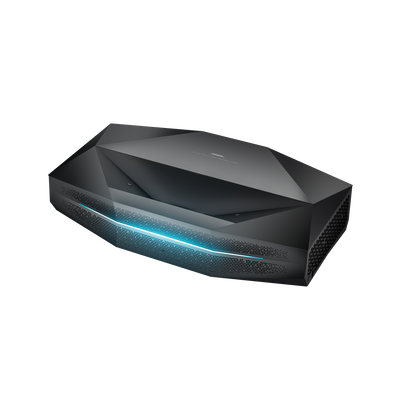
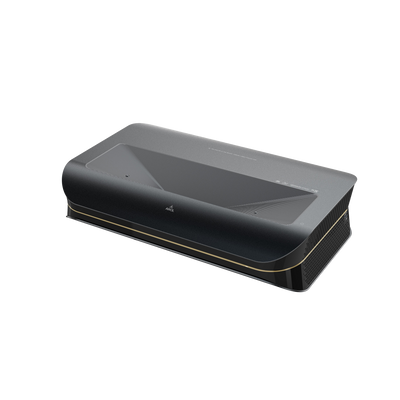
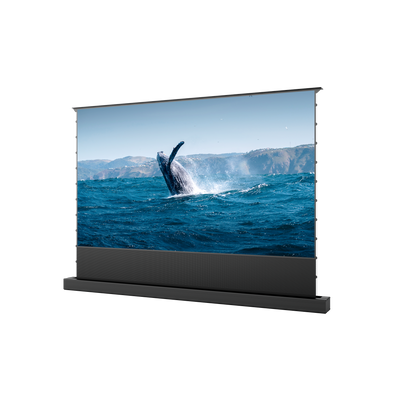
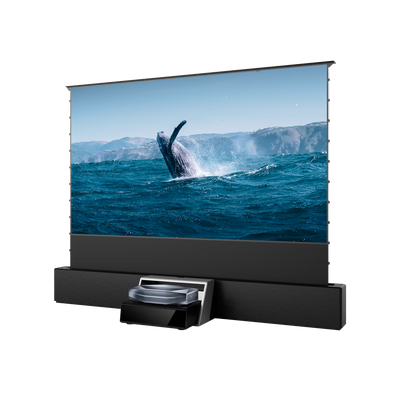
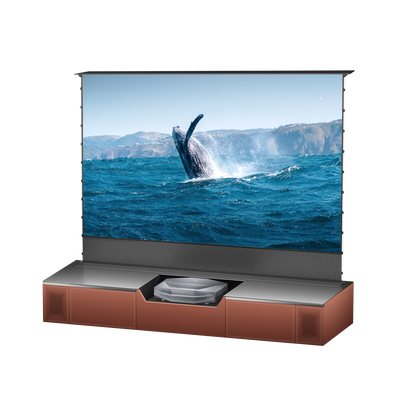
Motorized Slider Tray (Auto Extendable Shelf) 150 inch
Starting at $0/mo or 0% APR with Affirm. See if you qualify

Showrooms Near You


America Based Service
AWOL VISION is based in the US, providing US-based 24/7 support and local maintenance. Phone and Live chat assistants are available.

OPEN THE 1st TRIPLE LASER TV STORE IN the US
In June 2022, AWOL VISION opened the 1st UST Triple Laser TV store, on beautiful Delray Beach in Florida, welcome to experience our products.


America Based Service
AWOL VISION is based in the US, providing US-based 24/7 support and local maintenance. Phone and Live chat assistants are available.
OPEN THE 1st TRIPLE LASER TV STORE IN the US
In June 2022, AWOL VISION opened the 1st UST Triple Laser TV store, on beautiful Delray Beach in Florida, welcome to experience our products.
FAQ
The HDMI matrix switcher combines Multiview display, matrix switching, and audio management in one device. This integrated design helps simplify multi-device AV setups by reducing the need for separate equipment across home entertainment, gaming, presentations, and multi-source monitoring.
Yes. The 4x2 HDMI matrix design allows 4 HDMI inputs to be routed across 2 HDMI outputs, with each connected display able to show a different source. For example, one screen can display a game console while another shows a PC or set-top box, offering greater flexibility for dual-display setups than a standard HDMI splitter.
No. For compatible sources and displays, the switcher supports up to 4K60 with 18Gbps bandwidth and YCbCr 4:4:4. This helps maintain high-resolution 4K viewing while balancing matrix switching and Multiview functionality within the supported video range.
No. The AWOL HDMI matrix switcher supports seamless switching between HDMI input sources without a black screen during source changes. Frequent switching between connected PCs, media players, game consoles, or other HDMI devices remains smooth and consistent.
Common HDMI sources such as game consoles, PCs, set-top boxes, Blu-ray or DVD players, and other HDMI media devices can be connected. The HDMI outputs support compatible TVs, monitors, and projectors, making the switcher suitable for a wide range of home and AV setups.
Yes. The switcher offers 8 preset viewing modes across Single, PIP, PBP, Triple, and Quad configurations. PIP provides additional control over the inset window's size and position, while supported PBP, Triple, and Quad modes offer 16:9 or full-screen display options.
In Multiview mode, audio follows Window 1 by default. You can also select any of the 4 HDMI inputs as the audio source independently. For setups using an external sound system, audio can also be routed through the RCA or Optical S/PDIF outputs.
For everyday operation, the switcher can be controlled through the included IR remote, front-panel buttons, or OSD menu for source selection, Multiview modes, audio settings, and output adjustments. PC control software and RS-232 commands are also supported for more advanced AV installations and system integration.
