









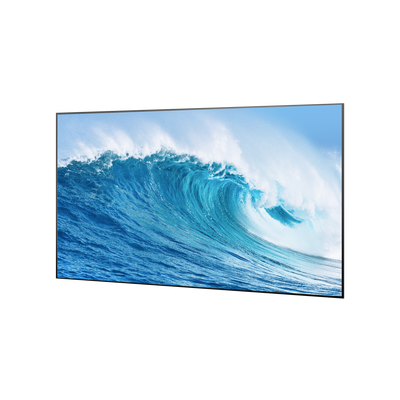


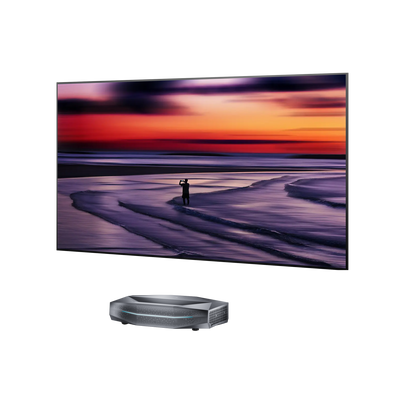


Too Many Decisions Before the First Frame
Projectors, screens, sound systems, placement, compatibility, and room layout can turn an upgrade into weeks of research.


Bring the feeling of the theater home with immersive visuals and sound that turn your favorite space into a private cinema.

Projectors, screens, sound systems, placement, compatibility, and room layout can turn an upgrade into weeks of research.

You may picture a dream theater. Your partner may picture a costly, pitch-black basement filled with bulky black boxes.

Wiring, installation, furniture changes, acoustic upgrades, and labor can push the total investment far beyond the devices themselves.
Projectors, screens, sound systems, placement, compatibility, and room layout can turn an upgrade into weeks of research.
You may picture a dream theater. Your partner may picture a costly, pitch-black basement filled with bulky black boxes.
Wiring, installation, furniture changes, acoustic upgrades, and labor can push the total investment far beyond the devices themselves.


Skip the long research and complicated matching process. With thoughtfully paired setups, your home theater comes together with less guesswork.
A cleaner setup keeps the room comfortable and inviting. Once the screen comes to life, it becomes a home theater you both want to enjoy—not a dark room built for one person.
The setup reduces long cable runs and major room changes, helping it fit more naturally into modern homes while keeping additional installation costs under control.

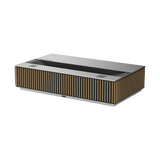
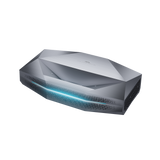
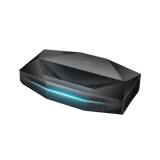
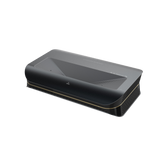
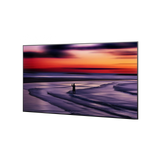
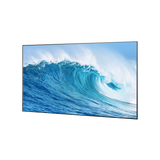
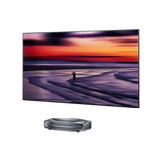
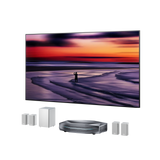
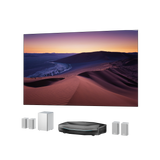
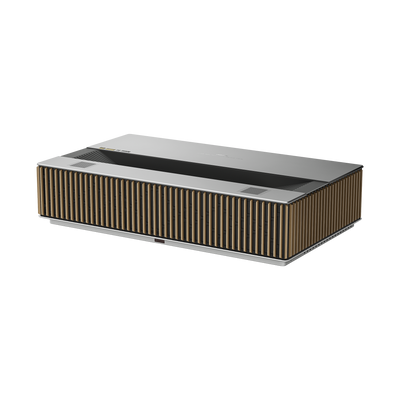
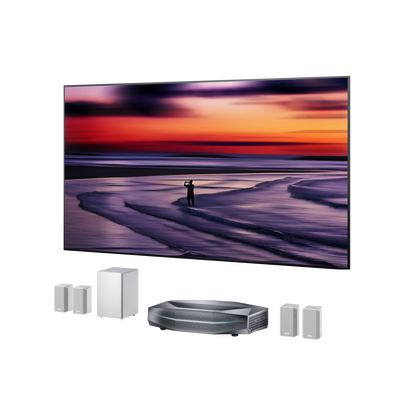
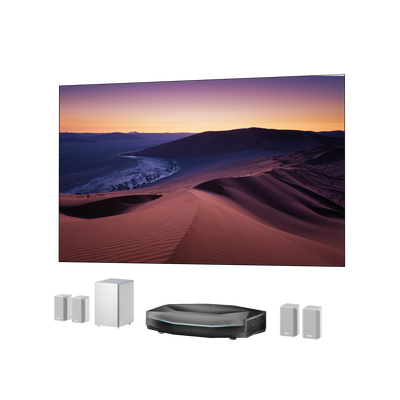
Includes: Aetherion Max + Cinematic ALR Screen + ThunderBeat

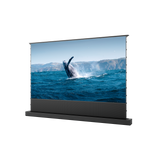
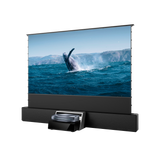
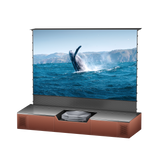
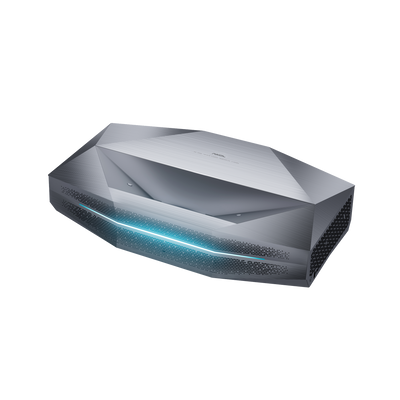
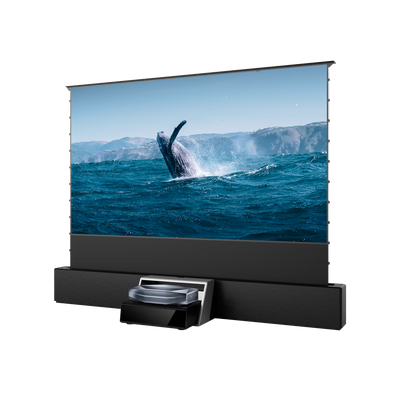
Includes: Aetherion Max + Floor-Rising Screen + Smart Station
Subscribe to earn points, access member pricing, receive priority support, and get early access to new products and offers.

Points & Rewards

Member Pricing

Priority Support

Early Access
New subscribers receive a $100 discount code by email.
New subscribers receive a $100 anniversary discount code by email.


Pixel-Level Clarity

4K UHD
Pixel-Level Clarity
4K UHD


6000:1 Native Contrast

7-Level IRIS

EBL™ Technology
6000:1 Native Contrast
7-Level IRIS
EBL™ Technology


Dolby Atoms

HDR10+
Dolby Atoms
HDR10+


ISF

110% Rec.2020

RGB
ISF
110% Rec.2020
RGB


Anti-RBE Technology

3D
Anti-RBE Technology
3D
Pixel-Level Clarity
4K UHD
Pixel-Level Clarity
4K UHD
6000:1 Native Contrast
7-Level IRIS
EBL™ Technology
6000:1 Native Contrast
7-Level IRIS
EBL™ Technology
Dolby Atoms
HDR10+
Dolby Atoms
HDR10+
ISF
110% Rec.2020
RGB
ISF
110% Rec.2020
RGB
Anti-RBE Technology
3D
Anti-RBE Technology
3D

• 95% overhead light rejection helps prevent the picture from looking washed out
• 170° wide viewing angle keeps the image consistent across more seats
• Enhanced contrast reveals deeper blacks and more detail in dark scenes

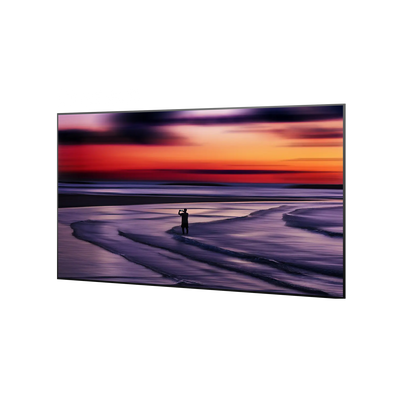
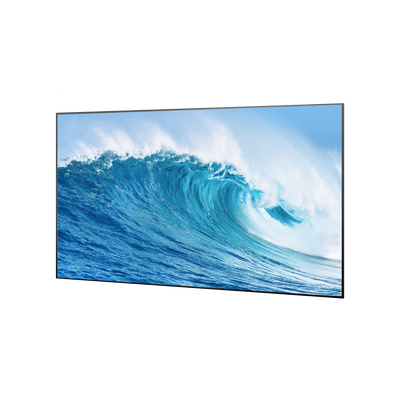
95% Overhead Light Rejection

170° Viewing Angle

80% Image Improvement

• Dolby atmos for multidimensional home theater sound
• Ultra-wide soundstage that extends beyond the screen
• Wireless audio setup for a cleaner theater installation
• Room-filling sound that brings dialogue, action, and atmosphere to every seat

Atoms

Ultra-Wide Sound Stage

Wireless Audio Setup

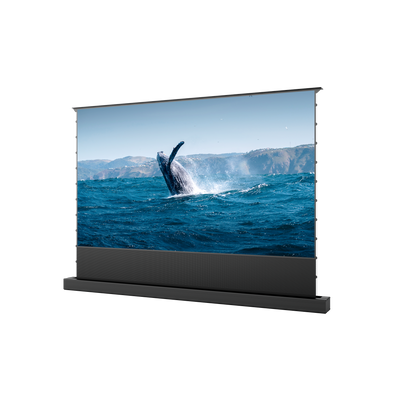
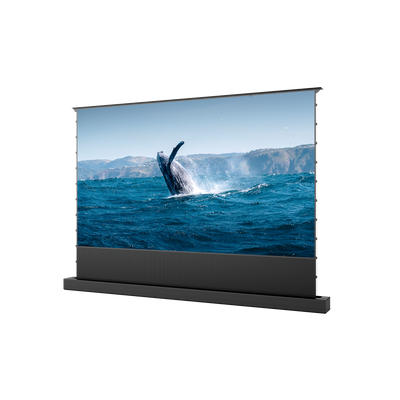
Enjoy a big-screen home theater without a permanent screen. It rises for movie night and hides away afterward. With 95% ambient light rejection and a 170° viewing angle, everyone gets a great view.

120" Screen

One Remote Control

95%ALR

170° Viewing Angle

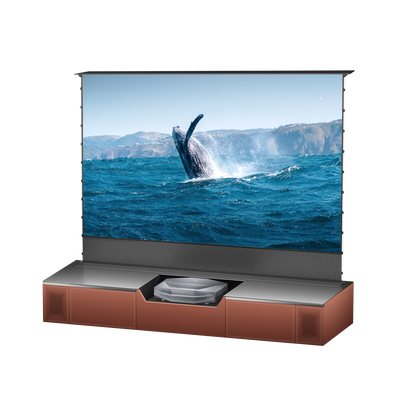
Keep your home theater neat and ready for movie night. Smart Station organizes devices and cables, makes projector placement easier, and adds ambient lighting for a cinematic atmosphere.

No messy cable

7-Color Ambient Lighting
Flexible home theater with ambient lighting
Immersive home theater with surround sound
Aetherion Max + Floor-Rising Screen + Smart Station
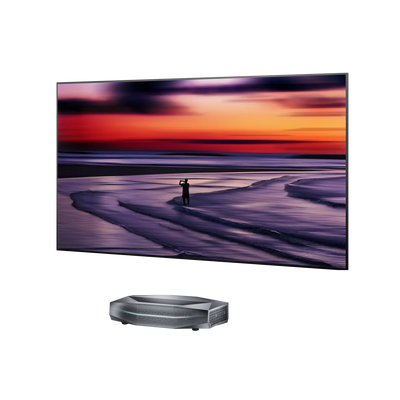
Aetherion Max + Cinematic ALR Screen + ThunderBeat
Floor-rising screen hides away after viewing
3,300 ISO lumens with ALR for stronger contrast
3,300 ISO lumens for vivid big-screen viewing
3,300 ISO lumens with ALR for stronger contrast
Smart Station organizes devices and cables, with built-in ambient lighting
Fixed screen and surround sound for a dedicated theater feel
A flexible, clutter-free setup with ambient lighting
A complete, immersive home theater setup


“Watch THIS Before You Buy!”

“I got a premium UST projector, a 100 inch screen, and set about finding out if projectors have finally caught up to TVs…”

“We review AWOL Vision's Aetherion Max "4K" DLP ultra-short throw (UST) projector.”

“AWOL Aetherion Pro UST Projector Review”
请在主题编辑器中添加 News 条目。

" Second to none. It’s a large purchase but if you want to enjoy the best quality for your investment I highly recommend!"

"Better than I expected. This thing is amazing"

"My setup. Love the projector!!"
A home theater setup usually refers to a combination of a projector or TV, screen, and audio system designed to recreate a cinema-like experience at home.A complete setup may include:
- Home theater projector
- Home theater projector screen
- Sound system or surround audio
- Optional smart control or media devices
If you are wondering how to set up home theater, the basic steps are:
1. Choose your display device (usually a home theater projector)
2. Select a compatible projector screen (white or ALR screen)
3. Position your projector based on throw distance
4. Add audio system for full immersion
5. Adjust lighting for better contrast
With Aetherion, most steps are simplified into a plug-and-play experience.
The best home theater setup for beginners depends on your goal:
- Simple upgrade: projector + white screen
- Balanced setup: projector + ALR screen + basic audio
- Full cinema experience: complete integrated system with screen + sound + smart station
Start small or go all in depending on your space and budget.
The best projector for home theater is usually one that balances:
- High native contrast (for deep blacks)
- High brightness (for real living rooms)
- Accurate color performance
- Low latency for gaming and sports
For cinematic use, contrast and screen quality matter as much as resolution.
Yes, especially if you want a premium experience.
A home theater projector screen improves:
- Brightness uniformity
- Contrast in real rooms
- Viewing angles
- Overall image sharpness
Options include:
- Matte white screen (simpler setup)
- ALR screen (better in ambient light rooms)
A projector still makes sense at 100 inches because the decision is not only about size—it’s about experience.
At ~100–120 inches:
- A TV is still sharper in bright rooms
- But a projector delivers a more cinematic feel, softer immersion, and scalable screen flexibility
A projector becomes more valuable when you care about:
- Theater-like viewing environment
- Larger perceived immersion (not just resolution)
- Flexible living room setup
If your goal is “cinema at home,” not just “big TV,” projector still wins even at 100 inches.
Both are 4K, but the experience is fundamentally different:
4K TV:
- Higher pixel density
- Better brightness in daylight
- More “clinical sharpness”
4K Projector:
- Larger image scale changes perception of immersion
- Softer, more cinematic motion feel
- Better “theater illusion” in dark environments
In short:
- TV = clarity + brightness
- Projector = immersion + scale + cinematic feel
There is no fixed rule, but most home theater discussions converge around:
- Below ~85": TV is usually more practical and brighter
- Around 100–120": decision depends on room and usage
- Above ~120": projector becomes the the more practical way to achieve cinematic scale.
The real turning point is not size—it’s:
- Do you want a fixed display or flexible cinema space?
- Do you prioritize brightness or immersion?
Projectors start to clearly win when screen size becomes part of the experience, not just a display metric.
Yes—ALR screens are one of the most recommended upgrades for UST setups.
A good ALR screen for UST should:
- Reject overhead ambient light
- Preserve brightness from UST projection angle
- Maintain wide viewing angles for family seating
The biggest upgrade users notice is not resolution—it’s contrast stability in real rooms.
In systems like Aetherion Max with ALR Cinematic Screen, this is exactly what the screen is designed to optimize.
Both have clear use cases:
UST (Ultra Short Throw):
- Easier placement (front of room, under screen)
- Cleaner cable management
- Better for living rooms
Long throw:
- Better optical flexibility and often higher image quality potential
- Easier to achieve true cinematic calibration
- Better for dedicated dark rooms

| Item | Price | Qty | Total | |
|---|---|---|---|---|
| Subtotal |
$0.00 |
|||
| Shipping | ||||
| Total | ||||


