
















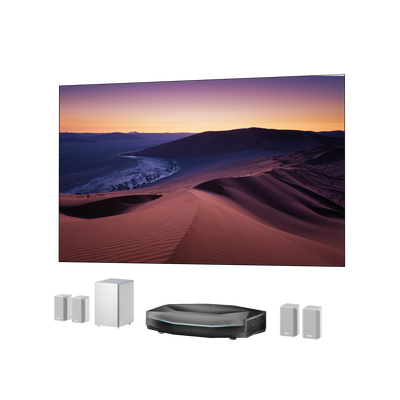


Best Soundbar for Projector Setups: Wiring & Placement
You’ve just meticulously positioned your new 4K projector. You dim the lights, the massive 120-inch picture illuminates the wall in stunning detail, and then the movie begins. Suddenly, the cinematic illusion is entirely shattered by flat, tinny audio squeaking out of the projector’s internal casing. It’s a universally frustrating scenario that leaves most of us questioning our investment. You’re left wondering if a soundbar for your projector will actually mitigate this discrepancy, how on earth you are supposed to wire it, and where it should physically sit without ruining the picture.
If you want the auditory experience to match the scale of your visual projection, an audio upgrade isn't a luxury; it's a necessity. Here is everything you need to know about finding the best soundbar for projector setups, from mastering the connectivity to perfecting your room placement.
Do You Actually Need a Soundbar for a Projector?
In short: yes. While built-in projector speakers have improved slightly, they are bound by the strict laws of physics. Projector chassis design inherently prioritizes thermal management, complex light engines, and optical precision within the smallest possible footprint. This leaves virtually zero internal volume for the acoustic resonance chambers required to produce mid-range warmth or low-frequency bass. The miniature drivers inside a projector simply cannot displace enough air, resulting in distorted highs and muddy dialogue when pushed to cinematic volumes.
When upgrading your audio, a full multi-channel Audio-Video Receiver (AVR) surround system is the gold standard, but it introduces massive logistical headaches: running wire across the room, mounting satellite speakers, and spending thousands of dollars. For the vast majority of media rooms, a soundbar is the perfect middle ground. It offers a massive leap in audio clarity, requires minimal setup, and fits seamlessly into modern home decor. Your decision ultimately hinges on your room size, budget, and use case—whether you need simple dialogue clarity for a 200-square-foot apartment or room-shaking bass for a dedicated basement theater.
Connection Methods — Which One Should You Use?
Figuring out how to connect a soundbar to a projector is often the most confusing part of the setup. The protocol you choose dictates the mathematical ceiling of your audio quality and your risk of experiencing dreaded audio latency.
HDMI ARC / eARC (Recommended)
The High-Definition Multimedia Interface (HDMI) with Audio Return Channel (ARC) or Enhanced ARC (eARC) is the cleanest, most capable conduit available. It allows a single cable to pass video to the projector while sending high-resolution audio back to the soundbar. Most importantly, HDMI eARC provides the massive bandwidth required for lossless Dolby Atmos passthrough, delivering true 3D spatial audio. Before buying, verify that your projector features a port specifically labeled "HDMI eARC" or "HDMI ARC." One critical mistake to avoid: using older cables. To successfully transmit eARC data, you must use certified Ultra High Speed HDMI cables capable of 48 Gbps.

Optical Audio
If your projector lacks HDMI ARC capabilities, digital optical audio (TOSLINK) is your best wired fallback. Optical cables use fiber-optic light to transmit digital audio, making them completely immune to electrical interference. The limitation? Optical architecture lacks the bandwidth to support Dolby Atmos metadata. However, it remains a highly reliable choice for older projectors or setups where you simply need solid stereo or standard Dolby Digital 5.1 surround sound.
Bluetooth
A Bluetooth soundbar for projector setups sounds incredibly convenient—especially if your projector is mounted on the ceiling at the back of the room. However, Bluetooth was engineered for low-bandwidth data, not synchronized cinematic playback. Standard Bluetooth (SBC codec) requires heavy processing that introduces significant audio latency (often 150–250 milliseconds), causing aggressive lip-sync drift where the actor's lips move before the audio hits your ears. Bluetooth is acceptable for music or casual viewing, but if you must use it for movies, ensure both your projector and soundbar support the aptX Low Latency codec to reduce the delay.
3.5mm AUX / RCA
Analog connections utilizing a 3.5mm headphone jack or dual RCA cables should be treated as an absolute last resort. This method forces the projector’s typically low-quality internal digital-to-analog converter to do the heavy lifting, severely capping your audio quality to basic, often noisy, two-channel stereo.
Quick Comparison of Connection Types:
- HDMI eARC: Best audio quality (Uncompressed/Atmos), imperceptible latency risk. Best for premium home theaters.
- HDMI ARC: Great audio quality (Compressed 5.1/Atmos), imperceptible latency risk. Best for standard single-cable setups.
- Optical Audio: Good audio quality (Standard 5.1/Stereo), imperceptible latency risk. Best for older projectors without HDMI ARC.
- Bluetooth (aptX LL): Fair audio quality (Stereo only), low latency risk. Best for wireless setups where both devices support the codec.
- Bluetooth (SBC): Fair audio quality (Stereo only), extreme latency risk. Best for music playback only.
- 3.5mm AUX/RCA: Lowest audio quality (Analog Stereo), imperceptible latency risk. Best used only as a last resort.
Soundbar Placement for Projector Setups
Placing a soundbar for a projector screen is much more complex than a traditional TV setup. The fundamental rule of acoustics dictates that your soundbar should be centered perfectly below the screen, aligned as closely to the seated listener's ear level as possible. This ensures that the dialogue physically matches the on-screen action.
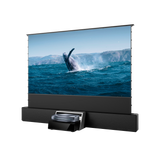
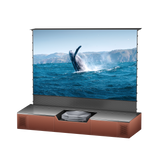
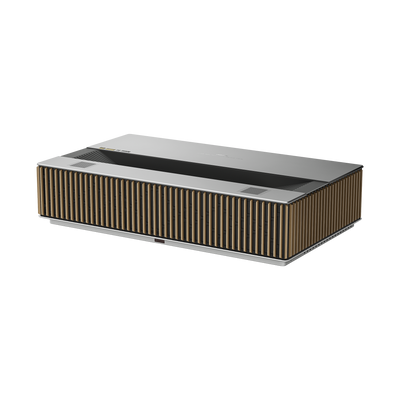
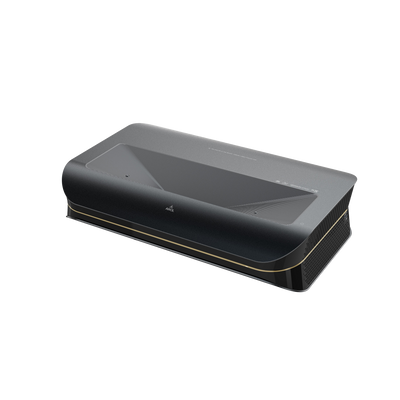
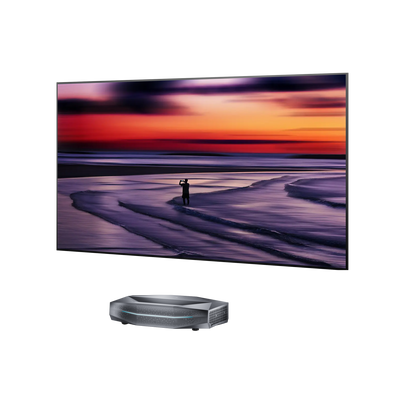
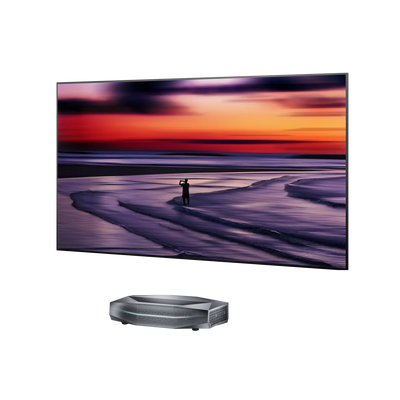
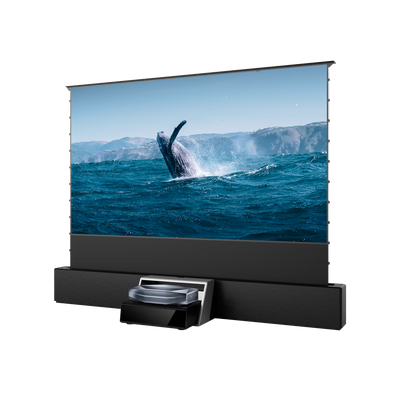
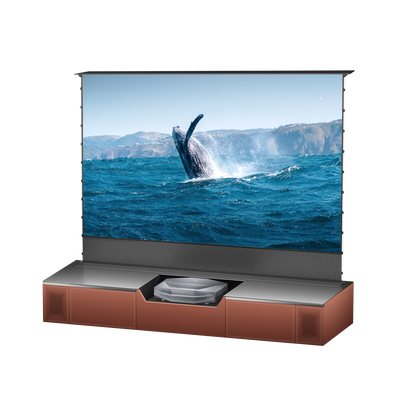
However, if you are utilizing an Ultra-Short-Throw (UST) projector, placement becomes an architectural puzzle. UST projectors sit mere inches from the wall, shooting a steep optical beam upward. If you place a standard, full-width soundbar on the same media console, it will physically obstruct this light path, casting a hard, distracting shadow across the bottom of your image. Astonishingly, many competitors fail to address this UST projector placement conflict. To solve this, you must seek out ultra-low-profile soundbars, utilize off-axis floating wall mounts directly beneath the screen, or invest in a custom media console that separates the audio hardware into a lower, acoustically transparent bay.
For traditional long-throw setups with the projector ceiling-mounted at the rear of the room, the challenge shifts from optical obstruction to cable routing. Sending an HDMI signal from a front-stage soundbar to a rear-mounted projector often requires highly specialized Active Optical Cables (AOC) or the deployment of a dedicated wireless audio ecosystem.
When calibrating for your room size, remember that massive power isn't always better. For a compact room under 200 square feet, a highly articulate 2.1 channel system prioritizing clarity over sheer volume is ideal. For a dedicated media room over 400 square feet, you will need a robust system with dedicated rear satellites to properly pressurize the space.

What to Look For When Choosing a Soundbar
When shopping for the best soundbar for projector environments, focus on the specs that actually impact your daily viewing:
- HDMI eARC Input: This is non-negotiable if you want to experience modern, uncompressed spatial audio formats without bottlenecking your system.
- Center Channel Clarity: Above all else, look for a soundbar with a dedicated physical center channel (indicated by a "3" or higher as the first number in the channel configuration, like 3.1.2). The center channel handles nearly 100% of vocal dialogue; without it, actors will sound muddy and recessed beneath the background music.
- Real vs. Virtual Dolby Atmos: "Real" Atmos soundbars feature dedicated, physical up-firing speakers that bounce sound off your ceiling for authentic overhead effects. "Virtual" Atmos relies on software manipulation to trick your ears, which rarely sounds as expansive or precise.
- Wireless Subwoofers: A wireless sub is essential for cinematic low-frequency impact and provides great placement flexibility without running massive cables across your floor.
Budget Tiers to Consider:
- Entry-Level ($100–$300): Expect basic 2.0 or 2.1 channel systems. These will vastly outshine your projector's built-in speakers by providing actual volume and basic vocal clarity, though they lack true immersive surround capabilities.
- Mid-Tier ($300–$700): The sweet spot for most home theaters. Here you’ll find discrete 3.1.2 or 5.1 systems with dedicated center channels for crisp dialogue, HDMI eARC support, and distinct wireless subwoofers for visceral bass.
- Premium ($700+): At this tier, soundbars act as total home theater replacements. You can expect massive 7.1.4 or 9.1.5 configurations with heavy-duty wireless subwoofers, rear satellite speakers with their own up-firing drivers, and advanced room calibration software.
A Different Approach: When the Projector Handles the Center Channel
The most persistent complaint with standard soundbar placement is center channel misalignment. Because massive 120-inch screens push the soundbar very close to the floor, the dialogue feels disconnected from the actors' faces.
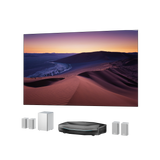
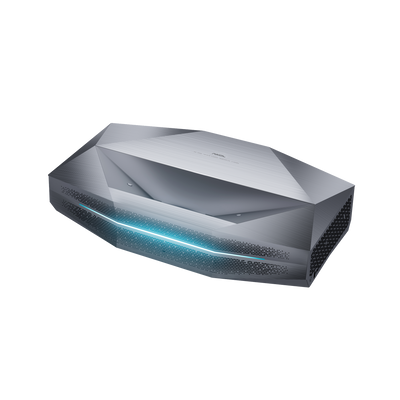
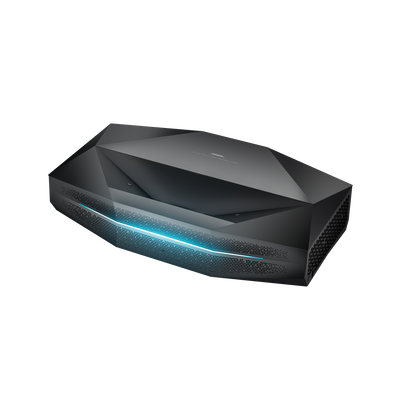
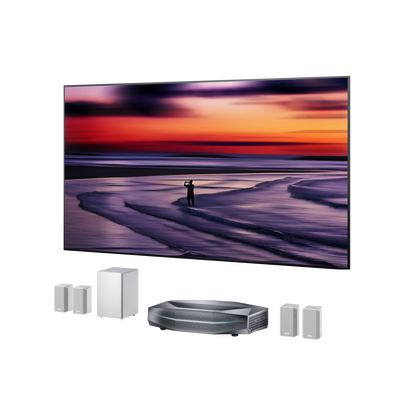
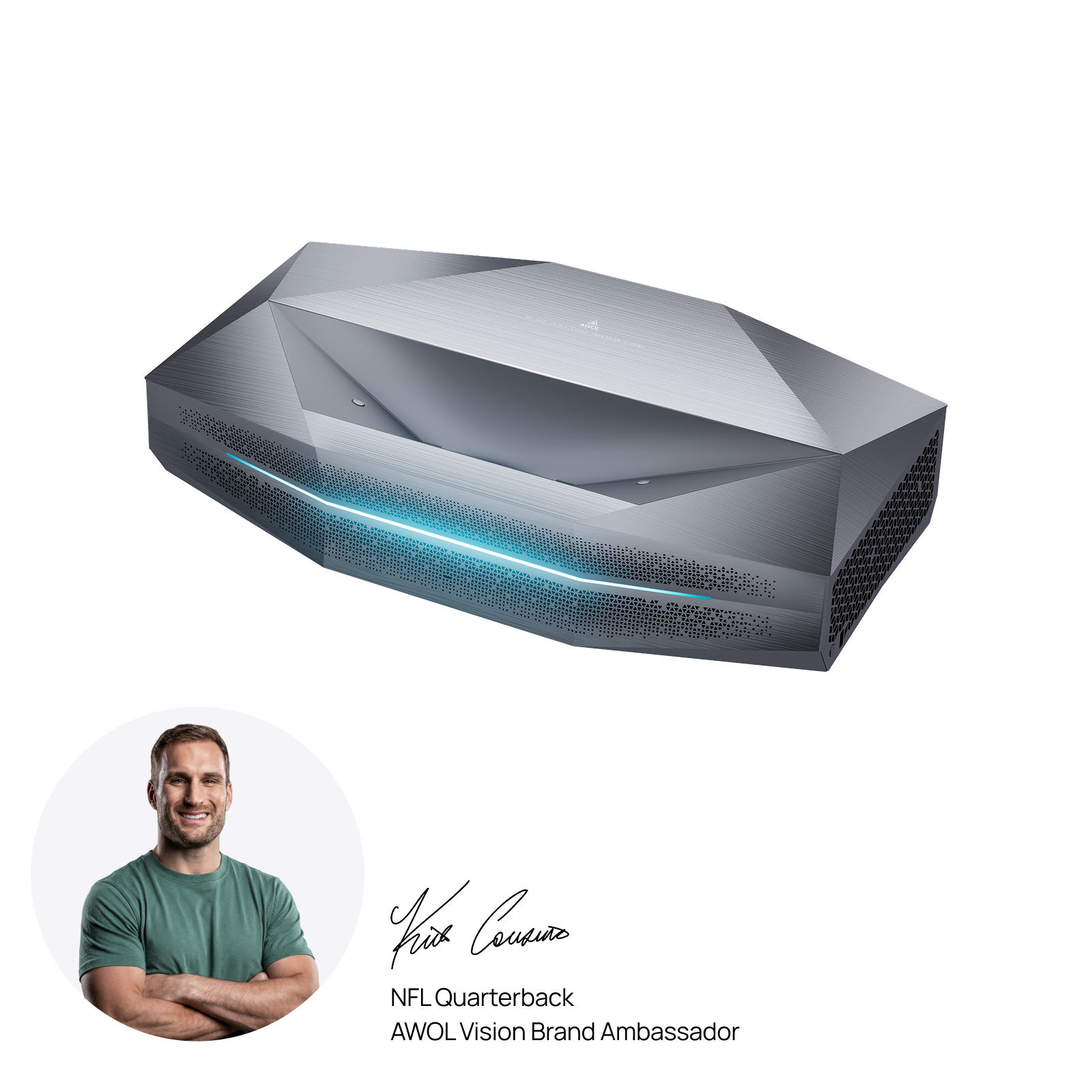
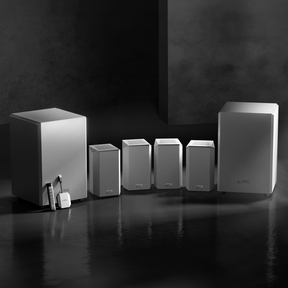
Innovative manufacturers are solving this with a "built-in vs. bolt-on" design philosophy. For example, the AWOL Aetherion Max features a highly specialized Audio Central Channel mode. The projector's custom-tuned, ultra-quiet acoustic array digitally integrates with your external setup to function exclusively as the dedicated center speaker. Because the projector sits right at the bottom edge of the optical light path, the audio is naturally anchored to the screen. Paired with the AWOL ThunderBeat wireless ecosystem, it delivers a mathematically perfect, zero-cable surround sound experience that eliminates the alignment problem at the source.
Final Thoughts
Choosing a soundbar for a projector setup isn't just an exercise in chasing raw sound quality. It’s about strategically matching the digital connection method, physical room placement, and hardware form factor to how your projector actually functions within the space. Get those three variables right, and your audio upgrade will be immediate, cohesive, and profoundly immersive.
Frequently Asked Questions
Do you need a soundbar for a projector?
Not technically—projectors will emit sound on their own—but built-in projector speakers rarely deliver enough volume, dynamic range, or clarity for a real home theater experience. The physical constraints of projector design limit their acoustic capabilities. A soundbar is the simplest, most efficient upgrade that makes an immediate, profound difference, especially regarding the isolation of human dialogue.
How do I connect a soundbar to a projector?
The HDMI ARC or eARC protocol is definitively the best option when your projector supports it, allowing for single-cable transmission of high-resolution spatial audio like Dolby Atmos. If that isn't available, optical audio (TOSLINK) is the next best wired connection for clean surround sound. While Bluetooth works for casual use, it can introduce frustrating lip-sync delays with video content.
Can I use a Bluetooth soundbar with a projector?
Yes, but you must be acutely aware of mechanical latency. Standard Bluetooth data transmission takes time, which can introduce an audio lag that causes visible lip-sync issues where the audio trails the video playback. Unless both your projector and soundbar support specialized low-latency codecs (like aptX LL), a wired HDMI or optical connection is significantly more reliable for movies.
Where should a soundbar be placed with a projector?
Ideally, the soundbar should be placed directly below the center of the projection screen at seated ear level. However, if you are using an Ultra-Short-Throw (UST) projector, you must ensure the soundbar doesn't physically block the steep projection beam. Utilizing highly low-profile soundbar models, or separating the soundbar from the console zone entirely (like mounting it to the wall), solves this alignment issue.
Be the First to Know
Subscribe for special deals, news, and important product information, and get your exclusive $100 discount.
Related Articles
Upgrade Your UST Setup: Is AWOL LuxVision Right for Your Room?
Black Projector Screen: Is It Right for Your Room?
WiFi Projector Buying Guide: Features That Actually Matter
How to Create a Modern Living Room with an Ultra Short Throw Projector Cabinet?
Rear Projection Screen Guide: Best Materials Options