















WiFi Projector Buying Guide: Features That Actually Matter
A "WiFi projector" is any projector that uses a wireless network for at least one connected function — internet access, built-in app streaming, casting, or screen mirroring. But here's the catch: the WiFi label doesn't guarantee all of those capabilities, and two projectors marketed as "WiFi projectors" can behave very differently. One might only mirror your phone; another might run a full streaming platform with no extra hardware.
That distinction is the whole point of this guide. The best choice isn't the model with the longest feature list — it's the one that supports the devices and services you actually use, fits your room, and meets your picture-quality expectations. Use this guide to separate genuinely useful connectivity from vague marketing language before you buy.
What "WiFi Projector" Really Means
A WiFi projector simply connects to Wi-Fi for one or more networked tasks: downloading firmware updates, running streaming apps, receiving casted media, or duplicating a phone or computer screen. Don't treat "WiFi" as a complete feature set — check the product documentation for the exact functions supported.
The terminology gets muddy, so here's a practical breakdown:
- A smart projector usually adds an operating system, apps, storage, and a remote-friendly interface.
- A wireless projector may only accept a mirrored image from another device.
- A projector paired with a streaming stick can deliver a smart experience even if the projector itself has no Wi-Fi — though the stick still needs a network connection to actually stream.
These setups can look similar in everyday use, but their app availability, device compatibility, and update paths are different. The right choice depends on where your content comes from: built-in apps, a phone, a laptop, or an external streaming device.
Start With How You Actually Watch
Your content source should drive the connectivity you prioritize.
If you mainly use subscription video services, look for a recognized TV platform with the specific apps you need. App availability, regional support, and certification matter far more than a long list of unfamiliar apps. A built-in browser or app store doesn't automatically guarantee smooth playback from major services — Netflix, for example, requires its own licensing on many devices.
If you want to share photos, videos, or presentations from a phone, confirm the supported casting protocol. AirPlay matters for Apple households; Google Cast and Miracast (or equivalent wireless-display standards) serve different Android, Windows, and app-based workflows.
One crucial distinction: casting and screen mirroring are not the same.
- Casting hands the media stream to the receiving device, so your phone is free to do other things.
- Mirroring duplicates everything on your screen — including notifications.
Some subscription services restrict mirrored playback because of content-protection rules, which makes a certified built-in app or a streaming device the safer choice.

Look Beyond the WiFi Label
Dual-band Wi-Fi and current wireless hardware
Choose at least dual-band Wi-Fi when possible.
The 2.4 GHz band generally reaches farther and passes through walls and obstacles more easily, while 5 GHz usually offers more capacity at shorter range. Newer Wi-Fi generations (Wi-Fi 6/6E/7) can improve efficiency on a compatible network, but router placement and local congestion still shape real-world performance.
If uninterrupted 4K streaming matters to you, also look for an Ethernet port. A wired connection is a reliable fallback when the wireless environment is crowded.
A usable operating system and update policy
A familiar TV operating system makes app discovery and account setup easier, but day-to-day performance depends on the processor, memory, and software maintenance.
Check whether the interface responds quickly, receives security and firmware updates, and still lets you plug in an external streaming device if the built-in platform ages out. A projector with fewer apps but better long-term support can be a better choice than one with a large but unreliable app library.
Ports that preserve your options
Wi-Fi should complement physical connections, not replace them. HDMI is essential for game consoles, disc players, and streaming boxes. USB can power an accessory, while HDMI eARC or optical audio simplifies a soundbar or receiver connection. Verify the version and supported features rather than just counting ports.
Picture Quality Still Matters More Than Wi-Fi
Wireless convenience can't rescue a dim, soft, or poorly placed image. Evaluate the projector as a display first, then treat Wi-Fi as the delivery system.
- Brightness: Compare standardized brightness figures, and match the projector’s light output to your room, screen size, and viewing conditions. A projector that looks bright in a dark room may appear much weaker on a larger screen or in a space with ambient light.
- Resolution: Choose native 1080p for value, or 4K when you want more detail on a large screen. Our guide on whether upgrading to 4K is worth it explains when the extra resolution makes a noticeable difference.
- Contrast and color: Contrast affects how much depth you see in dark scenes, while color performance shapes how natural movies, sports, and games appear. Look beyond a single contrast ratio number and consider real-world image quality, especially in the scenes you watch most.
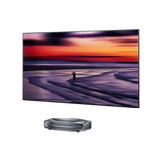
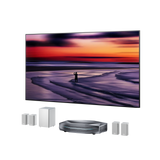
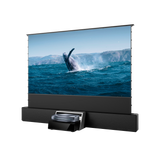
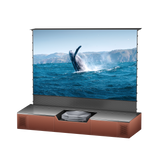
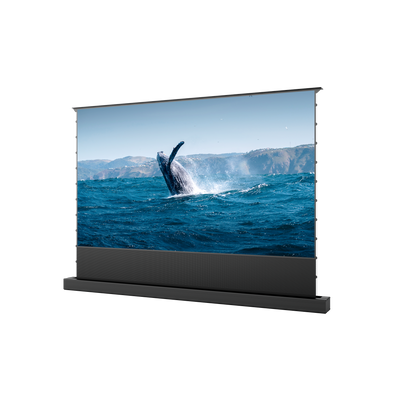
- Throw ratio and placement: Consider your room layout before choosing a projector. Throw ratio determines how far the projector needs to sit from the screen to create your desired image size. UST models are designed for large-screen viewing in tighter spaces, while standard-throw models require more distance or mounting flexibility.
Match the Projector to Your Main Use Case
| Use case | Wi-Fi priority | Other must-have features |
|---|---|---|
| Movies and TV | Certified apps or a reliable external streamer; Ethernet backup | Brightness for the room, HDR support, contrast, quiet operation |
| Gaming | Stable network for downloads or cloud play — don't assume Wi-Fi reduces controller-to-screen delay | Low input lag, suitable refresh rates, HDMI 2.1 features where needed |
| Presentations | Fast mirroring from the laptops and phones your team actually uses | Readable brightness, native resolution, portable setup or suitable throw ratio |
| Portable viewing | Simple hotspot or direct-casting options; confirm offline behavior | Size, power requirements, speakers, and realistic brightness after dark |
Gamers should separate network speed from input lag. Wi-Fi affects online connectivity, but display processing determines how quickly an action appears on screen. Use a dedicated gaming projector guide to compare latency, refresh rate, and HDMI features for your console or PC.
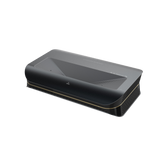
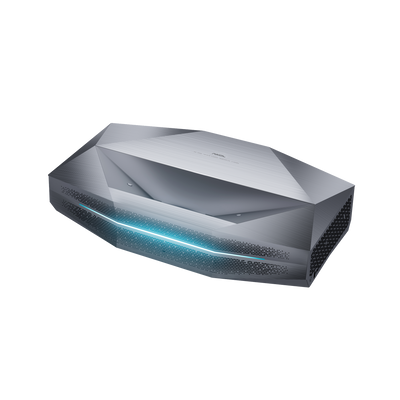
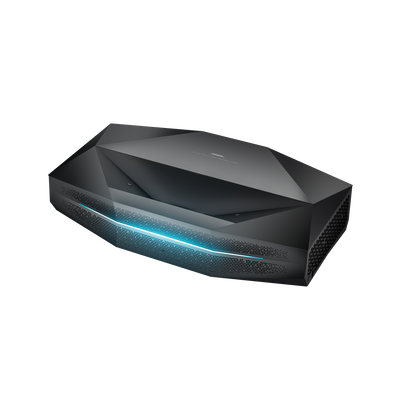
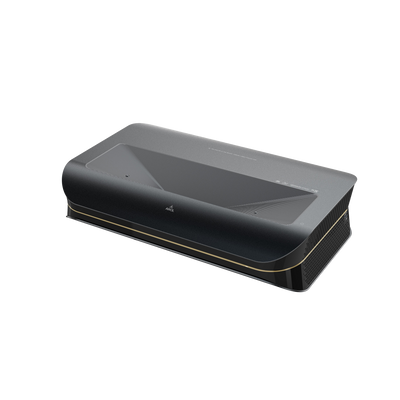
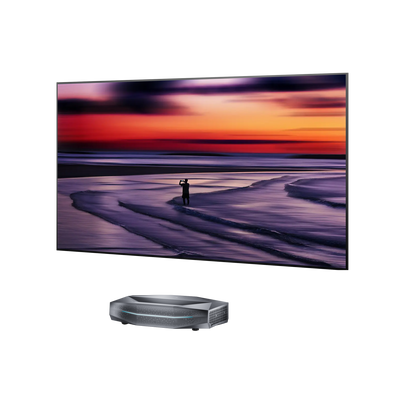
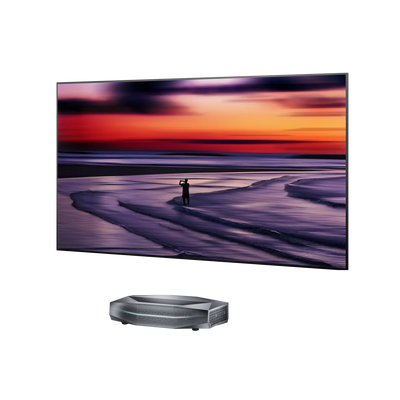
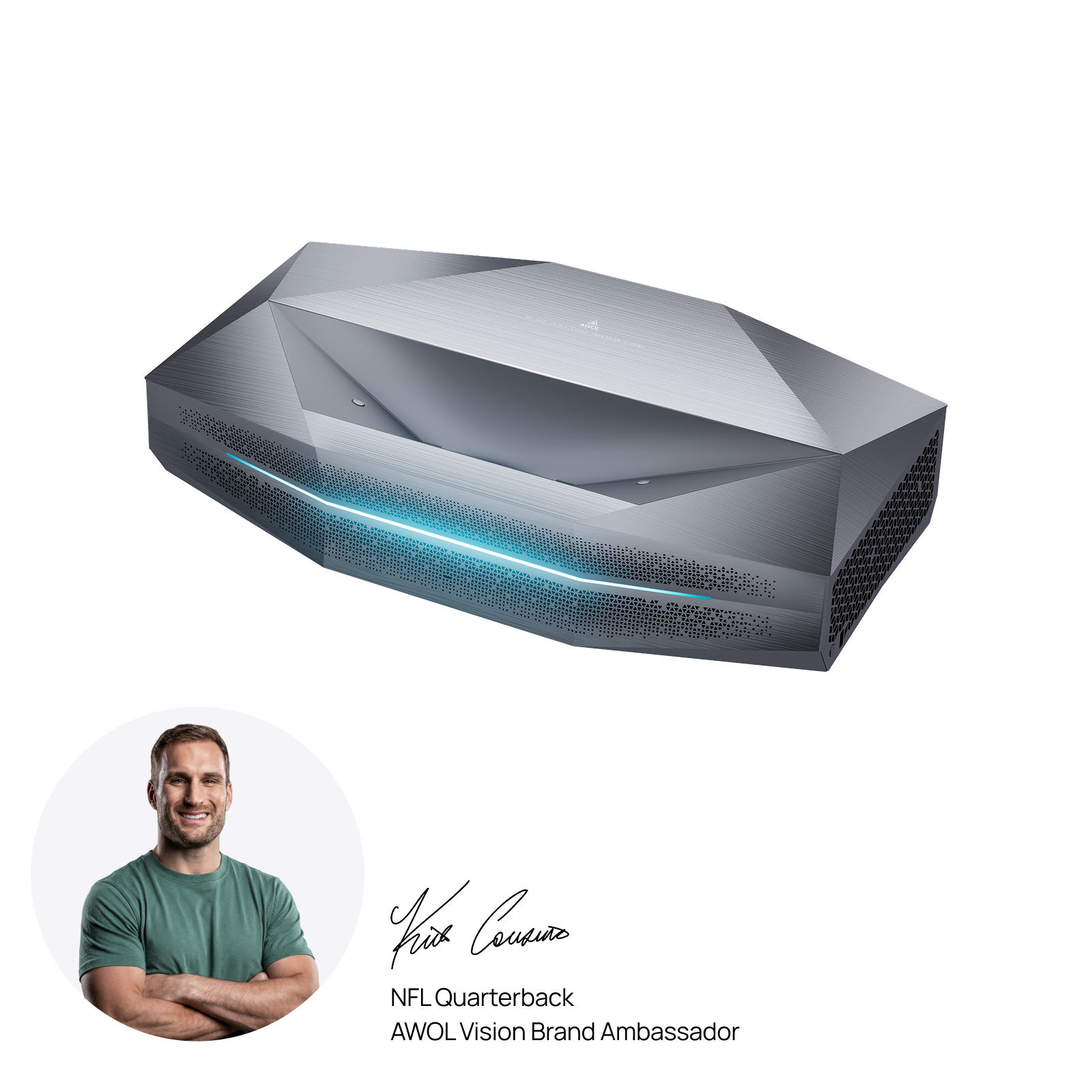
AWOL Vision Aetherion Max: A Premium WiFi UST Projector
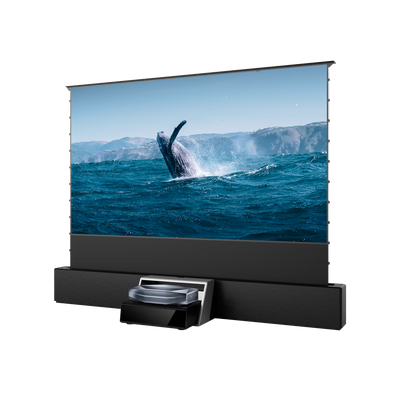
The AWOL Vision Aetherion Max brings features that matter in a modern WiFi projector into one system. Built-in Google TV provides direct access to streaming apps for movies and TV, while Wi-Fi 7 ensures faster wireless connectivity and Bluetooth 5.4 allows easy connection to compatible speakers, headphones, and other accessories.
Beyond connectivity, the Aetherion Max delivers 3,300 ISO lumens and RGB laser technology to support brighter large-screen viewing, making it suitable for users who want streaming convenience without giving up premium image perfomance.
Final Words: Choose Connectivity as Part of the Whole System
The best WiFi projector isn't simply the one with the newest wireless label. It's the model that plays your content reliably, works with your devices, fits the room, and delivers the picture and sound you expect. Start with your viewing habits, verify each advertised function, and keep wired options available for the moments when stability matters most.
WiFi Projector FAQs
Can a WiFi projector work without internet?
Yes. HDMI playback, local USB media, and some direct wireless-display methods work without internet. Streaming apps, cloud services, downloads, account sign-in, and many updates require an internet connection. Confirm the offline behavior for your exact projector and source device before relying on it while traveling.
Can I watch Netflix on any WiFi projector?
No. Wi-Fi connectivity alone doesn't guarantee Netflix support. Use a projector with a certified, compatible app, or connect a supported streaming device through HDMI. Phone mirroring may show a black screen or a playback error when content protection blocks the video.
Is Bluetooth the same as Wi-Fi on a projector?
No. Wi-Fi commonly carries internet data, casting, or screen mirroring. Bluetooth is usually for accessories such as speakers, headphones, remotes, or game controllers. Bluetooth doesn't provide internet access or high-quality video transmission on its own.
Is 5 GHz better than 2.4 GHz for a projector?
5 GHz is often better for high-bandwidth streaming when the router is nearby, because it typically offers more capacity and less interference. The 2.4 GHz band can be more reliable at longer distances or through walls. Dual-band support lets you pick the better connection for your room.
Be the First to Know
Subscribe for special deals, news, and important product information, and get your exclusive $100 discount.
Related Articles
Upgrade Your UST Setup: Is AWOL LuxVision Right for Your Room?
Black Projector Screen: Is It Right for Your Room?
How to Create a Modern Living Room with an Ultra Short Throw Projector Cabinet?
Rear Projection Screen Guide: Best Materials Options
How Many Lumens for an Outdoor Projector?