





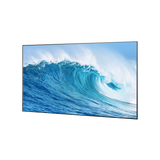



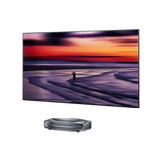
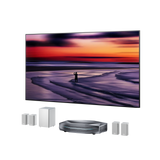
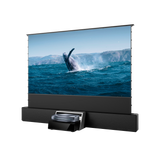




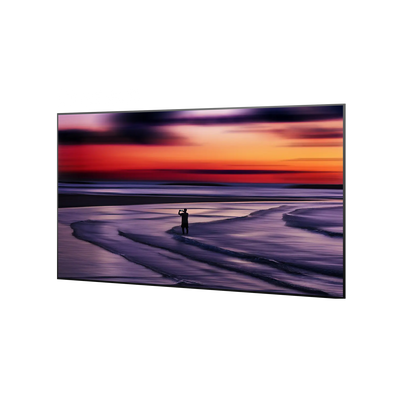




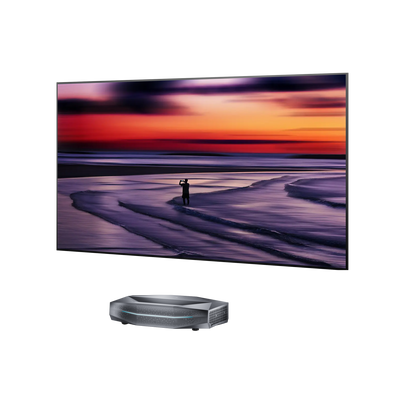
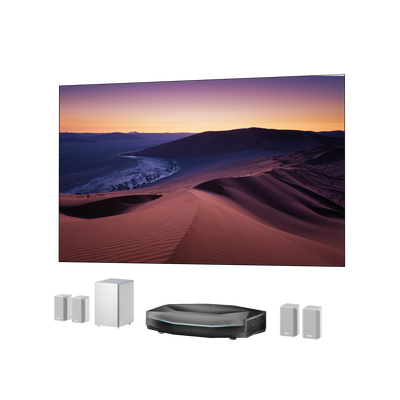


Black Projector Screen: Is It Right for Your Room?
A black projector screen can make dark scenes look deeper and preserve perceived contrast when room light reaches the screen. The tradeoff is lower image brightness, so it works best with a suitably bright projector and a screen material designed for the projector's throw type. In a fully dark room, a matte white screen is usually the safer choice for brightness, color neutrality, and wide seating.
The key is to choose by room conditions and optical design, not color alone. A plain black wall and an engineered dark ambient-light-rejecting screen may look similar when the projector is off, but they behave very differently once the image appears.
What Is a Black Projector Screen?
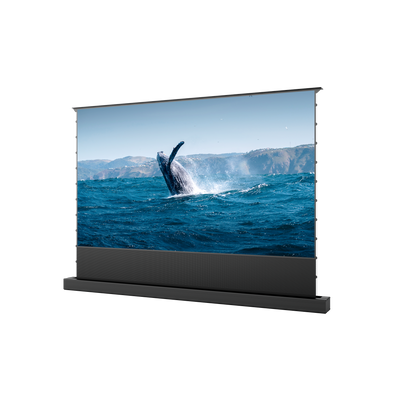
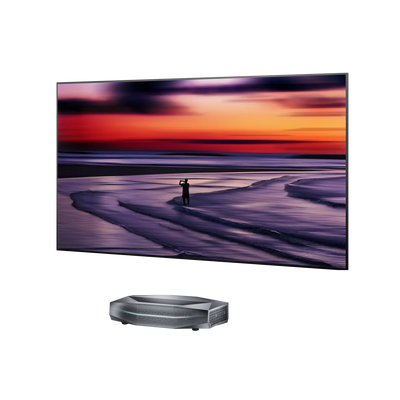
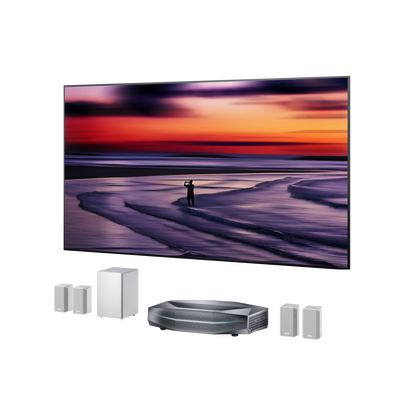
A black projector screen is a dark projection surface intended to keep the visible black level low and reduce the effect of stray room light. In practice, the category includes very dark gray screens as well as specialized ALR or CLR materials that may look nearly black when not in use.
A projector cannot send “black light” to the screen. It creates a dark area by sending little or no light to that part of the image. If a window, lamp, ceiling fixture, or bright wall illuminates the surface, that dark area can turn gray. A darker screen absorbs more of this unwanted light, which can make shadows, letterbox bars, and nighttime scenes look more convincing.
That same surface also absorbs some useful projector light. A plain black wall or basic black paint can therefore make whites, highlights, and colors look unacceptably dim. Engineered dark screens address this problem with optical layers or directional structures that favor light coming from the projector while reducing light arriving from other directions.

Black vs. White Projector Screen: Key Differences
The best choice depends less on which color sounds more cinematic and more on how much light is in the room, how bright the projector is, and where viewers sit.
| Factor | Black or dark optical screen | Matte white screen |
|---|---|---|
| Black levels | Often looks deeper when ambient light is present | Relies more on projector contrast and room-darkening |
| Brightness | May absorb more projector light | Usually preserves more brightness |
| Ambient light | Can perform well when engineered as ALR or CLR | Washes out more easily under uncontrolled light |
| Color and uniformity | Depends heavily on material, alignment, and viewing position | Usually neutral and uniform in a dark room |
| Viewing angle | May be narrower with directional materials | Usually supports wider seating |
| Setup | Compatibility and alignment require more care | Generally easier to pair and install |
| Best fit | Mixed-light living rooms and media rooms | Dedicated or well-darkened theaters |
Contrast Performance Under Ambient Light
A black or dark optical screen can preserve perceived contrast when ambient light reaches the screen by reducing the amount of stray light reflected back to the viewer. This can help dark scenes and shadow details look deeper in rooms where light control is limited.
A matte white screen relies more on the projector’s native contrast and the room’s ability to stay dark. In a controlled theater environment, it can produce a clean and natural image, but it is more likely to show raised blacks when unwanted light reaches the surface.
Brightness, HDR, and Screen Size Considerations
Brightness is the main tradeoff between dark and white projector screens. Low-gain dark materials can reduce the intensity of whites and HDR highlights, especially with a dim projector or a very large image.
A matte white screen usually preserves more projector light, making it easier to maintain brightness and color impact. When comparing options, check the screen's gain alongside projector output and intended image size, as a darker screen is not always the better match.
Viewing Angle and Image Uniformity
Dark optical screens often use directional materials to control reflected light, which can improve contrast but may reduce the viewing angle or create brightness differences from off-center seats.
Matte white screens generally provide a wider and more uniform viewing experience because they reflect light more evenly. If viewers regularly sit far from the center, a diffuse white surface may provide a more consistent image.
When a Black Projector Screen Makes Sense
A compatible dark optical screen is worth considering when ceiling lights, side windows, or reflections from pale walls regularly reach the screen. It can also help when dark scenes look washed out even after reasonable room-darkening measures.
The projector must have enough light output for the chosen screen size and gain. The screen also needs to match the direction of the unwanted light. A material designed to reject overhead light may respond differently to a bright side window, so identify the room's main light sources before comparing specifications.
When White or Gray Is the Better Choice
Choose matte white when the room can be made dark and the priorities are brightness, neutral color, image uniformity, and flexible seating. It is also more forgiving when the projector has modest light output or the image is especially large.

Choose gray when you want some help with perceived black levels but a very dark screen would absorb too much light. Gray is often the practical middle ground for a media room with limited ambient light, especially when combined with ALR technology.

For a deeper comparison between these two screen types, see our guide to gray vs. white projector screens.
How to Choose a Black Projector Screen
Choosing a black or dark optical screen is not about finding the darkest surface. The right choice depends on how the screen works with your room, projector, and viewing habits.
Start with your room lighting. Identify where unwanted light comes from during normal viewing. Side windows, ceiling lights, and reflections from bright walls affect screens differently, and many ALR materials are designed to reject light from specific directions.
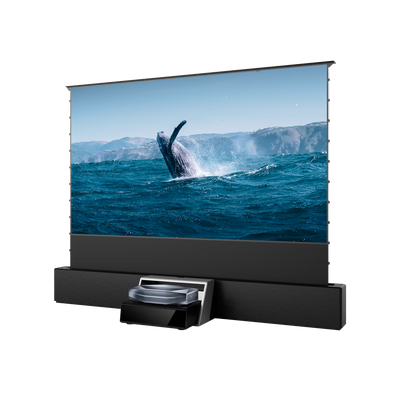
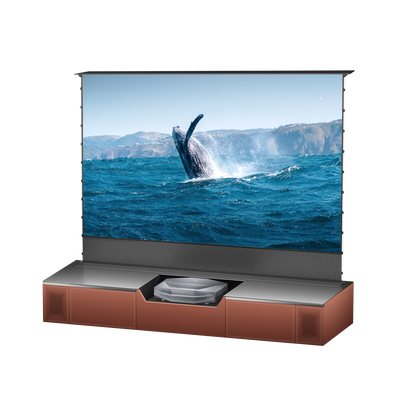
Match the screen to your projector type. Confirm whether the screen is designed for ultra-short-throw, short-throw, or standard-throw projection. A material optimized for one projection angle may reduce performance when paired with another setup.
Balance screen size, gain, and brightness. A darker, lower-gain screen may improve perceived black levels but can reduce brightness, especially on larger images or with less powerful projectors. Higher-gain materials may increase brightness but can narrow the viewing angle or create hot spots.
Consider your seating arrangement. Directional optical screens may perform best from the center viewing position, while wider seating areas often benefit from a more diffuse surface. Compare the manufacturer’s viewing angle with where people actually sit.
Test the material in your own room. If possible, compare samples using your projector, typical lighting conditions, and different types of content. Look for changes in black levels, brightness, color accuracy, surface texture, and off-axis performance.
Pay attention to the complete installation. Screen material is only part of the result. Frame tension, surface flatness, projector alignment, and installation height can all affect image quality, especially with UST projection.

FAQs
Is a black screen better for a projector?
Only in the right room. A dark optical screen may preserve perceived contrast when ambient light is difficult to control, but it can reduce brightness. Matte white is generally better in a fully dark room, while gray can offer a balanced middle ground.
Can I use black paint instead of a projector screen?
Black paint usually absorbs too much projector light and cannot reproduce the directional behavior of an engineered screen. Even specialized screen paint depends on a perfectly smooth surface and careful application. For most permanent home theaters, a purpose-built screen gives more predictable brightness and uniformity.
Does a black projector screen work with 4K and HDR?
Screen color does not determine resolution compatibility. Surface texture, flatness, projector brightness, gain, and optical design matter more. For HDR, make sure the darker material does not reduce peak brightness more than your projector can compensate for.
Final Verdict
A projector screen should be chosen based on how you watch, not simply how the screen looks when the projector is turned off. The best surface is the one that helps your projector perform naturally in your actual room, with your lighting conditions, seating layout, and viewing habits in mind.
A black projector screen can be a powerful solution in the right environment, but it is not a universal upgrade. Like choosing a projector itself, the goal is not to maximize a single specification—it is to create a balanced image that feels right every time you sit down to watch.
Be the First to Know
Subscribe for special deals, news, and important product information, and get your exclusive $100 discount.
Related Articles
Upgrade Your UST Setup: Is AWOL LuxVision Right for Your Room?
WiFi Projector Buying Guide: Features That Actually Matter
How to Create a Modern Living Room with an Ultra Short Throw Projector Cabinet?
Rear Projection Screen Guide: Best Materials Options
How Many Lumens for an Outdoor Projector?