





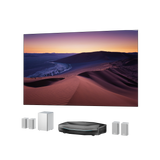


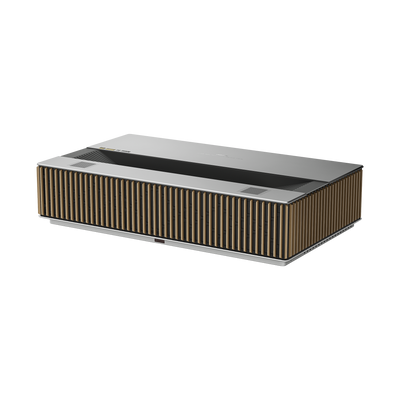
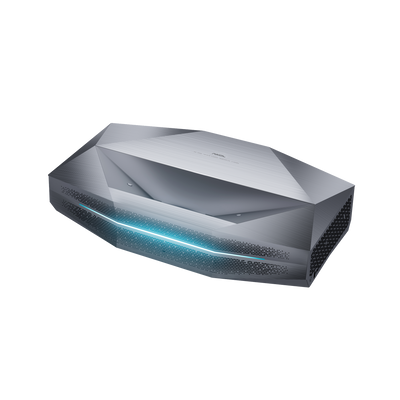
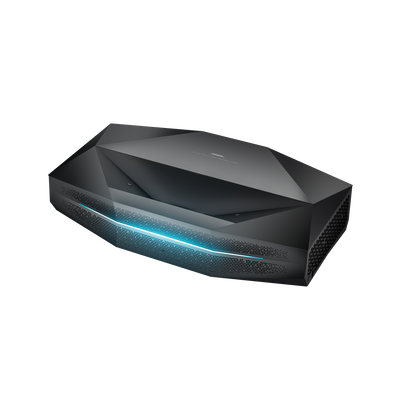






Upgrade Your UST Setup: Is AWOL LuxVision Right for Your Room?
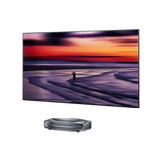
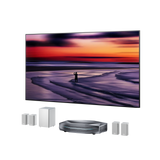
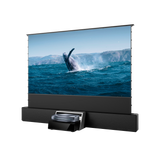
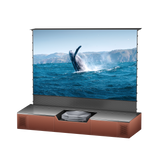
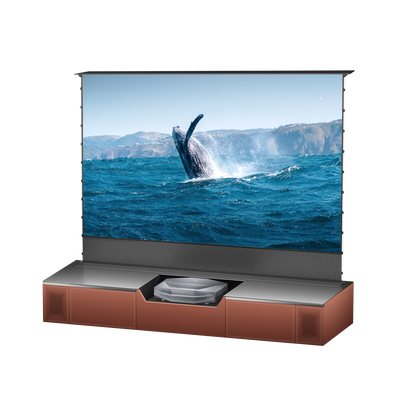
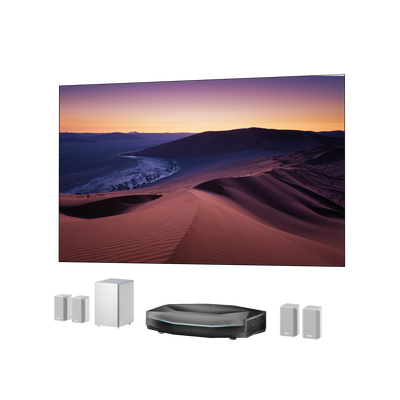
A giant screen is easy to imagine. Choosing the right UST system means making it work with your furniture, screen, lighting and viewing habits.
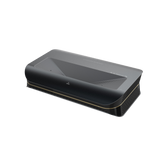
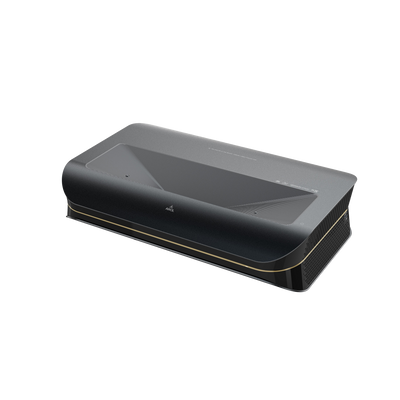
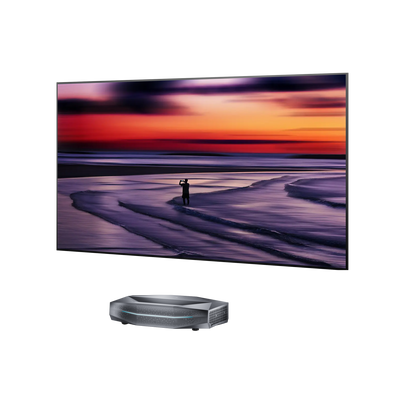
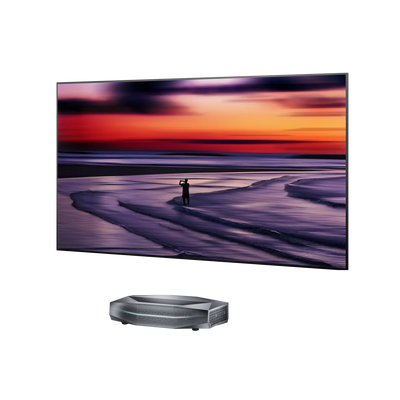
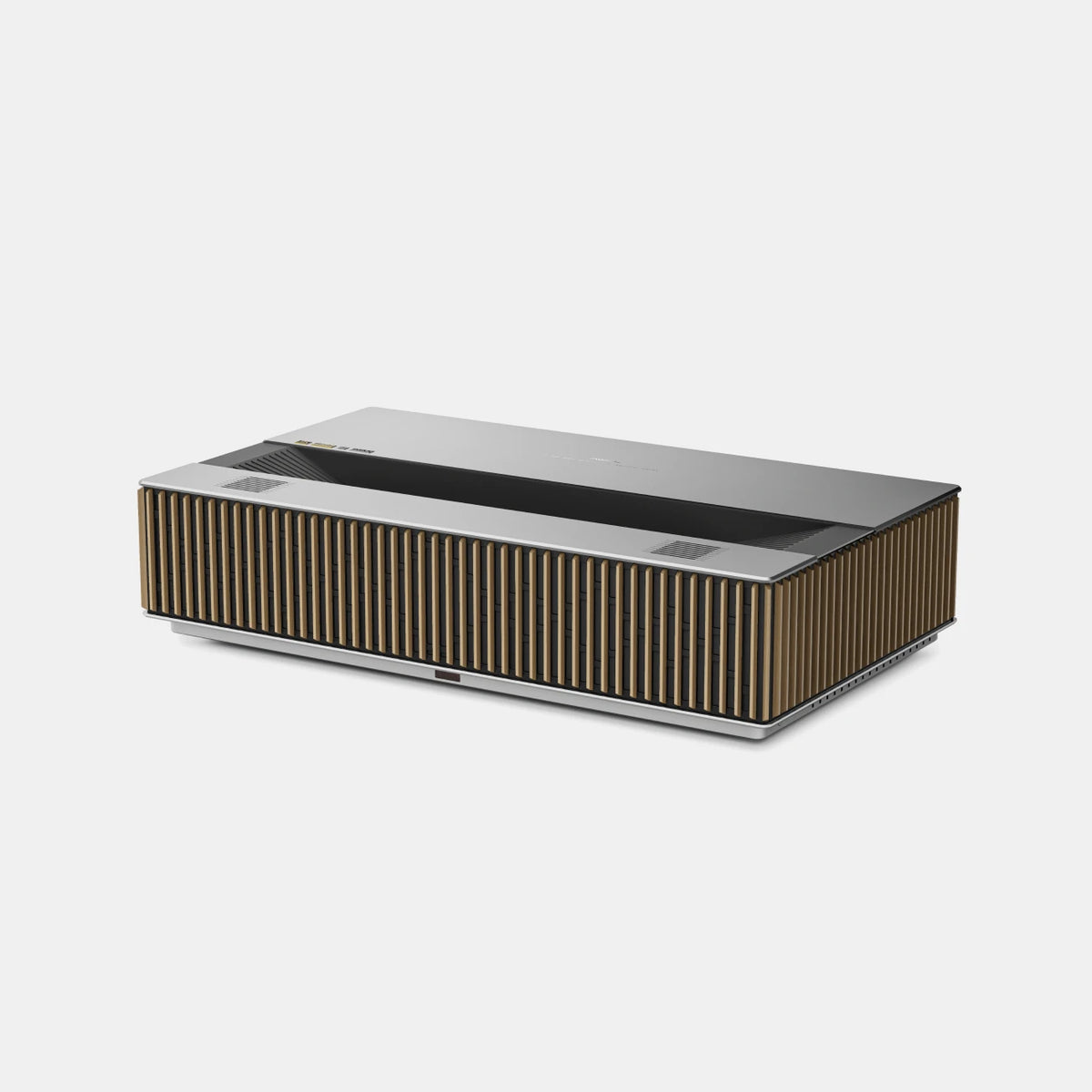
AWOL LuxVision brings together end-to-end 4K 120Hz, 6,000 ISO lumens and motorized vertical Optical Shift. This buying guide explains where those capabilities matter, what to measure and how to choose a setup you will enjoy living with.
AWOL LuxVision Specs at a Glance
| Feature | LuxVision specification |
|---|---|
| Resolution and refresh rate | 4K UHD; end-to-end 4K 120Hz |
| Light source and brightness | RGB triple laser; 6,000 ISO lumens |
| Projection size | 80–200 inches |
| Throw ratio | 0.18:1; specified 120-inch image from 7.5 inches |
| Optical Shift | Motorized vertical adjustment; 142%–152% vertical offset |
| Color gamut | Rated 110% Rec.2020 |
| Contrast | Native 10,000:1 with IRIS; EBL 100,000:1 with IRIS |
| HDR and processing | Dolby Vision, HDR10+, HDR10, HLG; Dynamic Tone Mapping |
| Gaming | VRR, ALLM, Dolby Vision Gaming; rated 1 ms input lag at 4K/120Hz |
| Connections and platform | Three HDMI 2.1 ports, one DisplayPort connection; Google TV |
First, Confirm the Installation Will Fit
Check throw distance and console depth
UST projectors sit close to the screen, making placement a key consideration before buying.
LuxVision’s throw ratio supports a large image from a short distance. Its 7.5-inch placement figure is not the total depth your installation needs. Use the official diagram to confirm measurement reference points, then account for the projector body, cables and ventilation.

Measure your console’s usable surface and screen position before ordering. A level, stable base helps preserve image geometry; automated alignment assists setup after careful physical positioning.
Choose screen size around your seating

A larger image should feel comfortable from your usual seat. Check available wall area, speaker spacing, windows and the height of the picture’s lower edge.
For reference, a 120-inch, 16:9 image is approximately 105 inches wide and 59 inches tall before adding a frame. Marking that area on the wall helps you judge the scale.
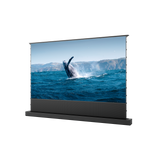
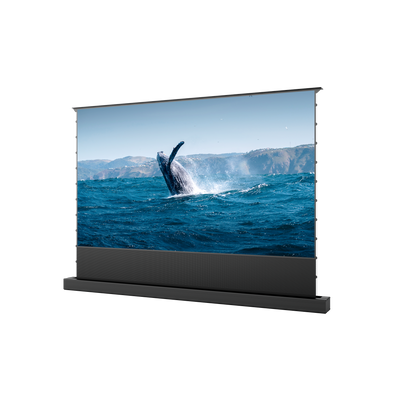
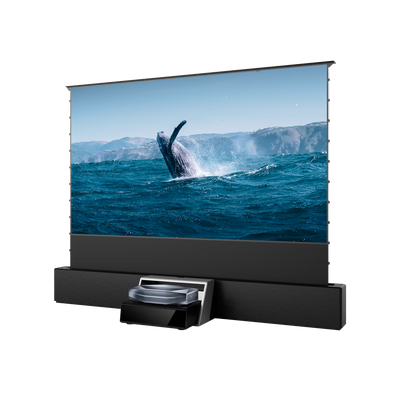
Choose the screen material around your lighting, too. A suitable matte-white surface may work in a light-controlled room. For ambient-light viewing, consider a UST-compatible ALR screen. Confirm its compatibility and viewing angles from every seat you use.
Understand what Optical Shift changes
LuxVision’s motorized Optical Shift moves the picture vertically without digitally cropping or scaling it during that adjustment. Its specified offset range adds flexibility when aligning with a fixed screen or working around cabinet height and a center speaker.
Optical Shift works within a defined adjustment range. Check the placement diagram for your intended screen size and offset, then use AWOL’s calculator to explore the arrangement. Optical Shift complements correct placement; it does not change the throw ratio.

Match Picture Performance to Your Viewing Conditions
Brightness
For UST projection, brightness should be assessed against screen size and ambient light. A larger image distributes light over more area, while room lighting reduces perceived contrast.
LuxVision’s 6,000 ISO lumens provide output for large-screen viewing, including daytime sports and lights-on entertainment. Screen material, gain and control of direct light remain important to the final result.
Contrast
For film viewing in controlled lighting, contrast becomes a key consideration. Assess black levels and shadow detail alongside peak brightness to judge image depth.
LuxVision specifies 10,000:1 native contrast with IRIS and 100,000:1 EBL contrast with IRIS. The dynamic iris regulates light output, while EBL enhances black-level performance. These figures represent different operating conditions and should be evaluated separately.
Color and HDR
When evaluating color performance, consider both gamut and accuracy. Look for natural skin tones and smooth tonal transitions alongside a wide color range. HDR reproduction also depends on how effectively highlights and shadows are mapped to the projector’s capabilities.
LuxVision’s RGB triple-laser system has a color gamut of 110% Rec.2020. It supports Dolby Vision, HDR10+, HDR10 and HLG, with Dynamic Tone Mapping to help balance highlight and shadow detail.
Decide How Much 4K 120Hz Matters to You

LuxVision’s end-to-end 4K 120Hz capability is especially relevant if you want high-refresh gaming with 4K detail. VRR helps reduce tearing with compatible variable-frame-rate content; ALLM allows a compatible source to request low-latency operation automatically.
The rated input-lag figure applies at 4K/120Hz. Check your console or PC, game settings, cables and any receiver or switch for the signal you intend to use. A certified Ultra High Speed HDMI cable belongs in an HDMI 4K120 setup.
For films and television, source frame rate and picture settings still matter. If gaming is occasional, weigh high-refresh capability alongside room fit, contrast and screen choice.
Choose the Complete System and Budget
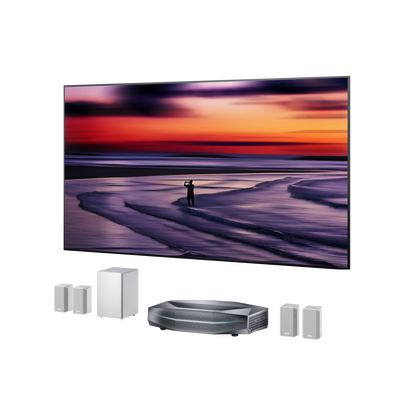
LuxVision includes Google TV, wireless casting, Wi-Fi 7 and Bluetooth 5.4. Decide whether its built-in platform meets your household’s needs or whether to retain an external player. Plan soundbar or receiver connections before finalizing furniture.
MultiView and custom color, material and finish options are optional upgrades. Include only the additions that serve your viewing habits and interior.
Review the current LuxVision purchase options for package contents, regional configuration, dispatch and promotion terms. Budget for the screen, cabinet, cables, audio, taxes and delivery alongside the projector. Review the applicable warranty, service and return terms as part of the purchase.
Is LuxVision Right for You?
We designed LuxVision primarily for everyday living-room entertainment: families sharing films and series, friends watching sports, and players bringing large-screen gaming into the same space. Our development story emphasizes installation flexibility, streaming, casting and integration with the home. It is particularly relevant to buyers who value picture performance while wanting to work with existing furniture or a fixed screen, including UST owners evaluating an upgrade around a specific installation or entertainment need.
Questions to Settle Before You Order
Can I keep my existing screen?
Confirm the exact model’s UST compatibility, size, material and mounting position. A conventional long-throw ALR screen is not automatically suitable. Check the proposed installation before deciding to replace equipment.
Will Optical Shift solve my placement problem?
It may help with image height within the supported range. Verify screen size, cabinet height, placement distance and offset together before relying on the adjustment.
Should I replace an OLED with LuxVision?
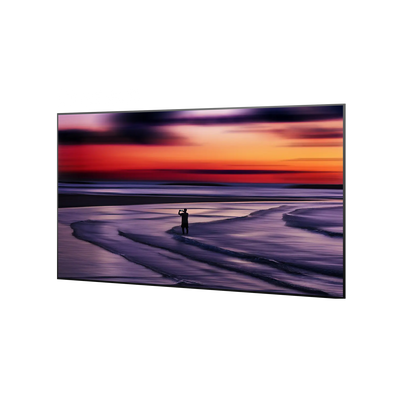
Choose around your priorities. Projection offers a large-screen scale, while room light and screen choice affect the result. If deep blacks or bright daytime viewing lead your decision, compare familiar content under representative conditions.
Final Words
The best UST purchase starts with a clear goal. Measure the room, choose the screen around your lighting and prioritize the capabilities you will use. LuxVision brings installation flexibility, picture performance and high-refresh gaming together; your room and routine determine how to make the most of them.
Be the First to Know
Subscribe for special deals, news, and important product information, and get your exclusive $100 discount.
Related Articles
Black Projector Screen: Is It Right for Your Room?
WiFi Projector Buying Guide: Features That Actually Matter
How to Create a Modern Living Room with an Ultra Short Throw Projector Cabinet?
Rear Projection Screen Guide: Best Materials Options
How Many Lumens for an Outdoor Projector?