















Projector Lens Replacement: Can You Replace or Repair the Lens?
Some projector lenses can be replaced, but only when the projector is specifically built for an interchangeable lens. Most consumer home, office, portable, and ultra-short-throw (UST) projectors use a fixed or fully integrated lens assembly instead.
That distinction matters because a blurry image alone doesn't prove the lens is damaged. Before you think about projector lens replacement, the smarter first step is to diagnose the symptom, figure out what kind of lens your projector actually has, and check the exact model's manual.
This guide walks through that process in order: diagnose first, identify the lens design second, and replace only when the manufacturer supports it.
Before You Replace Anything, Confirm the Lens Is the Problem
A lot of what looks like lens damage is actually something else entirely. Sorting the two apart can save you an unnecessary repair or purchase.
Signs That May Point to Lens Damage
Image trouble gets blamed on the lens far more than the lens is the actual culprit. Working through the alternatives first can save an unneeded repair.
- A crack, chip, or scratch visible on the glass
- Symptoms that started right after a drop or impact
- A component inside the housing that looks shifted or loose
- Haze or distortion that persists no matter what you adjust externally
- Focus that won't lock in, even with correct placement
With these signs present, the symptom alone doesn't tell you which internal optical part has actually failed, which requires a proper diagnosis.
Problems That Often Look Like a Bad Lens
Plenty of ordinary issues can mimic lens damage:
- Incorrect focus settings
- Projector-to-screen misalignment
- Excessive keystone or corner correction
- Dirt sitting on the external lens
- Dust, stains, or texture on the screen itself
- Wrong source resolution or picture settings
- Internal dust buildup
- Damage to the DMD, LCD panel, polarizer, optical block, or heat-related components
Run These Checks Before Requesting Lens Replacement
- Pull up a test pattern or sharp grid image.
- Refocus manually and confirm the projector sits square to the screen.
- Back off any heavy keystone correction.
- Check the outer lens and screen surface under normal room light.
- Switch inputs and reset picture settings to default.
Don't open the projector to run these checks—everything above can be done from the outside. If the image still looks soft, try these steps to make your projector clearer. For persistent color problems, learn more about what causes projector discoloration. If you're noticing a ring or glow around bright areas, see why the projector may be showing a halo effect.
Is Your Projector Lens Designed to Be Replaced?
This is the question that controls everything else in this article.
|
Projector category |
Typical lens design |
User-replaceable? |
Correct first step |
|
Large-venue or installation projector |
Interchangeable lens system |
Sometimes |
Check the official compatible-lens list |
|
Consumer home or office projector |
Fixed or integrated assembly |
Usually not |
Consult the manual or service provider |
|
Laser UST projector |
Precision integrated optical system |
Do not assume |
Contact the manufacturer |
|
Dropped projector with loose elements |
Damaged internal assembly |
No universal procedure |
Stop use and request service |
Interchangeable Lenses on Large-Venue and Installation Projectors
Some professional projector bodies are built from the ground up to accept different lenses. In these cases, the manufacturer publishes compatible lens part numbers, throw-ratio data, installation steps, release mechanisms, and calibration procedures.
The catch: just because one model from a brand supports interchangeable lenses doesn't mean every model from that brand does. Replaceability always has to be confirmed through the official manual or compatibility list for your exact model.
Fixed Lens Assemblies in Consumer Projectors
Fixed doesn't mean unrepairable. A technician may sometimes replace an internal lens assembly on a consumer projector even though the lens isn't designed to be removed by the owner. That's a service-level repair, not an interchangeable-lens system.
The distinction matters because a repair procedure for one exact projector model shouldn't be applied to another. If accessing the lens requires removing the housing, circuit boards, light engine, or other internal optical components, you're dealing with an internal repair rather than a routine lens replacement. Follow the manufacturer's service procedure or have the work handled by an authorized technician.
Why Laser UST Lens Systems Need a Different Approach

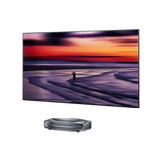
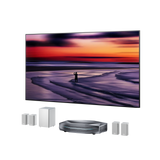
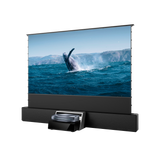
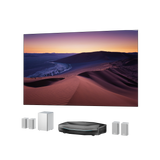
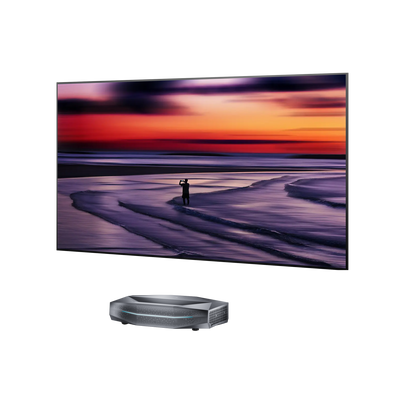
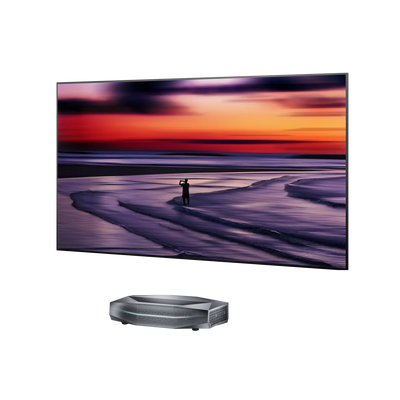
Ultra-short-throw projectors create a large image from only a short distance, projecting upward at a steep angle. Their optical systems therefore depend on precise lens positioning and alignment to produce a uniform, properly shaped image across the screen.
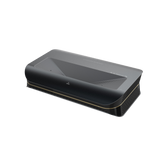
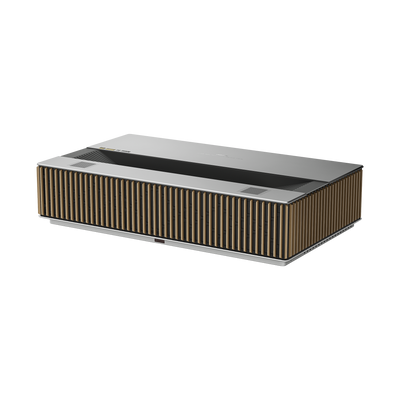
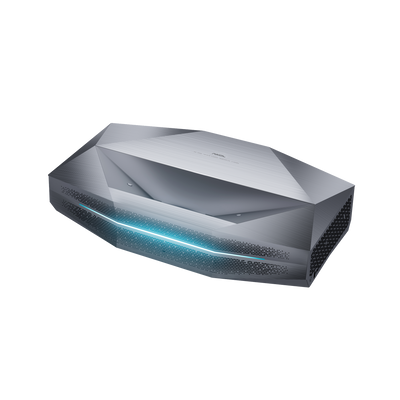
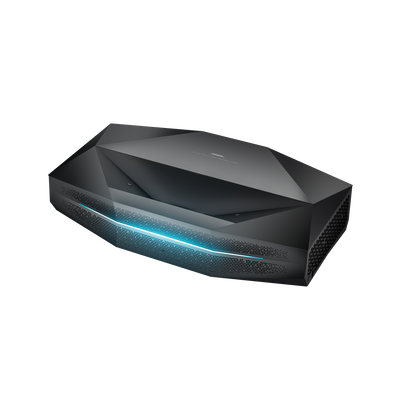
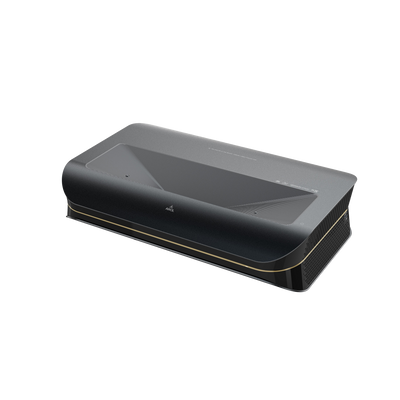
AWOL Vision UST lenses have high-precision optics that project the image upward at a steep angle. That makes a UST optical system fundamentally different from a detachable large-venue lens. Don't assume that a UST lens can be removed or replaced simply because another projector uses an interchangeable lens system. Construction also varies between UST models, so the exact manufacturer's documentation should take precedence.
For a closer look at how these optical components fit into the projector as a whole, see The Anatomy of a Projector.
Choose the Right Lens Solution
Once you've diagnosed the symptom and identified what kind of lens you're dealing with, here's how that translates into action.

Clean the External Lens When the Problem Is Surface Dirt
Fingerprints or dust on the outer glass can cause general softness or haze, but cleaning won't fix cracks, coating damage, internal dust, misalignment, or a failed optical component. For the safe method, see AWOL Vision's How to Clean Projector Lens, rather than improvising.
Replace the lens only when the projector supports it
Use the exact compatible lens, follow the official installation and calibration process, and never force an unfamiliar mount. A matching throw ratio alone doesn't guarantee mechanical or electronic compatibility.
Request professional service for an integrated lens assembly
This applies to fixed consumer lenses, internal dust or optical-block damage, broken mounts, loose internal elements, laser UST optical systems, and anything requiring the chassis to be opened. Professional service may mean repairing or replacing a whole assembly rather than a single piece of glass.
Consider replacing the projector when repair isn't economical
Weigh the projector's age and condition, parts availability, diagnostic and labor costs, shipping and return costs, any warranty tied to the repair, and the price of a comparable replacement. There's no fixed rule of thumb here; the right call depends on your specific situation.
How to Find a Compatible Replacement Projector Lens
Everything here only applies if your manufacturer has explicitly confirmed, for your exact model, that the lens is interchangeable or service-replaceable.
Match the exact model and lens part number
Confirm the full projector model, the compatible lens family, the manufacturer's part number, regional availability, and whether the lens is new, used, refurbished, or service-only.
Check the optical and mechanical specs
This includes lens mount, throw ratio, supported image size, zoom range, manual vs. powered focus, lens shift, electrical contacts, and any identification chips or connectors.
Confirm calibration and firmware requirements
Some models need calibration or configuration after a new lens goes in, and those steps are model-specific — check official documentation rather than a generic guide. Don't confuse lens replacement with lamp replacement, and don't reset lamp hours unless your manual specifically says to.
Avoid irrelevant marketplace listings
A real video-projector replacement lens is not the same as an automotive headlight projector lens, a camera-flash lens, slide-projector optics, loose condenser or polarizer glass, or any generic optical element without confirmed compatibility.
Projector Lens Replacement Price: What Determines the Cost?
There's no reliable universal projector lens replacement price, because "replacement" can mean a professional interchangeable lens, an integrated-assembly repair, or a diagnostic and service fee — three very different price categories.
|
Situation |
What the price may include |
Why a universal price is unreliable |
|
Interchangeable professional lens |
Complete lens unit |
Throw ratio, optical design, motors, electronics, and compatibility all vary |
|
Fixed-lens service repair |
Diagnosis, parts, labor, calibration, shipping |
Damage and construction are model-specific |
|
Loose internal element |
Inspection or full assembly replacement |
Individual elements may not be sold separately |
|
Whole-projector replacement |
New unit and warranty |
May offer better value on an older or lower-cost projector |
Professional interchangeable lenses can cost hundreds or several thousand dollars, depending on the projector, lens design, and specifications. A fixed-lens repair needs a model-specific quote, and there's no shortcut around that. A cheap lens element found online isn't the same purchase as a complete, warrantied assembly, so treat those listings with caution.
Can You Put a Projector Lens Back Together?
If elements have come loose from a drop, the short answer is: don't try to reassemble it yourself.
Why Generic Lens Diagrams Are Unreliable
The number of optical elements in a lens varies by model, and so does their curvature, orientation, spacing, centering, coating, and how they sit in the barrel. Small positioning errors here can quietly affect focus, distortion, color fringing, and overall image uniformity.
Getting a picture on screen afterward doesn't prove the lens is correctly restored. A generic diagram of "how lenses are typically arranged" is not a substitute for model-specific service documentation.
What to Do If Lens Elements Fell Out
- Turn off and unplug the projector.
- Don't power it on or try to reseat the loose elements.
- Avoid touching, cleaning, or polishing the lens assembly.
- Keep loose parts away from dust, moisture, and impact.
- Photograph the damage and note the model and serial number.
- Contact the manufacturer or a qualified repair technician.
- Never handle broken glass with bare hands.
Projector Lens Replacement Safety Checklist
- Power the unit down, unplug it, and let it cool — don't turn it back on to test a loose assembly.
- Leave loose elements alone: no wiping, washing, or pressing anything into place, and never touch a coated surface with bare fingers.
- Keep the pieces somewhere they won't get knocked or contaminated, and never pick up broken glass bare-handed.
- Photograph the damage, note the model and serial number, and contact the manufacturer or a repair service.
- If any step means opening a sealed optical engine or exposing internal electronics, stop and call a professional instead. Follow the exact manual for your model, not a generic tutorial.
What AWOL Vision Owners Should Do
AWOL Vision projectors weren't engineered for owners to open up and swap the lens, and we don't advise attempting to remove, replace, or reassemble the lens or the broader optical system inside the unit.
Safe external cleaning and basic settings checks are a completely different category from internal lens work; those are fine to do yourself. If external troubleshooting doesn't resolve the issue, the right move is to stop before opening the projector and reach out to support instead.
An AWOL lens should never be swapped for a third-party part.
As one example of how precise this integrated engineering gets, AWOL Vision says its Aetherion Max uses an advanced multi-element lens system alongside PixelLock technology to maintain pixel alignment and optical stability.
Before Contacting AWOL Support
Before contacting AWOL, gather the basics: exact model and serial number, proof of purchase, clear photos of the issue, a written description of what the image is doing, whether the unit was dropped or got wet, and what troubleshooting's already been tried.
AWOL Vision's product manuals and AWOL Vision’s Support are the right place to start. Repair options, timelines, and warranty coverage depend on the specific situation.
Frequently Asked Questions About Projector Lens Replacement
Can projector lenses be replaced?
On certain professional models, yes. On most consumer projectors, no — lens work goes through the manufacturer or an authorized service path.
Can a Scratched or Cracked Projector Lens Be Repaired?
Surface grime is one thing; glass damage is another. Don't polish it out or strip a coating at home. Real damage typically means professional evaluation, possibly a full assembly swap.
How Much Does Projector Lens Replacement Cost?
It depends on whether you're buying a professional lens, paying for a service repair, or comparing that against a new projector. Get a model-specific quote.
How Do You Put a Projector Lens Back Together?
Generally, you don't, on your own. There's no standard element order; keep the pieces safe and contact a service provider.
Does a Blurry Image Mean the Lens Is Damaged?
No. Focus, angle, keystone correction, a dirty screen or lens, wrong input settings, and internal optical issues can all produce the same symptom.
The Bottom Line
Replace a projector lens only when your exact model is designed for an interchangeable lens; check the manual before you buy anything. Sealed consumer and UST lenses call for model-specific professional service, not a home repair attempt, and it's worth ruling out focus, placement, and settings before assuming the lens itself has failed.
If you own an AWOL Vision home-theater projector, don't treat the lens like a user-interchangeable component. If you suspect an internal optical problem, contact AWOL Support rather than opening the projector.
If a repair turns out to cost more than it's worth, browsing AWOL Vision's current lineup of laser UST projectors is a reasonable next step.
Be the First to Know
Subscribe for special deals, news, and important product information, and get your exclusive $100 discount.
Related Articles
Projector Says No Signal? How to Find and Fix the Problem
Why Is My Projector Blurry? 8 Causes and the Fixes That Work
Projector Lens Shift Explained: How Much Placement Freedom You Actually Get
What Does a 4K 120Hz Projector Mean and Why Does It Matter?
Projector Overheating: Why It Happens and How to Stop It