




















Projector Discoloration: Causes, Symptoms, and Fixes
Projector discoloration can appear in many forms: yellow spots, dark patches, unusual color tints, faded colors, or uneven corners. The good news is that the way the problem appears often gives you a strong clue about where it is coming from. In many cases, the fix is simple — a loose cable, incorrect picture setting, dirty lens, or clogged vent. In other cases, discoloration may point to deeper wear inside the projector, such as a failing lamp, degraded polarizer, faulty color wheel, or defective DMD chip.
This guide walks you through the most common symptoms, their likely causes, and the right fixes — so you can spend less time guessing and more time enjoying a clear image.
Quick Diagnosis: What Your Discoloration Is Telling You
| Symptom | Most Likely Cause | First Step |
|---|---|---|
| Yellow spot or patch | Heat damage, burned polarizer, aging lamp | Clean vents, check lamp hours, test on a white screen |
| Dark or black spot | Dust, debris, damaged LCD panel or DMD chip | Clean lens and vents; avoid opening the unit |
| Full-screen color tint (yellow, blue, green, pink) | Cable issue, wrong signal, incorrect settings, failing lamp | Reseat cable, try another input, reset color settings |
| Discolored corners | Uneven heat, optical block wear, poor ventilation | Improve airflow, clean filters and vents |
| Faded or washed-out image | Aging lamp, dirty lens, wrong picture mode | Check lamp hours, clean lens, adjust picture mode |
| White or black “star-like” dots | DLP DMD chip failure | Professional repair or unit replacement |
Common Causes of Projector Discoloration
1. Loose, Damaged, or Incorrect Cables
Cable problems are easy to overlook because they can look surprisingly similar to serious hardware failure. A loose HDMI connection, damaged VGA cable, faulty adapter, or incompatible input signal can cause strange colors across the entire screen — and it costs nothing to check.
This is especially common when the whole image takes on a yellow, purple, green, or blue cast. With older VGA cables, a bent or damaged pin can remove one color channel entirely, shifting the image toward the opposite hue. Before opening the projector or ordering replacement parts, unplug and reconnect the cable at both ends. Then try a different cable, port, or source device. This quick check can rule out one of the most common causes of projector discoloration.

2. Incorrect Picture or Color Settings
Projectors usually include several picture presets, such as Cinema, Gaming, Bright, Presentation, and Eco. Each mode uses a different balance of brightness, contrast, and color temperature. A wrong preset, accidentally adjusted RGB balance, or color temperature set too warm or too cool can make the image look off in a way that feels like a hardware problem.
The key sign is consistency. If the discoloration affects the whole image evenly instead of forming a fixed spot in one area, picture settings may be the cause. Resetting the projector to factory defaults or switching to a neutral picture mode is a fast, low-risk way to rule this out.
3. Dust on the Lens or Inside the Optical Path
Dust on the external lens usually causes softness, haze, or general blurriness. Dust inside the projector, however, can create more noticeable fixed marks. When dust settles on LCD panels, the DLP chip, or other internal optical elements, it may appear as dark spots or gray shadows that stay in the same place no matter what content is being projected.
Internal dust is more likely in dusty rooms, smoky environments, or projectors that have run for many hours without regular filter cleaning. To clean the outer lens, power off the projector, let it cool, and use a soft microfiber cloth with a small amount of lens-safe cleaner. Internal cleaning is more complicated. Disassembling the projector can misalign panels, polarizers, or optical components, which may cause more damage than the dust itself. Unless you have experience with electronics repair, internal optical cleaning is best handled by a technician.

4. Aging or Failing Lamp
Lamp-based projectors usually do not fail all at once. Instead, they fade gradually. As the lamp approaches the end of its rated lifespan — often around 2,000 to 5,000 hours, depending on the model — the image becomes dimmer, colors may shift warmer, and whites may no longer look clean.
Check the lamp hour counter in the projector’s settings menu. If the hours are high and the image has become dim, yellowish, or washed out across the whole screen, replacing the lamp is often the most direct fix. Be sure to use the lamp specified by the manufacturer. Off-brand replacements can vary significantly in brightness, color temperature, and build quality, which means a cheap lamp may introduce new color problems while trying to solve the original one.
5. Overheating and Poor Ventilation
Heat is one of the biggest long-term threats to projector image quality. Blocked vents, clogged filters, or operation inside a tight cabinet can raise internal temperatures. Over time, this heat can damage optical components and cause yellow, brown, or dark patches on the screen.
Heat-related discoloration often appears gradually. The image may look acceptable at startup, then worsen after 30 to 60 minutes of use. You may also notice louder fan noise, warning lights, or sudden shutdowns along with the color changes. Start by improving airflow: keep at least six inches of clearance around all vents, clean or replace the air filter as recommended, and avoid running the projector inside an enclosed shelf or cabinet.
6. Burned or Degraded Polarizer (LCD Projectors)
LCD projectors use polarizing filters to control light as it passes through each color panel. Under sustained heat, these polarizers can degrade. When that happens, the image may develop a fixed yellow, brown, blue, or pink discoloration that does not improve after cleaning or adjusting settings.
A burned polarizer often starts as a small patch and slowly expands over time. Because the damage is inside the optical block, it cannot be cleaned away from the outside. Repair requires disassembly, the correct replacement parts, and precise optical realignment. It is not a beginner-friendly repair, but it is a known and fixable issue for a qualified technician.
7. Color Wheel Problems (DLP Projectors)
DLP projectors use a spinning color wheel to sequence red, green, and blue light in rapid succession. If the color wheel becomes dirty, damaged, or mechanically worn, that sequence can be disrupted. As a result, the projector may produce incorrect colors, visible color fringing, or an overall screen tint.
A failing color wheel often comes with sound-related warning signs as well. You may hear whining, buzzing, or grinding during operation. If discoloration appears together with new mechanical noise, stop using the projector and have it inspected. Continuing to run it may cause further damage to nearby components.
8. DMD Chip Failure (DLP Projectors)
A DMD chip contains millions of microscopic mirrors that work together to create the projected image. When individual mirrors fail, they may appear as sharp white or black dots. This is often described as a “starry night” pattern, and it is usually easy to distinguish from dust, which tends to look softer and more irregular.
Unlike many other causes of discoloration, DMD chip failure does not respond to lens cleaning, settings adjustments, or lamp replacement. The dots often multiply over time. The practical solution is professional chip replacement or, for older projectors, replacing the unit.

How to Prevent Projector Discoloration
Most projector discoloration is related to dust, heat, or lamp wear. Fortunately, all three can be managed with regular maintenance.
Keep airflow clear. Never operate the projector inside a closed cabinet, pressed against a wall, or near another heat source. The cooling system needs enough space to exhaust hot air effectively.
Clean filters and vents regularly. Follow the cleaning schedule in your projector manual, and clean more often if the room is dusty. A clogged filter is one of the fastest ways to create heat-related image problems.
Monitor lamp hours. For lamp-based projectors, replace the lamp before it goes far beyond its rated lifespan. A lamp that has been used too long can affect both color quality and internal heat output.
Control the environment. Smoke, cooking grease, and heavy dust can settle on internal optics over time. Keeping the projector in a clean, well-ventilated room is one of the simplest ways to protect long-term image quality.
Consider a Laser Projector for Better Long-Term Color Stability
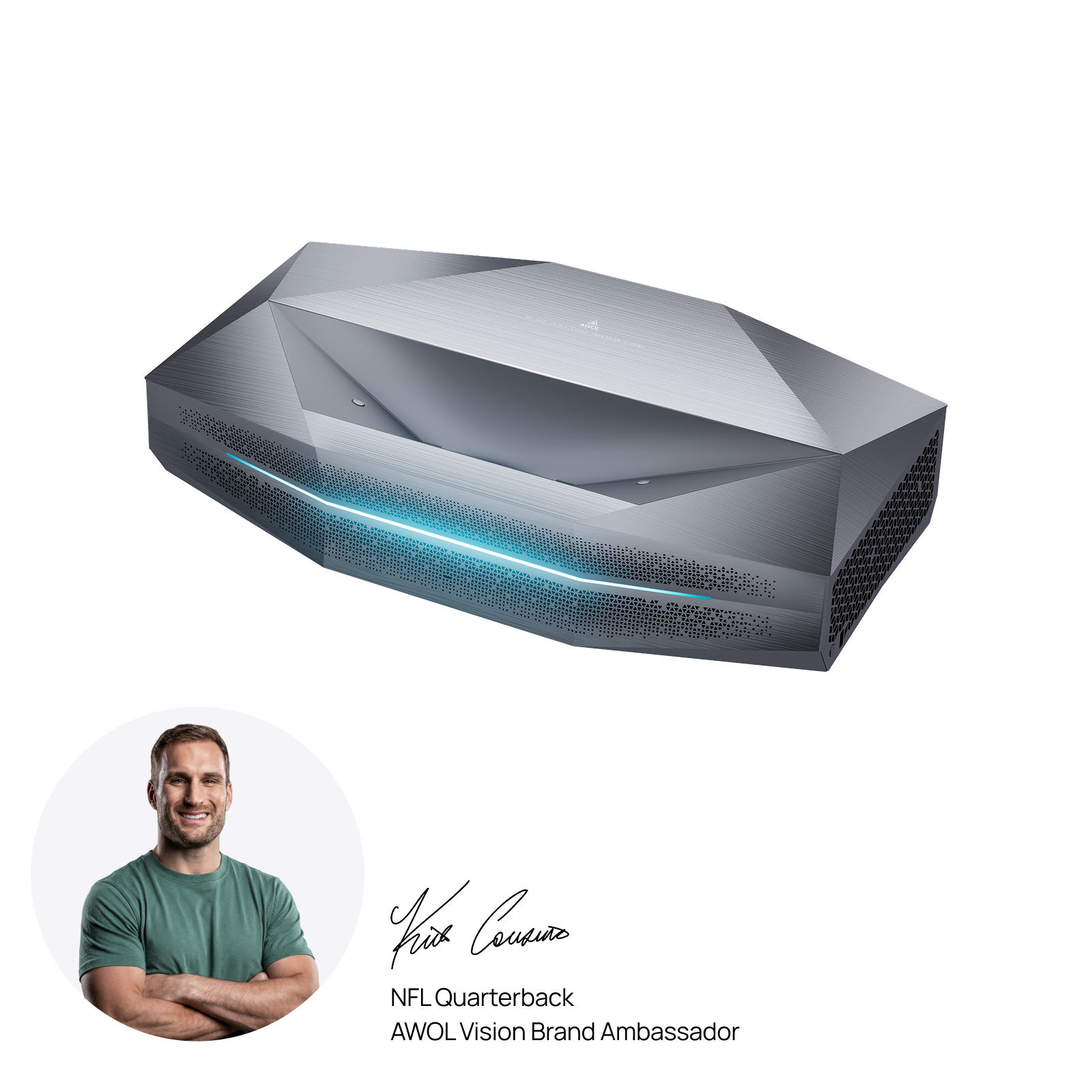
Laser projectors remove the replaceable lamp from the equation, eliminating one of the most common sources of projector discoloration. With a typical light-source life of around 20,000 to 30,000 hours and more consistent output over time, laser models avoid much of the gradual yellowing, dimming, and color drift associated with aging lamps.
For users who repeatedly deal with fading, yellowing, or lamp replacement, upgrading to a laser projector can reduce maintenance and provide more stable long-term color performance.
Final Takeaway
Projector discoloration doesn’t always mean your projector is beyond repair. In many cases, a simple check of the cable, settings, lens, or ventilation can restore a cleaner image. But if the discoloration keeps returning, spreads over time, or comes with heat, noise, or sharp dots, it may be time to consider professional service — or upgrade to a more stable, low-maintenance projector.
More FAQs for Projector Discoloration
Why does my projector look faded?
A faded projector image is usually caused by an aging lamp, dirty lens, incorrect picture mode, or too much ambient light. Start by cleaning the lens, switching to Standard or Cinema mode, and checking the lamp hours. If the image has gradually become dim and yellow, the lamp may be near the end of its life.
Why does my projector have a purple tint?
A purple tint often comes from a cable, adapter, input signal, or color setting issue. Reseat the HDMI, VGA, or USB-C connection, try another cable, and reset the projector’s color settings. If the purple tint affects the whole screen, check external signal issues before assuming internal damage.
How do I fix a yellow screen on a projector?
If the whole screen looks yellow, check the cable, color temperature, picture mode, and lamp hours first. If only one area has a fixed yellow patch, the cause may be overheating, polarizer damage, or optical block wear. Clean the vents and filters, improve airflow, and seek professional repair if the patch remains.
What causes a projector blue tint problem?
A blue tint can be caused by incorrect color temperature, RGB balance, a loose cable, or a missing color signal. Reset the picture settings and test another cable or source device. If the blue tint appears as a fixed patch rather than a full-screen tint, internal optical damage may be involved.
How do I remove a black spot on a projector image?
A black spot is often caused by dust or debris on the lens or inside the optical path. Clean the external lens first, then check the vents and filters. If the spot stays sharp and fixed after cleaning, it may be internal dust, LCD panel damage, or a DLP chip issue that requires professional service.
How do I fix a burn spot on a projector?
A burn spot usually means heat has damaged an internal optical component, such as a polarizer, LCD panel, or optical block. Cleaning the lens will not fix a true burn spot. Improve ventilation immediately, stop using the projector if the mark grows, and consider professional repair or replacement.
Be the First to Know
Subscribe for special deals, news, and important product information, and get your exclusive $100 discount.
Related Articles
Playing PS4 on a Projector: Setup, Settings, and Better Gaming

7 Basement Home Theater Ideas with a Style of Their Own
Projector Screen Paint: Is It Worth Painting Your Wall?
A Projector in an Apartment: Make Room for the Screen, Not a Theater

How to Watch NFL Games in 4K in 2026