

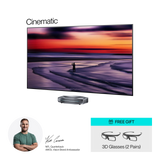
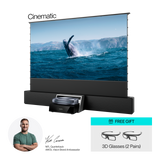
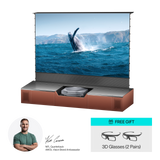






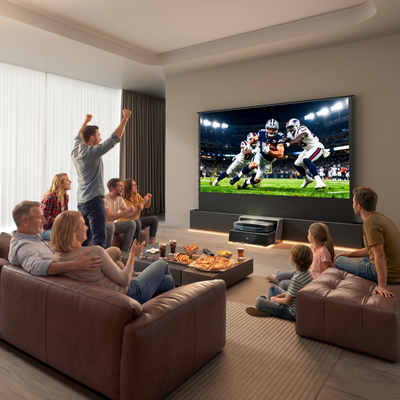


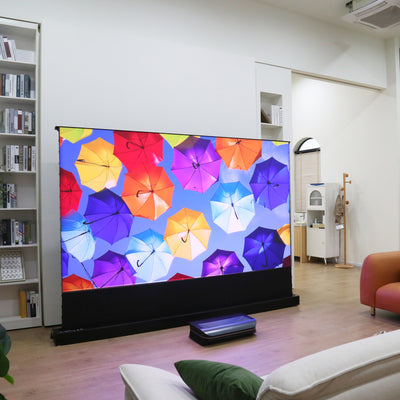


Why Aetherion feels different at home


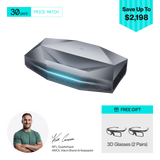
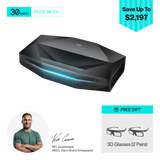
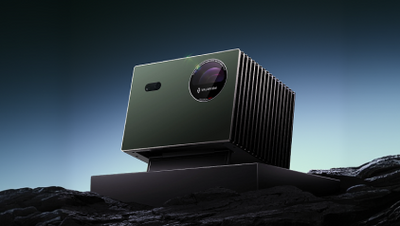
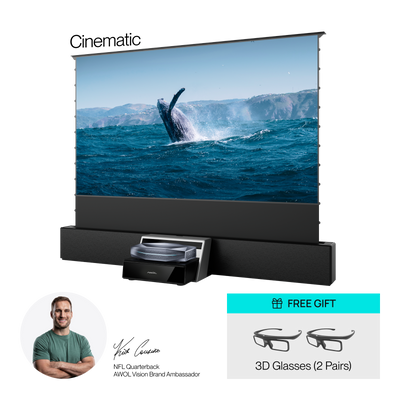
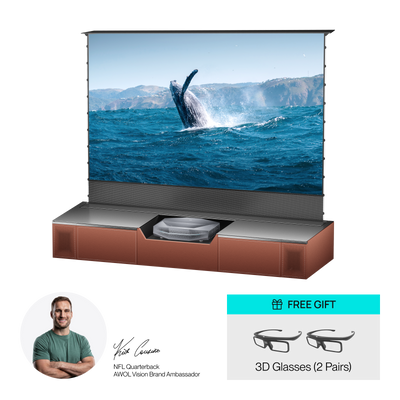
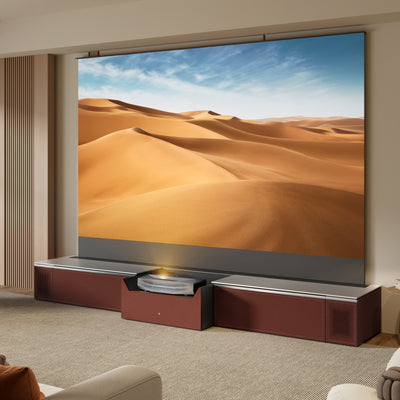
Aetherion UST(Ultra-Short-Throw) Projector

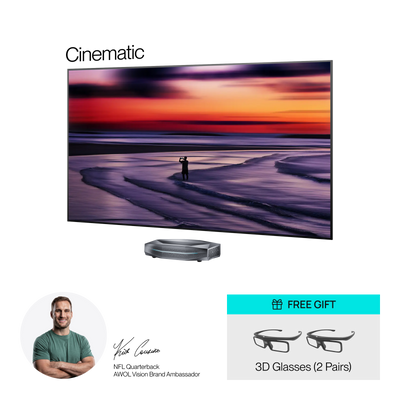
TVs

Other UST Projectors

Long-Throw Projectors


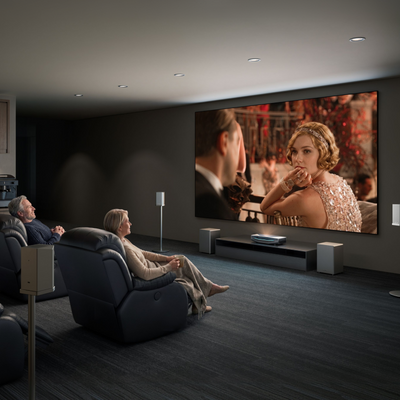
See how Aetherion fits real homes


What makes the experience feel good


Gaming | ALLM


Backed by Thousands. Built for What Comes Next.

As Seen On


Hands-On Immersive Experience | Expert 1-on-1 Guidance

9169 W. Atlantic Ave., Unit 118
Delray Beach, FL 33446

Phone: 951-480-8118 (FaceTime Available)


Blog


FAQ
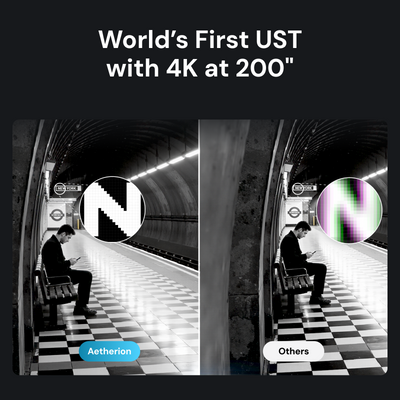
Aetherion Max is the brighter flagship model with 3,300 ISO lumens, making it better for larger screens, brighter living rooms, daytime viewing with soft light control, and users who want the highest performance headroom. Aetherion Pro offers 2,600 ISO lumens and is a strong fit for movie nights, gaming rooms, and light-controlled home theater spaces. Both models share key Aetherion technologies, including 4K clarity up to 200", 0.2:1 ultra short throw, 6,000:1 native contrast, up to 60,000:1 viewing contrast with EBL, PixelLock™ Technology, Anti-RBE for 2D and 3D, and 110% Rec.2020 color coverage.
When you power on your Aetherion projector for the first time, follow the on-screen setup guide before making advanced picture adjustments. Start by connecting the projector to power, turning it on, and completing the basic setup steps, including remote pairing, language or region selection, network connection, and any system prompts shown on the screen.
Aetherion Max and Aetherion Pro use a fixed 0.2:1 ultra short throw ratio and support 80–200 inch projection. To increase the image size, the projector needs to be placed farther from the screen. Before installation, use the AWOL projector calculator to check the right placement for your screen size. As a reference, Aetherion Max needs about 6.2 inches from the wall for 100", 14.3 inches for 150", and 22.3 inches for 200", excluding projector depth.
For the sharpest image, start with physical placement before using digital correction. Make sure the projector and screen are level from left to right and front to back, center the projector with the screen, and confirm the correct distance from the screen surface. If fine-tuning is still needed, press the Menu button on the remote and go to Laser Settings > Manual & Auto Keystone Correction.
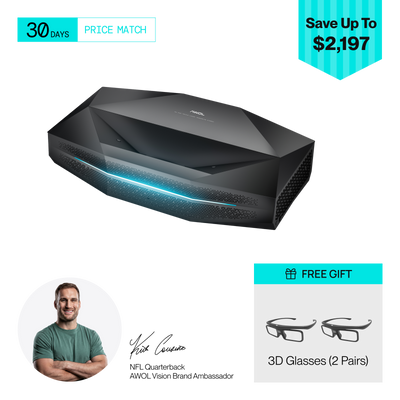
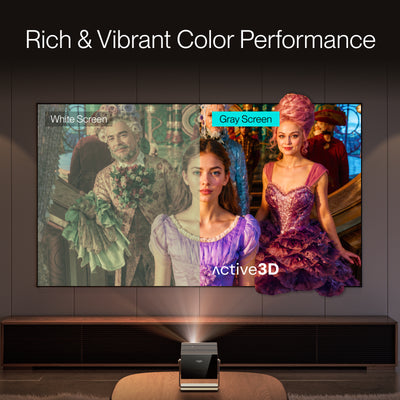
Yes. Aetherion Max and Pro support active 3D playback, including Side-by-Side, Top-and-Bottom, and Frame Packing 3D formats. This makes Aetherion a strong choice for users who want a large-screen home cinema experience beyond standard 2D viewing. Anti-RBE technology also remains active in 3D mode for cleaner, more comfortable viewing.
EBL stands for Enhanced Black Level, a feature designed to improve black depth and perceived contrast in darker movie scenes. On Aetherion Max and Pro, the native 6,000:1 contrast ratio can reach up to 60,000:1 viewing contrast with EBL enabled, helping shadows look deeper and dark scenes feel more cinematic.
Aetherion’s NoirScene™ System II further enhances black-level performance by combining the EBL algorithm, Lens IRIS control, and stray light control structure. For everyday viewing, users can turn on EBL in the picture settings after setup.
No. The ambient light strip is designed to enhance the look and atmosphere of the projector setup, not distract from the screen. For users who prefer a completely dark room, it can be turned off through the Lightstream setting, making Aetherion suitable for both stylish living rooms and dedicated home theater spaces.
You can connect external devices such as streaming sticks, Blu-ray players, game consoles, PCs, and audio systems through Aetherion’s HDMI ports or DisplayPort. Both Aetherion Max and Pro include three HDMI 2.1 ports, with HDMI 2 supporting eARC, plus one DisplayPort for flexible home theater setup. After connecting your device, simply select the corresponding input source on the projector.
After setup, you can check the software version directly in Aetherion’s system settings. This is useful for firmware updates, support requests, or confirming that your projector is running the latest available software. When a new update is available, Aetherion will show it in the system update menu, allowing users to keep the projector current after purchase.
The serial number can be found on the physical label on the back of the projector, usually below the barcode. If the back of the projector is difficult to access after installation, you can also find the serial number in the system menu. The serial number is mainly used for warranty registration, support requests, and service verification.
If you need further assistance, please email us at support@awolvision.com. Our customer service team will be happy to assist you and reply as soon as possible.
