How to Choose a Gaming Projector: 120Hz, Input Lag, and HDMI 2.1 Guide
Historically, projectors were designed for passive viewing, not active interaction. For a gamer, this often meant high latency and motion blur were acceptable trade-offs for a massive screen size.
That standard is no longer acceptable.
Modern gaming demands performance parity with monitors. For a projector to be viable for current-generation consoles (PS5/Xbox Series X) or high-end PCs, it must meet specific technical standards regarding signal processing, motion clarity, and connectivity. (See: Are Projectors Good for Gaming?).
This guide outlines the four critical specifications required to build a high-performance 150-inch gaming setup without compromising on speed or precision.
Criterion #1: Low Latency Projector Standards (Input Lag)
Input lag is the time delay (measured in milliseconds) between a signal generation (pressing a button) and the corresponding action displaying on the screen. High latency results in a "disconnect" between player input and on-screen movement.
To be considered a true low latency projector, the hardware must meet these strict benchmarks (Learn more about Input Lag vs. Response Time):
- > 50ms (Legacy Standard): Common in older cinema projectors. Unsuitable for gaming due to noticeable delay.
- 20ms - 40ms (Casual Tier): Acceptable for slower-paced titles. This is perfectly fine for Best Video Games for Couples or standard Party Games for Nintendo Switch where split-second reaction times aren't critical.
- < 10ms (Competitive Standard): The modern requirement for FPS and competitive gaming. This level of response reduces delay to a point that is imperceptible to the human eye.
Criterion #2: 120Hz Projectors & Motion Clarity
While input lag determines response speed, refresh rate determines motion clarity.
- 60Hz (Standard): The image updates 60 times per second. In fast-motion sequences, this can result in motion blur, making it difficult to track moving objects.
- 120Hz+ (High Performance): Doubling the refresh rate significantly reduces blur and provides more visual information per second. (Deep dive: Is 240Hz Good for Gaming?).
Understanding Bandwidth: Resolution vs. Refresh Rate
Consumers shopping for a gaming projector 4K 120Hz setup must be aware of bandwidth requirements. Running 4K resolution and 120Hz refresh rate simultaneously requires significant data transmission speeds.
If a projector lacks the necessary bandwidth (often due to older HDMI limitations), it may accept a 4K 120Hz signal but downscale the resolution to 1080p to maintain the high frame rate.
Recommendation: Verify that the projector's chipset and ports support high-bandwidth transmission to ensure you can utilize the full resolution and speed capabilities of your console or PC.
Criterion #3: Native Contrast and Dark Scene Visibility
Contrast ratio is often disregarded in gaming marketing, but it is critical for visibility in low-light environments.
In competitive games with dark maps or nighttime settings, low contrast results in a "washed-out" image where dark grey tones merge. This obscures details, making it difficult to distinguish objects or opponents in shadow. (See: Dynamic Contrast on Projector).
- Low Contrast: Shadows appear flat and grey; detail is lost in the "fog."
- High Native Contrast (6,000:1): Deep blacks allow for distinct separation between shadow and object. This ensures that dark areas remain visible and distinct without artificial brightness boosting.
Criterion #4: Connectivity (HDMI 2.1 & DisplayPort)
The connection interface dictates the maximum performance of your hardware. A projector acts as a bottleneck if it lacks the proper ports.
1. HDMI 2.1 (For Consoles)
For PS5 and Xbox Series X, HDMI 2.1 is required to utilize two critical features: VRR and ALLM. (For setup instructions, read How to Connect PS5 to Projector).
- VRR (Variable Refresh Rate): Syncs the projector's refresh rate with the console's frame rate to prevent screen tearing.
- ALLM (Auto Low Latency Mode): Automatically disables image post-processing features when a game signal is detected, ensuring the lowest possible latency without manual menu navigation.
2. DisplayPort (For PC)
While HDMI is standard for home theater, DisplayPort is the preferred standard for PC gaming hardware. It often provides higher stability and bandwidth for high-refresh-rate gaming on NVIDIA or AMD graphics cards.
A projector that includes a DisplayPort is explicitly designed for Projector vs Monitor integration, signaling it is ready for high-end PC rigs.
Conclusion: The Technical Checklist
When evaluating a gaming projector, ensure it meets the following specifications to avoid performance bottlenecks:
- Input Lag: < 10ms (for instant response)
- Refresh Rate: Minimum 120Hz support at high resolution
- Contrast: High Native Contrast (for low-light visibility)
- Connectivity: HDMI 2.1 (VRR/ALLM support) and DisplayPort
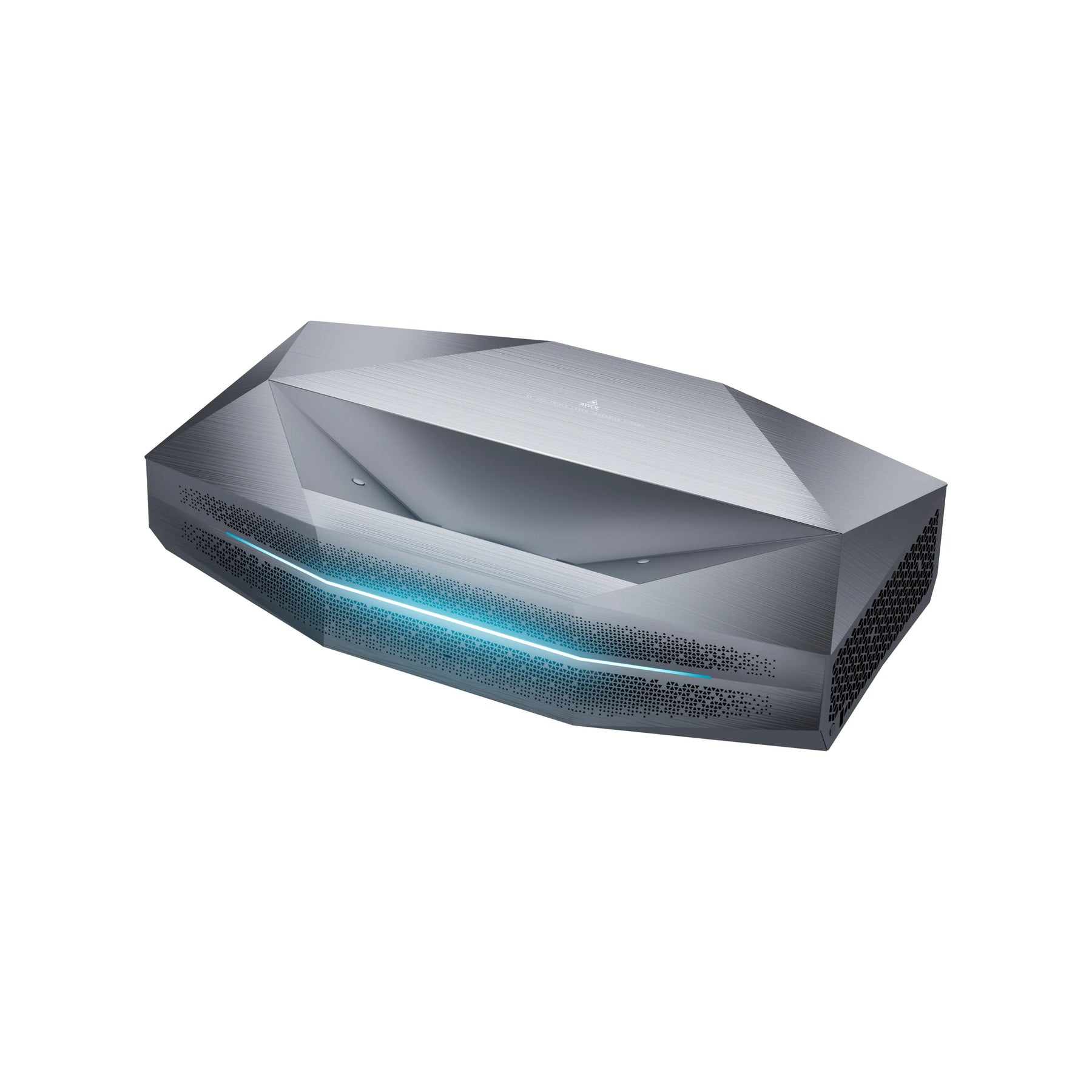
The Aetherion Series is engineered to meet these strict standards, offering comprehensive connectivity for both console and PC platforms.
FAQ: Professional Gaming Projector Insights
Can 4K projectors actually run at 120Hz?
It depends entirely on the projector's bandwidth. Many units marketed as "4K Gaming Projectors" are limited to HDMI 2.0 speeds (18Gbps). These units can accept a 4K 120Hz signal but must downscale the image to 1080p or 1440p to display it at that speed.
The "HDMI 2.1 Loophole": Be aware that the HDMI licensing body allows manufacturers to label a port as "HDMI 2.1" even if it only supports one feature (like eARC) but relies on older bandwidth speeds. To achieve true 4K resolution at 120Hz without compression, the projector requires a full-bandwidth HDMI 2.1 (40Gbps+) port or a DisplayPort connection.
Do I need 120Hz 3D glasses if I have a 120Hz gaming projector?
No, these are two different technologies that often get confused.
- 120Hz Refresh Rate (Gaming): Refers to the speed at which the projector updates the 2D video image for smooth motion.
- 120Hz 3D Sync: Refers to the frequency at which active shutter glasses flicker to create a 3D effect.
A projector's ability to run games at 120Hz does not automatically imply compatibility with specific 3D glasses. Always check the manufacturer's 3D specifications separately. (Read more on Enjoying 3D Movies).
Should I choose 4K or 120Hz for gaming?
It depends on your genre preference.
Choose 120Hz for competitive shooters and racing games where motion clarity and reaction speed help you win.
Choose 4K for immersive single-player adventures (Cyberpunk 2077, God of War) where visual detail and texture quality are more important than split-second reaction times.
Be the First to Know
Subscribe for special deals, news, and important product information, and get your exclusive $100 discount.
Related Articles
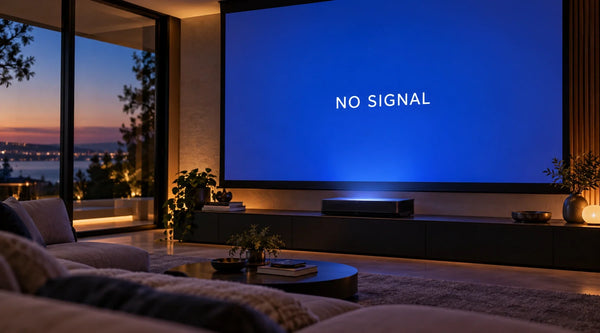
Projector Says No Signal? How to Find and Fix the Problem
Why Is My Projector Blurry? 8 Causes and the Fixes That Work
Projector Lens Shift Explained: How Much Placement Freedom You Actually Get
Projector Lens Replacement: Can You Replace or Repair the Lens?
What Does a 4K 120Hz Projector Mean and Why Does It Matter?