






What Is Dynamic Iris on a Projector? A Smarter Way to Optimize Contrast
When watching a movie on a large screen, every detail matters. Deep blacks make nighttime scenes more immersive, while bright highlights bring vivid landscapes and action sequences to life. But how can a projector maintain impressive contrast and brightness when scenes constantly change?
One important technology behind this is the Dynamic Iris.
Unlike traditional fixed iris settings that require manual adjustments, Dynamic Iris automatically adapts the projector's aperture according to the brightness of the displayed content. By intelligently regulating the amount of light passing through the optical system, it helps optimize contrast across different scenes without requiring constant user intervention.
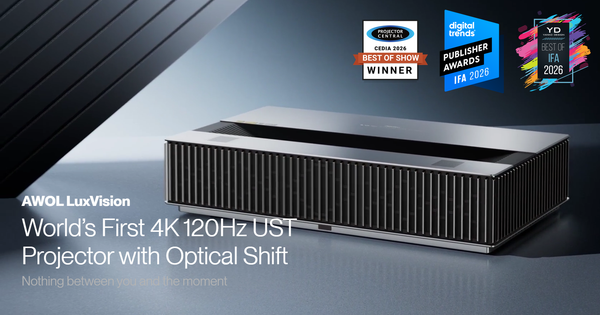
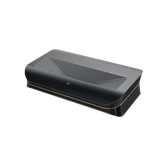
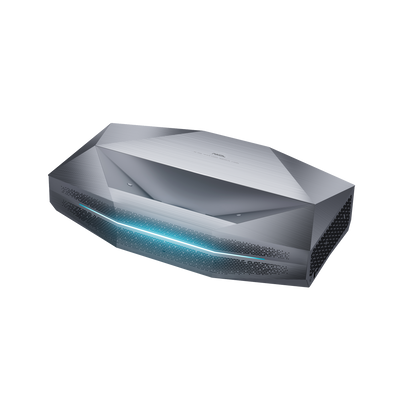
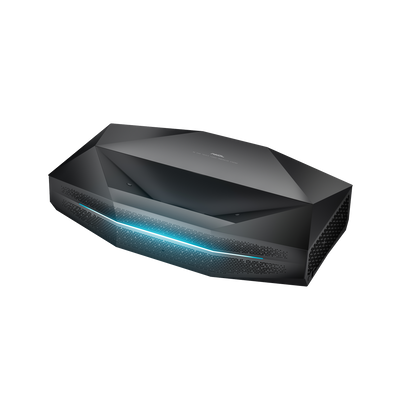
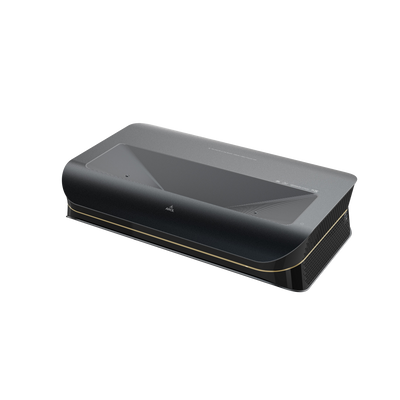
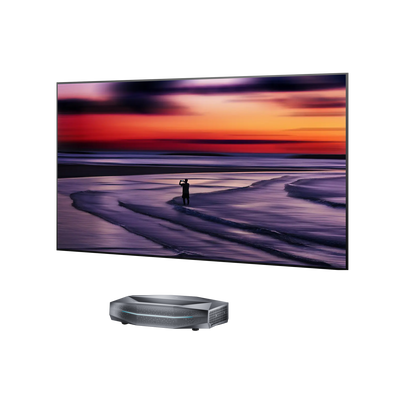
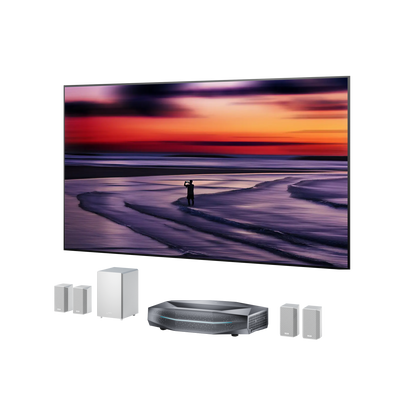
With the introduction of Dynamic Iris on the AWOL Aetherion Max and Aetherion Pro, home theater enthusiasts can enjoy a more adaptive approach to picture optimization.
So, what exactly is Dynamic Iris, how does it work, and why does it matter for your home theater experience?
Let's take a closer look.
1. What Is Dynamic Iris in a Projector?
A projector iris is an adjustable aperture within the optical system that regulates how much light passes through the lens.
Think of it like the pupil of the human eye. In bright environments, your pupils become smaller to limit incoming light. In darker environments, they expand to allow more light in.
A projector iris works on a similar principle.
By adjusting the aperture, a projector can control its light output and influence the perceived contrast of the image.
Dynamic Iris takes this a step further by making those adjustments automatically.
Instead of keeping the iris at one fixed position, the projector continuously responds to changes in image brightness:
-
Dark scenes: The iris closes down to reduce light output, helping produce deeper blacks and improve perceived contrast.
-
Bright scenes: The iris opens wider to allow more light through, helping maintain image brightness and clarity.
This automatic adjustment allows the projector to adapt to different visual environments throughout a movie, creating a more balanced viewing experience.
2. How Does Dynamic Iris Improve Projector Picture Quality?
The biggest advantage of Dynamic Iris is its ability to optimize light output for different types of content.
Movies rarely maintain the same brightness throughout. A single film can move from a dimly lit room to a sunlit landscape, then transition into a high-contrast action sequence.
A fixed iris setting may work well for one scene but become less ideal for another.
Dynamic Iris helps address this limitation through automatic aperture adjustment.
Deeper Blacks and Better Shadow Performance
Dark scenes are often where projector performance becomes most noticeable.
In scenes featuring nighttime environments, space sequences, or dimly lit interiors, excessive light output can make blacks appear gray and reduce the sense of depth.
Dynamic Iris automatically reduces the aperture in darker scenes, limiting the amount of light passing through the optical system.
This helps lower black levels and enhance perceived contrast, allowing dark environments to appear deeper and more cinematic.
The result is a more immersive viewing experience, especially when watching films with dramatic lighting and intricate shadow details.

Brighter Highlights and Clearer Images
A projector also needs sufficient light output to reproduce bright scenes effectively.
When a movie transitions to a sunlit landscape, bright outdoor environment, or high-intensity action sequence, maintaining adequate brightness becomes equally important.
Dynamic Iris responds by opening the aperture wider, allowing more light through the lens.
This helps preserve image brightness and clarity, ensuring that bright scenes remain vivid rather than appearing unnecessarily dim.
More Adaptive Contrast Across Different Scenes
Traditional fixed iris settings involve a trade-off: a setting optimized for dark scenes may not be ideal for bright content, and vice versa.
Dynamic Iris reduces the need for this compromise by automatically adapting to changing scene brightness.
Rather than asking users to manually adjust their settings throughout a movie, it allows the projector to respond to the content in real time.
3. Dynamic Iris vs. Manual Iris: What's the Difference?
Not all projector iris systems work in the same way.
Traditional motorized iris systems provide multiple aperture levels, allowing users to select a preferred setting based on their viewing environment and personal preferences.
Dynamic Iris introduces automatic adjustment on top of these existing manual options.
Here's how they compare:
| Feature | Manual Iris | Dynamic Iris |
|---|---|---|
| Adjustment Method | User-selected aperture level | Automatic aperture adjustment |
| Light Output | Remains at the selected setting | Adapts to image brightness |
| Dark Scenes | Depends on the selected iris level | Automatically reduces light output |
| Bright Scenes | Depends on the selected iris level | Automatically increases light output |
| User Interaction | Requires manual selection | No repeated manual adjustments |
| Best For | Users who prefer fixed picture settings | Users who want adaptive picture optimization |
With manual iris control, users can fine-tune the projector's light output to suit their preferences.
Dynamic Iris offers a more convenient alternative by automatically responding to the brightness of the displayed content.
Neither approach removes the value of the other. Manual control remains useful for enthusiasts who prefer a consistent, customized image, while Dynamic Iris provides greater convenience when watching content with constantly changing brightness.
4. Experience Dynamic Iris on the AWOL Aetherion Max and Pro
To bring more adaptive contrast optimization to its home theater lineup, AWOL Vision has introduced Dynamic Iris for the Aetherion Max and Aetherion Pro.
Previously, these projectors offered seven selectable motorized iris levels, allowing users to manually control aperture settings through different iris modes.
With the new Dynamic mode, users can now enjoy automatic aperture adjustment without having to switch between fixed settings.
What's New?
The existing seven-level motorized iris system remains available, with Dynamic Iris added as a new adjustment mode.
This means users can choose between manual control and automatic optimization depending on their viewing preferences.
How to Enable Dynamic Iris
Activating the feature is straightforward:
-
Open the projector's Settings menu.
-
Navigate to IRIS → IRIS Mode.
-
Select Dynamic.
Once enabled, the projector automatically adjusts its iris according to the brightness of the displayed picture.
For users who prefer manual adjustments, the existing iris modes are still available.
Note: Dynamic Iris is supported on AWOL Aetherion Max and Aetherion Pro. Availability requires the Q1015 (OTA1) firmware update.
5. Why Dynamic Iris Matters for Your Home Theater
A premium home theater projector needs to do more than deliver high brightness or impressive contrast under specific conditions. It should also maintain a compelling viewing experience as content changes.
This is where Dynamic Iris makes a difference.
By automatically adapting the aperture to different scene brightness levels, it helps balance two important aspects of picture quality: deeper blacks in dark scenes and sufficient brightness in bright scenes.
For movie enthusiasts who enjoy cinematic films, visually rich content, and dramatic lighting, this added flexibility makes projector operation more convenient and picture optimization more adaptive.
Combined with the existing manual iris controls on the Aetherion Max and Pro, Dynamic Iris gives users another way to tailor their viewing experience.
Experience a smarter approach to projector contrast with AWOL Aetherion.
Be the First to Know
Subscribe for special deals, news, and important product information, and get your exclusive $100 discount.
Related Articles

How Much Does a Projector Cost? A Guide to Setting Your Budget

How to Choose the Best Wall Color for a Projector

Rec2020 Explained: Color Gamut, HDR and Picture Quality
Projector Says No Signal? How to Find and Fix the Problem
Why Is My Projector Blurry? 8 Causes and the Fixes That Work