














Projector Lens Shift Explained: How Much Placement Freedom You Actually Get
If you've been comparing projector spec sheets, you've probably run into the term "lens shift" and wondered what it actually buys you. In short: projector lens shift is an optical adjustment that moves the lens itself — up, down, left, or right — to reposition the image on your screen without moving the projector or degrading picture quality. It's the reason two projectors with identical brightness and resolution can behave very differently once you try to mount one above a shelf or off to the side of your seating area.
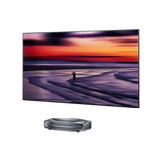
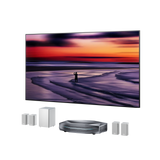
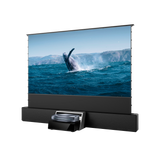
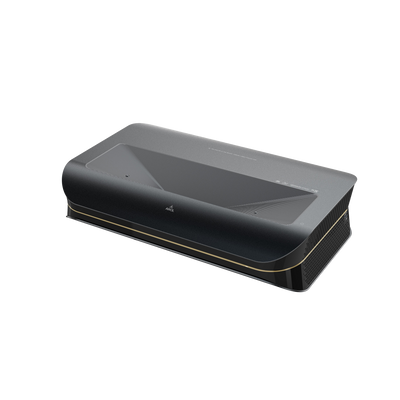
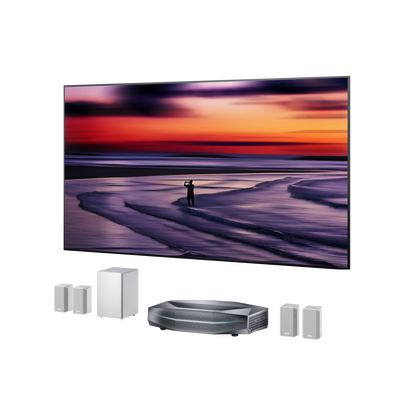
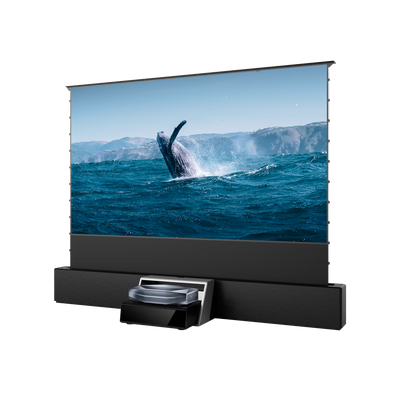
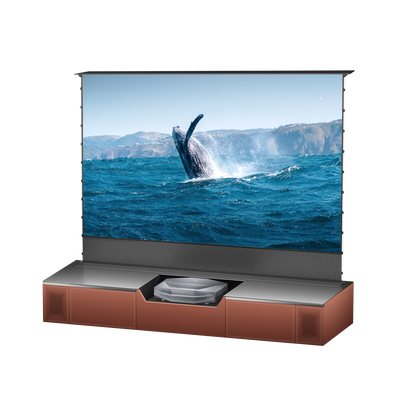
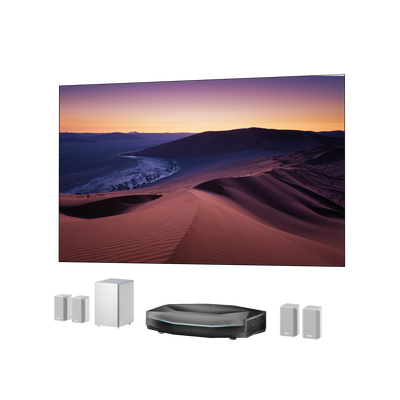
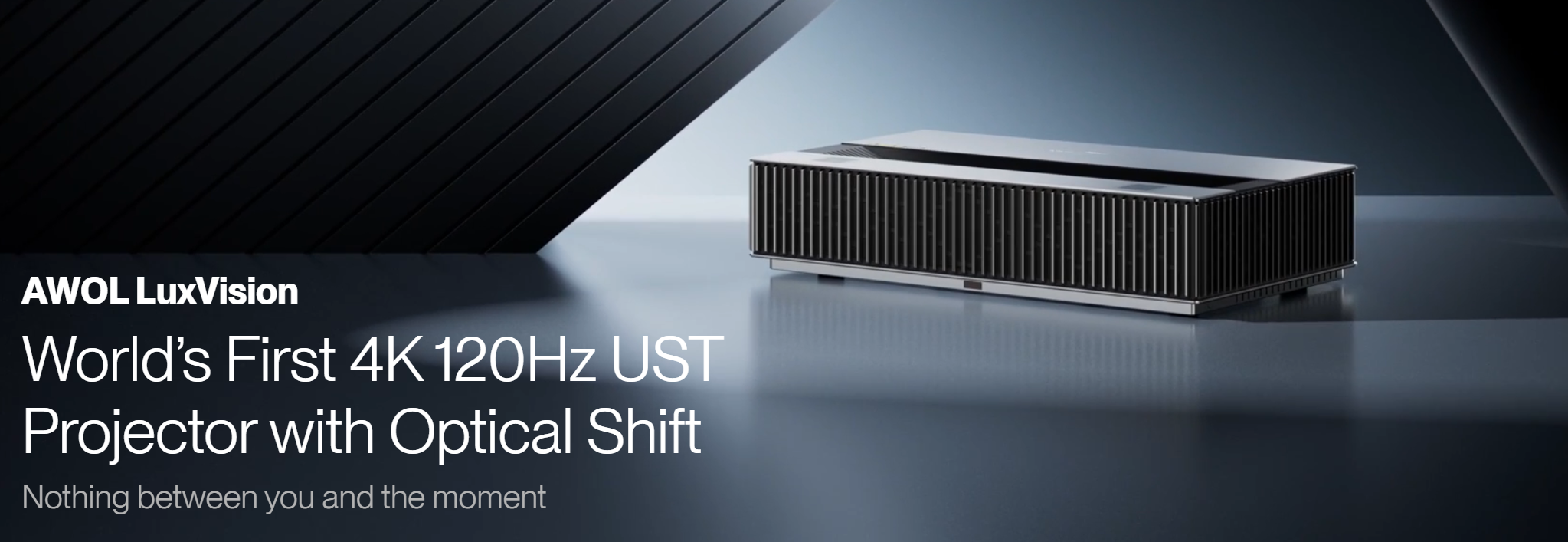
This guide covers what lens shift really does, how much room it gives you in practice, and how LuxVision, our new wave of UST projector with optical shift is finally changing the rules for ultra-short-throw installs.
What Projector Lens Shift Actually Does
Every projector has a "throw ratio" that determines how far it needs to sit from the screen for a given image size, and a "lens offset" — a fixed vertical (and sometimes horizontal) position built into the design. Lens shift is different: it's an adjustable range on top of that fixed offset, letting you slide the lens element itself instead of physically moving the whole unit.
That distinction is where a lot of confusion starts. Offset tells you where the image lands by default; shift tells you how far you can move it from there. Manufacturers don't measure either one consistently — some describe shift as a percentage of screen height or width, others in inches at a specific distance — so two projectors both listing "vertical lens shift" can offer very different real-world flexibility.
Lens Shift vs. Keystone Correction

This is the single most common point of confusion when people set up a home theater projector for the first time. Lens shift and keystone correction both fix the same visible problem — a misaligned or trapezoidal image — but through completely different means.
- Lens shift physically repositions the optical path. The image stays full-resolution and undistorted — you're not losing any pixels or brightness.
- Keystone correction is digital. It stretches and compresses the image electronically to force it into a rectangle, which means cropping resolution, softening detail, and often reducing brightness at the corrected edges.
The rule worth remembering: use lens shift first to get as close to square as possible, and treat keystone as a last-resort fine-tune, not your primary alignment tool. If you're mounting overhead, our guide on how to mount a projector to the ceiling walks through reading your model's vertical offset spec before you drill a single hole — worth reading first, since ceiling height mistakes are hard to undo.
How Much Room Does Lens Shift Actually Give You?
Abstract percentages don't mean much until you're standing in your living room deciding where the projector goes. A more concrete way to think about it: at a typical 10-plus foot throw distance, a projector with a generous shift range can move the image several feet off dead-center in either direction — enough to clear a ceiling beam, an off-center light fixture, or a couch that isn't centered on the wall.
Two caveats matter more than the raw numbers:
It's not circular. Lens shift ranges interact — pushing the lens to its maximum horizontal shift reduces how far you can also shift it vertically, and vice versa. If your mounting position needs both a horizontal and vertical correction, you'll have noticeably less headroom than the maximum shift number on the spec sheet implies. Always check whether the manufacturer publishes a combined-shift diagram, not just separate horizontal and vertical maximums.
Shift range varies wildly by model and price. Entry-level and compact projectors often have modest or zero shift; higher-end long-throw models can offer generous ranges in both directions. This is exactly why lens shift belongs on your checklist before you buy, not after you've already picked a spot on the wall.
Lens Shift Finally Comes to Ultra-Short-Throw: LuxVision's 142–152% Vertical Optical Shift

For years, the "no shift" limitation was treated as the price of admission for UST projectors. Because a UST sits inches from the wall, its optical path is fixed by design — so most UST buyers had to accept whatever vertical position the throw geometry dictated, or resort to shims, risers, and keystone correction to compensate. That's a real installation headache in finished living rooms with existing TV consoles, fireplaces, or wall art.
The Fixed-Offset Trap Most UST Buyers Don't See Coming
Here's the part spec sheets rarely spell out: in an ultra-short-throw design, the optical path is locked by the throw geometry, so every UST lands in a narrow vertical-offset band that floats the image to roughly one fixed height above the lens. You don't get to choose where the picture sits — the math does. Traditionally that left buyers with two bad options: accept the dictated height, or stack shims and risers and quietly lean on keystone correction to nudge the image into place. Neither preserves a true, undistorted 4K picture.
4K 120Hz Determines What You Watch. Lens Shift Determines How Easily It Fits Your Home.
For UST projectors, picture performance and installation flexibility solve two very different problems. 4K 120Hz determines what you can experience on screen; Lens Shift determines how easily you can make that experience fit into the room you already have. A projector can have impressive specifications, but if its image is locked to one vertical position, getting that picture aligned with an existing screen or console can become the hardest part of the installation.
This matters in two common UST scenarios.
First, consider an existing UST setup. If you already have a TV console and screen in place, switching to another UST with the same specified offset does not necessarily mean you can simply put the new projector in exactly the same spot. Manufacturing tolerances and variations in optical and mechanical parameters mean that even two units of the same model can require slightly different positioning to align the image with the bottom of the screen. When switching to a different UST model, the adjustment can be even more noticeable. Without optical shift, that can mean repeatedly moving the projector back and forth to find the right position — potentially forcing you to rethink the relationship between the projector, console, and screen.
With Lens Shift, the existing setup becomes much easier to preserve. Instead of rebuilding the installation around a fixed offset, you can fine-tune the image vertically after the projector is positioned. That means upgrading an existing UST setup doesn't have to mean moving the console, repositioning the screen, or starting the alignment process from scratch.
Second, consider a first-time UST owner. Once the screen is fixed in place, vertical optical shift allows the image to be positioned without relying on Digital Keystone. The projector can be physically positioned for the correct throw distance, while Lens Shift handles the vertical alignment — preserving image geometry and native 4K detail. For an inexperienced UST user, a projector without optical shift can turn installation into hours of trial and error, sometimes taking three to six hours just to achieve an acceptable picture. With vertical Lens Shift, the same process can be dramatically simpler, potentially taking only minutes to dial in a properly aligned image.
How LuxVision Adds Real Travel on Top of the Fixed Offset
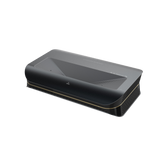
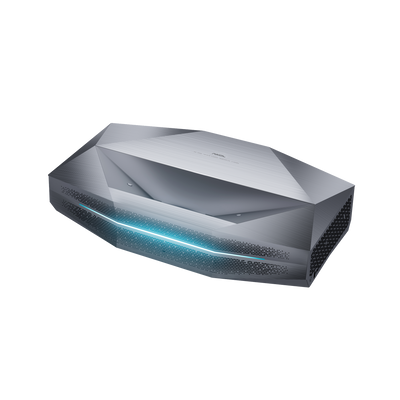
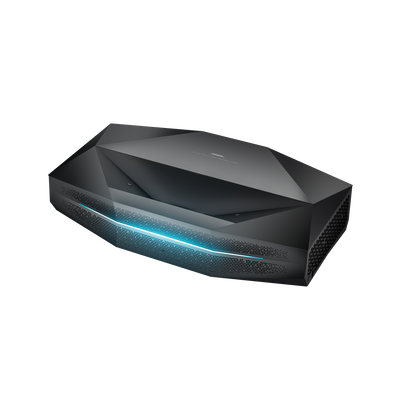
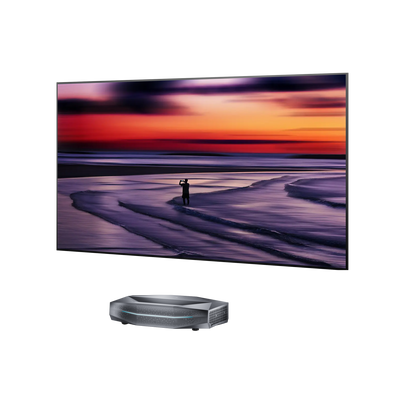
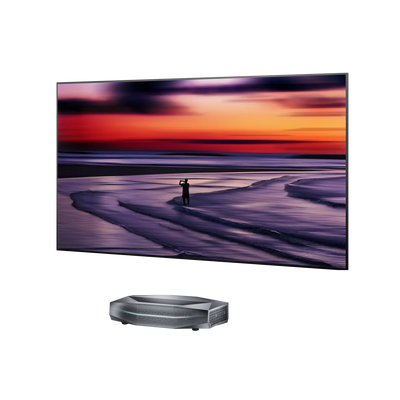
The AWOL LuxVision 4K 120Hz UST projector breaks that pattern with true optical shift on an ultra-short-throw chassis. Instead of digital scaling, LuxVision moves the image vertically within a 142–152% offset range — without cropping, scaling, or losing true 4K detail. The key difference from a conventional UST: rather than locking you into one fixed height, LuxVision adds real, adjustable travel on top of the base offset, so you decide where the picture belongs — all from a 0.18:1 throw distance that sits just inches from the wall.
What This Means in a Real Room
-
No more "the image is too high on the wall." A 142–152% vertical offset range lets you drop or raise the picture to fit a console, fireplace mantle, or existing decor — optically, with native clarity intact.
-
True optical adjustment, not digital compromise. LuxVision's optical shift repositions the image while preserving native 4K resolution, so you're not quietly sacrificing pixels the way keystone correction would.
- Easier for new installations, easier for upgrades. Whether you're setting up your first UST or replacing an existing one, Lens Shift reduces the need to repeatedly move the projector or redesign the installation around a fixed image position.
-
Built for the UST form factor. At a 0.18:1 throw ratio, LuxVision delivers a grand, cinematic image from an ultra-short distance — and now pairs that with shift range that used to be exclusive to long-throw units.
The Full LuxVision Advantage
LuxVision's optical shift is one of its standout advantages, but it is only part of the overall experience. Alongside 4K 120Hz, VRR, ALLM, and 1ms input lag for responsive gaming, LuxVision brings together RGB triple-laser technology, Anti-RBE II, and a 7-level Dynamic Iris with EBL black-level control to deliver richer color, greater viewing comfort, and stronger contrast.
That combination has also earned LuxVision early industry recognition. At CEDIA 2026, LuxVision received a Best of Show Award from ProjectorCentral. At IFA 2026, it was recognized by Digital Trends with a Publisher Award and by Yanko Design as Best of IFA 2026. Those awards give LuxVision additional third-party validation not just as a high-spec UST projector, but as a product bringing genuinely new installation flexibility to the category. Learn more on the official LuxVision page.
FAQs
Does lens shift reduce image quality?
No. Because it's a physical, optical adjustment rather than a digital one, lens shift preserves full resolution and brightness — unlike keystone correction, which crops and remaps pixels.
Can I use lens shift and keystone correction together?
Yes, and it's common. Use lens shift to get as close to a square image as possible, then apply a small amount of keystone only for the residual misalignment, minimizing quality loss.
Do ultra-short-throw projectors have lens shift?
Most traditional UST projectors offered little to no shift, which forced exact placement. That's changing: AWOL LuxVision UST projector features true vertical optical shift across a 142–152% offset range, delivering long-throw-style placement freedom from an ultra-short distance without cropping or scaling the image.
The Bottom Line
Lens shift is one of the most underrated specs on a projector data sheet — the difference between a picture-perfect install and a room that constantly fights you. Remember that horizontal and vertical shift eat into each other, and look for a model that publishes real combined-shift numbers rather than a single flattering percentage. On a UST, a true optical shift like LuxVision's 142–152% vertical range turns placement freedom from a luxury into a given — so you can finally put the projector where the room wants it, not where the throw geometry forces it.
Be the First to Know
Subscribe for special deals, news, and important product information, and get your exclusive $100 discount.
Related Articles
Projector Says No Signal? How to Find and Fix the Problem
Why Is My Projector Blurry? 8 Causes and the Fixes That Work
Projector Lens Replacement: Can You Replace or Repair the Lens?
What Does a 4K 120Hz Projector Mean and Why Does It Matter?
Projector Overheating: Why It Happens and How to Stop It