




















How to Watch NFL Games in 4K in 2026
The 2026 NFL season is spread across broadcast networks and streaming services, while 4K availability can vary by game, provider, market, and device. Even when a listing says UHD, the final picture still depends on the source feed, connection, HDMI path, display settings, and room lighting.
This guide explains how to watch NFL games in 4K when a compatible feed is available—and how to improve the picture when it is not. It covers the major remaining viewing windows, setup checks, picture settings, and common watch-party problems for both televisions and projection screens.
2026 NFL Games Worth Planning Around
The 2026 season includes an unusually broad international schedule. The NFL announced nine international games across seven countries and four continents. The opening game in Melbourne has already been played, but the remaining schedule still creates several early-morning and special viewing windows for U.S. fans.
| Date | Game | Location | Time ET | U.S. viewing |
|---|---|---|---|---|
| Sept. 27 | Ravens vs. Cowboys | Rio de Janeiro | 4:25 p.m. | CBS, Paramount+, NFL+ |
| Oct. 4–18 | Three consecutive London games | London | 9:30 a.m. | NFL Network, NFL+ |
| Oct. 25 | Steelers vs. Saints | Paris | 9:30 a.m. | NFL Network, NFL+ |
| Nov. 8 | Bengals vs. Falcons | Madrid | 9:30 a.m. | NFL Network, NFL+ |
| Nov. 15 | Patriots vs. Lions | Munich | 9:30 a.m. | FOX, FOX One, NFL+ |
| Nov. 22 | Vikings vs. 49ers | Mexico City | 8:20 p.m. | NBC, Peacock, NFL+ |
Thanksgiving week begins with Packers-Rams on Wednesday, Nov. 25, continues through the Thanksgiving tripleheader, and ends with the Black Friday game. Christmas Day brings two games on Netflix and the night game on FOX. Because flex scheduling can change dates, times, and networks, check the official schedule before inviting guests.
Where to Watch NFL Games in 2026
No single service carries every NFL game. Sunday afternoon games are primarily split between CBS and FOX. NBC and Peacock carry Sunday Night Football, ESPN and ABC carry Monday Night Football, and Prime Video carries Thursday Night Football. NFL Network and Netflix also carry selected international, holiday, and special games. Eligible out-of-market Sunday afternoon games are available through NFL Sunday Ticket.
Start with the official NFL schedule or your team’s schedule, then compare the listed network with your services. Local rules, subscription tiers, and device restrictions can affect access. A game available on mobile may not be available on a connected TV under the same terms, so confirm device support before kickoff.
Are NFL Games Available in 4K?

Some NFL games are available in 4K, but the entire schedule is not. FOX has said that select 2026 games will stream in 4K on FOX One. Do not assume that every FOX or national game includes a 4K feed. Availability can depend on the event, provider, subscription, market, and device.
Native 4K and upscaled 4K are not the same. Native production captures more original detail; an upscaled presentation converts a lower-resolution source to a 4K output. Upscaling can still look cleaner and may include HDR, but it cannot recreate missing detail. Bitrate, compression, motion, and display processing also affect the result.
A 120Hz-capable display may handle motion well, but it does not turn an NFL broadcast into native 120fps video. The source frame rate remains unchanged. For football, consistent motion processing and a stable feed matter more than selecting the highest number in a menu.
How to Check If Tonight’s NFL Game Is in 4K
Use this four-step check before the game starts:
- Identify the broadcaster. Confirm which network or streaming service carries the game in your market.
- Look for a separate 4K or UHD listing. Providers often label the higher-quality feed separately from the standard HD stream.
- Check the plan and device. Make sure your subscription tier and streaming player, cable box, or satellite receiver support that feed.
- Verify the output. Open the device or display information panel and confirm that it reports a 4K resolution and HDR when HDR is expected.
Think of the setup as a chain: service, playback device, HDMI cable, receiver or soundbar, and display. One incompatible link can lower the resolution or disable HDR. Enable 4K or match-content output where supported and check that every connected device can pass the format. Avoid phone mirroring, which can be interrupted by DRM rules or an unstable wireless connection.
Best Picture Settings for Football

Begin with a neutral preset such as Standard, Sports, or a calibrated bright-room mode. Keep white uniforms neutral, skin tones believable, and the field green without becoming fluorescent. Maximum sharpness can add halos around players and yard lines, while aggressive noise reduction or dynamic contrast may erase detail.
Test motion settings during a live drive. Low or moderate smoothing may make camera pans easier to follow, but a strong setting can create artifacts around players or an unnatural look. If the ball or players show halos, reduce the processing. If pans appear choppy, increase it one step and compare again.
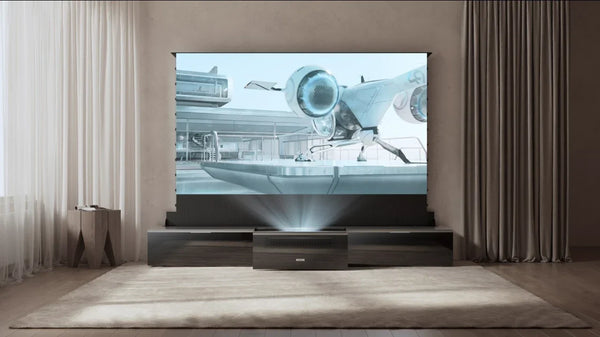
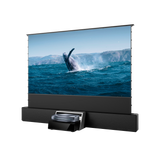
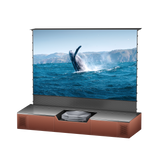
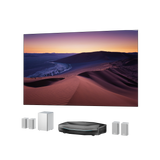
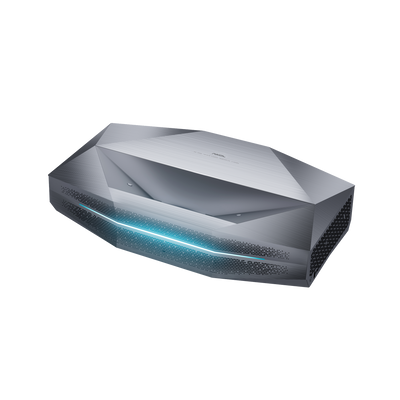
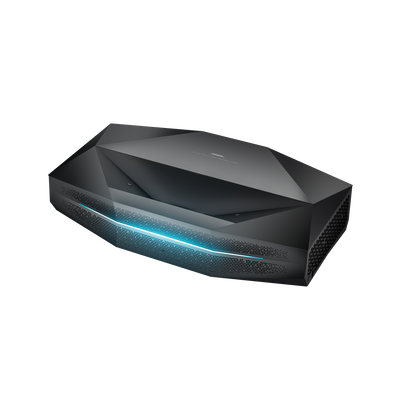
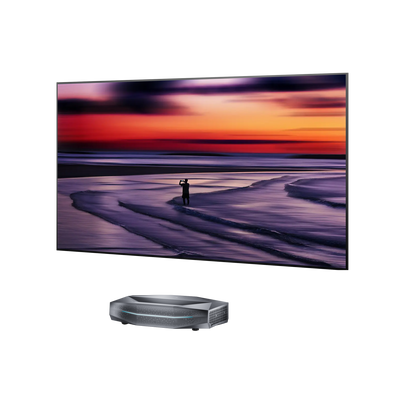
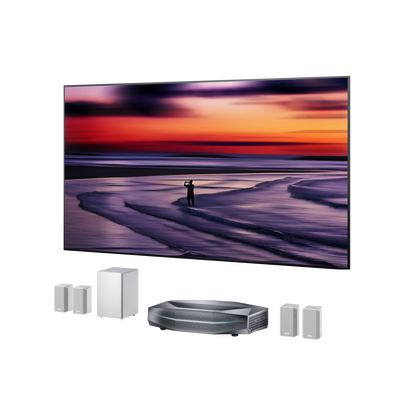
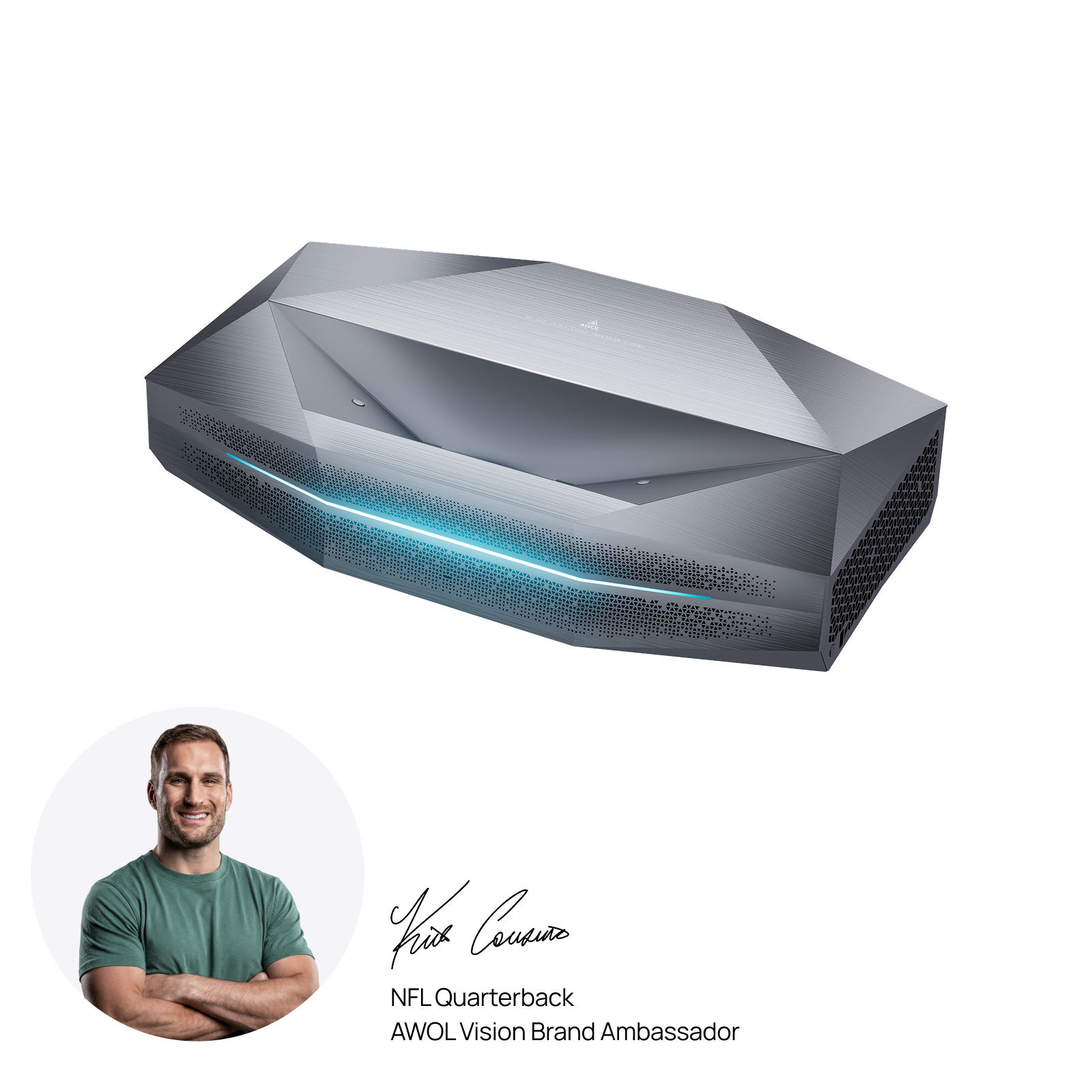
For HDR games, confirm that both the app and display indicate an HDR signal. If the image looks dim or washed out, check the source output and HDMI path before changing picture controls. HDR settings are often stored separately, so the sports preset may need to be adjusted again when HDR activates. For a more immersive game-day setup, AWOL Aetherion Max brings 4K detail to a large screen with 3,300 ISO lumens and a 0.2:1 ultra-short-throw design, allowing the projector to sit close to the wall.
Prepare the Room for Day and Night Games
Ambient light reduces perceived contrast, especially during afternoon games. Close curtains, redirect lamps away from the screen, and reduce reflections. At night, a small amount of indirect light can be more comfortable than a bright screen in a completely dark room.
Screen size should help the group follow the action, not expose every compression artifact. Sit close enough to read player numbers, the score bug, and replay graphics, but far enough away that a soft or heavily compressed feed is not distracting.
Whether the room uses a TV or projector, give every seat a clear view and check that captions, score graphics, and the full picture remain inside the visible image.
Improve Streaming Reliability and Sound
Use Ethernet when practical. With Wi-Fi, keep the streaming device in a strong signal area and pause large downloads. Test the exact app and account you plan to use; a speed-test result does not guarantee that a specific live stream will be stable. If quality drops, restart the app before changing display settings.
Streaming delay is mainly created by the provider, app, network, and playback buffer. A display’s gaming input-lag specification does not make a live broadcast reach the home sooner. Avoid using a nearby phone score alert if spoilers are a concern, since notifications can arrive before the streamed play.
A soundbar or AV receiver can make commentary clearer than built-in speakers. Raise the dialogue or center channel slightly if the crowd overwhelms the announcers, and check lip sync during the pregame show. If you use eARC, confirm the audio format in advance. Reliability matters more than the most complex mode.
Ten-Minute Pre-Kickoff Checklist
- Confirm the game, local start time, broadcaster, and regional availability.
- Sign in to the correct subscription and open the game listing.
- Select the separate 4K or UHD feed if one is offered.
- Verify 4K and HDR output across the device and HDMI path.
- Check the picture preset, motion setting, audio, captions, and lip sync.
- Confirm the network connection and stop large background downloads.
NFL in 4K Frequently Asked Questions
Are all NFL games in 4K?
No. Some games may have a 4K or UHD option, but availability varies. Check the broadcaster and look for a separate 4K listing in your provider’s guide or app.
Do I need a 120Hz screen for football?
No. Good motion handling can improve fast plays and camera pans, but a 120Hz display does not make the broadcast 120fps. Source quality and motion processing still determine what you see.
Why does a 4K football game still look soft?
The feed may be upscaled rather than native 4K, compressed by the provider, limited by bandwidth, or passing through a device that outputs a lower resolution. Excessive noise reduction or poor sharpness settings can also reduce visible detail.
Does low input lag reduce streaming delay?
No. Low input lag affects how quickly a display responds to a connected device, which matters most for gaming. Live sports delay is created earlier in the delivery chain by the broadcaster, streaming platform, network, and playback buffer.
Final Thoughts
The best NFL viewing experience starts with the correct broadcast, not the display specification. Confirm the game and highest available feed, then optimize the connection, picture, room, and audio. A short test before kickoff can prevent most problems and lets everyone focus on the game instead of the settings menu.
Be the First to Know
Subscribe for special deals, news, and important product information, and get your exclusive $100 discount.
Related Articles
Playing PS4 on a Projector: Setup, Settings, and Better Gaming

7 Basement Home Theater Ideas with a Style of Their Own
Projector Screen Paint: Is It Worth Painting Your Wall?
A Projector in an Apartment: Make Room for the Screen, Not a Theater
Small Man Cave Ideas: 10 Activity-Based Setups for Limited Space