












What to Look for in a Projector: A Practical Buying Guide
Two projectors may both offer 4K resolution, high brightness, and vivid colors, yet deliver very different viewing experiences. The difference often comes down to how those specifications perform in your room—and which features matter most for the way you watch.
This projector buying guide can make it easier to compare meaningful specifications, identify your priorities, and narrow down the options before buying.
Key Takeaways
- Your viewing habits set the priorities. A bright living room needs different strengths than a dark home theater.
- Picture quality goes beyond 4K. Brightness, contrast, HDR, and color performance all contribute.
- Room fit can narrow your choices quickly. Screen size and throw distance must work together.
- Specifications need context. A headline rating may not describe performance in the mode you'll actually use.
Which Projector Features Matter Most for Your Needs?
Watching movies in a dark home theater places different demands on a projector than following an afternoon game in a bright living room. Before comparing specifications, consider what you watch most often, your room's lighting, and where the projector can be installed.
|
Viewing scenario |
What to prioritize |
|
Dark home theater |
Contrast, black levels, HDR, color accuracy |
|
Bright living room |
Measured brightness, light control, screen compatibility |
|
Small room |
Throw ratio, screen size, placement distance |
|
Gaming |
Input lag, refresh rate, supported HDMI signals |
|
Everyday entertainment |
Streaming apps, audio, ease of use |
These categories can overlap. A small gaming room, for example, needs both a workable throw distance and responsive controls. Once you know the priorities for your setup, the specification sheet becomes easier to interpret. For occasional outdoor viewing, portability, power access, and ambient light also matter.
What Projector Specs Should You Actually Check?
Brightness — Check the Lumens Standard

A larger picture spreads the projector's light over more area, while daylight can wash out the image. That's why brightness requirements depend on both screen size and lighting. ANSI lumens, ISO lumens, and figures without a stated measurement method shouldn't be compared as though they're identical. For the distinction, see ISO lumens vs. ANSI lumens.
|
Viewing environment |
Approximate starting point |
|
Dark home theater |
1,500–1,800 lumens for roughly a 100-inch screen |
|
Living room with some ambient light |
2,500–3,500 lumens as an initial screening range |
|
Bright daytime viewing |
Assess light control, usable brightness, and screen choice together; avoid direct sunlight |
These are general starting points, not fixed requirements. Actual brightness varies with picture mode, screen gain, and room lighting. For a fair comparison, check measured brightness in a mode you'd actually use.
Resolution — Understand What 4K Means

Full HD delivers 1920 × 1080 pixels; 4K UHD delivers 3840 × 2160, four times the pixel count. Extra detail is generally easier to appreciate on a large screen viewed from relatively close up. On a smaller image, contrast and color may make a more noticeable difference.
The word 4K also deserves a closer look. Native 4K, pixel-shifting 4K UHD, and 4K input compatibility aren't interchangeable claims. Pixel shifting can create a detailed UHD image; accepting a 4K signal alone doesn't mean the projector displays it at that resolution. Our guide to native 4K and pixel-shifted 4K explains the technologies in more detail.
Contrast, HDR, and Color Performance

In a dark home theater, black levels and shadow detail can have a noticeable impact on movie quality, alongside resolution. Native contrast is worth examining, while extremely high dynamic contrast figures should be interpreted carefully, as measurement methods vary.
Similarly, support for HDR10 or Dolby Vision doesn't guarantee impressive HDR images. Brightness, contrast, and tone mapping determine how highlights and shadows actually appear. For color, DCI-P3 and Rec.2020 describe color spaces; wide-gamut coverage isn't the same as accurate color.
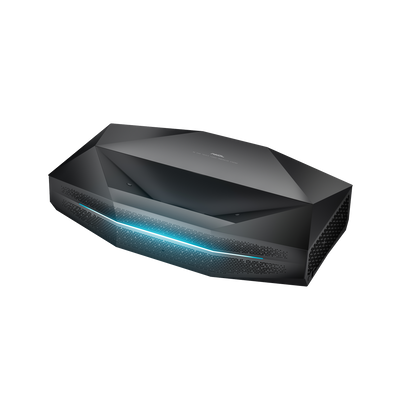
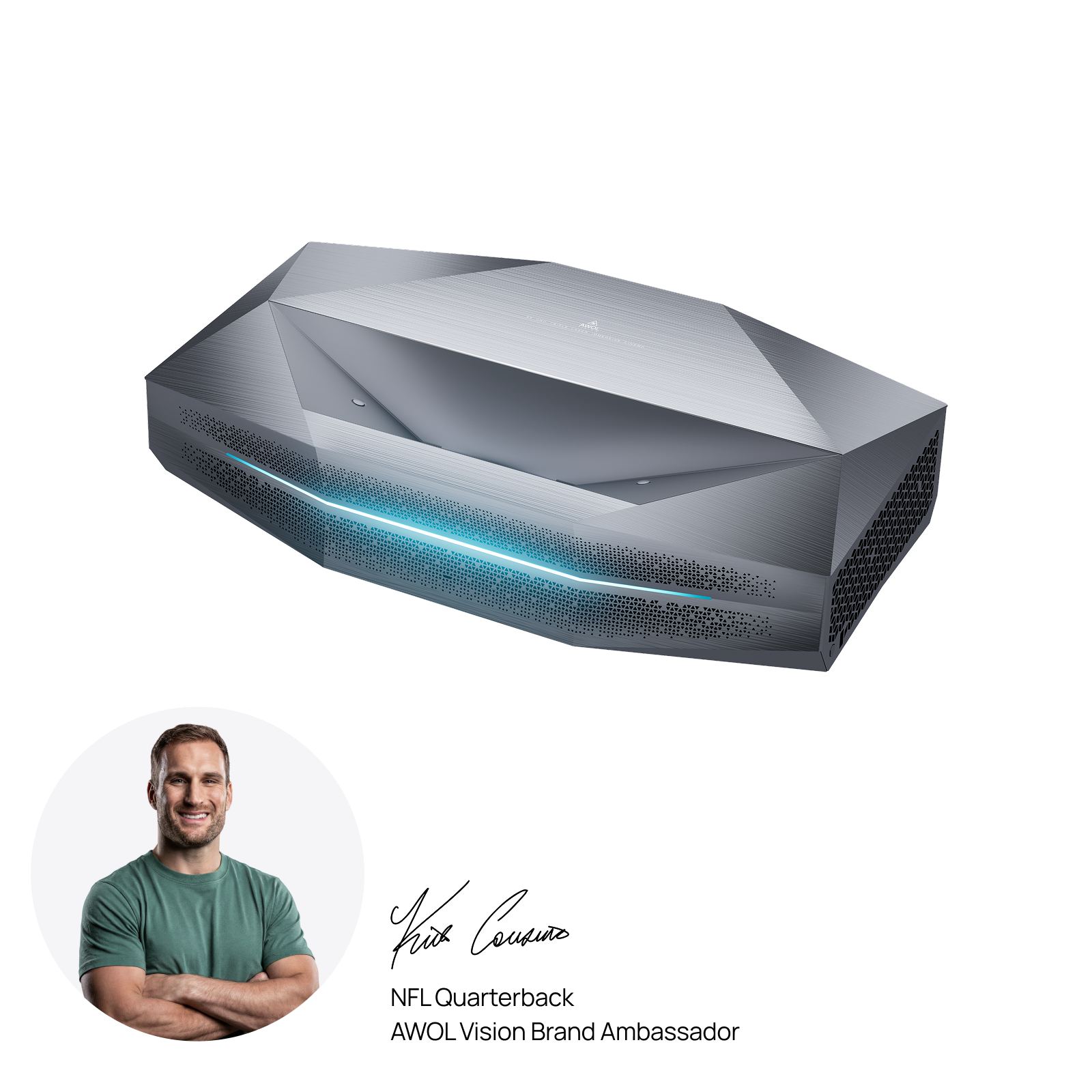
RGB triple-laser projectors, such as the Aetherion Max, can offer particularly wide color gamuts. Still, gamut coverage is only one part of picture quality; color accuracy and contrast also deserve attention. For more detail, see our guide to Rec.2020 color gamut.
Light Source and Projector Technology
Two technologies work together inside a projector: the imaging system forms the picture, and the light source illuminates it. They're separate choices, not competing categories.
Imaging technologies:
- DLP: Uses microscopic mirrors to form images. Performance varies by design, and some viewers may notice rainbow artifacts on certain single-chip models.
- LCD: Uses liquid-crystal panels; many designs deliver strong color brightness.
- LCoS: Uses reflective liquid crystals and is often valued for smooth images and contrast.
Light sources:
- Lamp: Often rated around 2,000–10,000 hours, depending on the model and operating mode; replacement may be necessary.
- LED: Many models quote approximately 20,000–30,000 hours of rated light-source life.
- Laser: Many also quote 20,000–30,000 hours. RGB triple-laser systems use separate red, green, and blue laser sources to produce a wide range of colors.
Those hours describe rated light-source life, not guaranteed full brightness or the lifespan of every component.
Check Whether the Projector Fits Your Space
Throw Ratio and Screen Size

Here's the basic relationship: throw distance = image width × throw ratio. A screen's advertised size is its diagonal measurement, but the equation uses its width. For 16:9 screens, a projector with a 1.2:1 throw ratio needs approximately:
|
Screen diagonal |
Image width |
Lens-to-screen distance |
|
100 inches |
7.26 ft |
8.72 ft |
|
120 inches |
8.72 ft |
10.46 ft |
|
150 inches |
10.89 ft |
13.07 ft |
Suppose you want a 120-inch picture but have only 7 feet between lens and screen. Dividing 7 by the image width of about 8.7 feet means the projector would need a throw ratio of approximately 0.8:1 or less at that position. A fixed 1.2:1 projector would need more room to produce the same image size. Zoom range, cabinet depth, and mounting clearances still need checking against the manufacturer's installation diagram. UST setups may use different cabinet-to-screen measurements, so follow the model-specific diagram.
Projector Placement and Installation
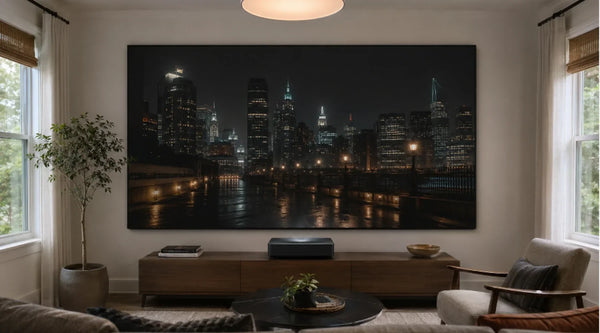
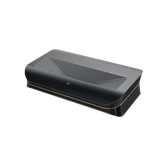
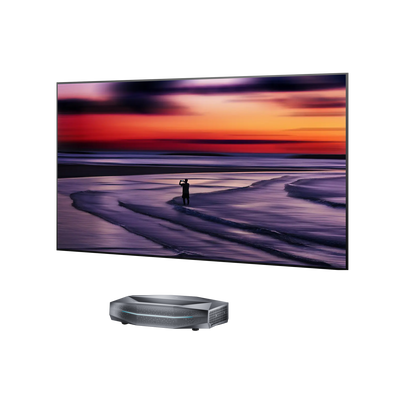
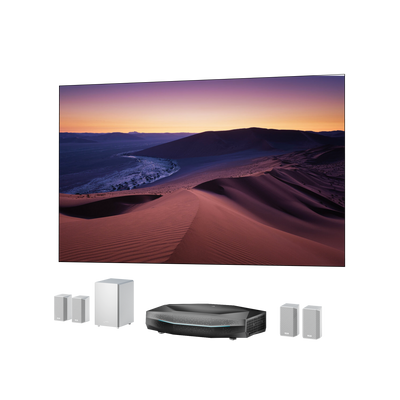
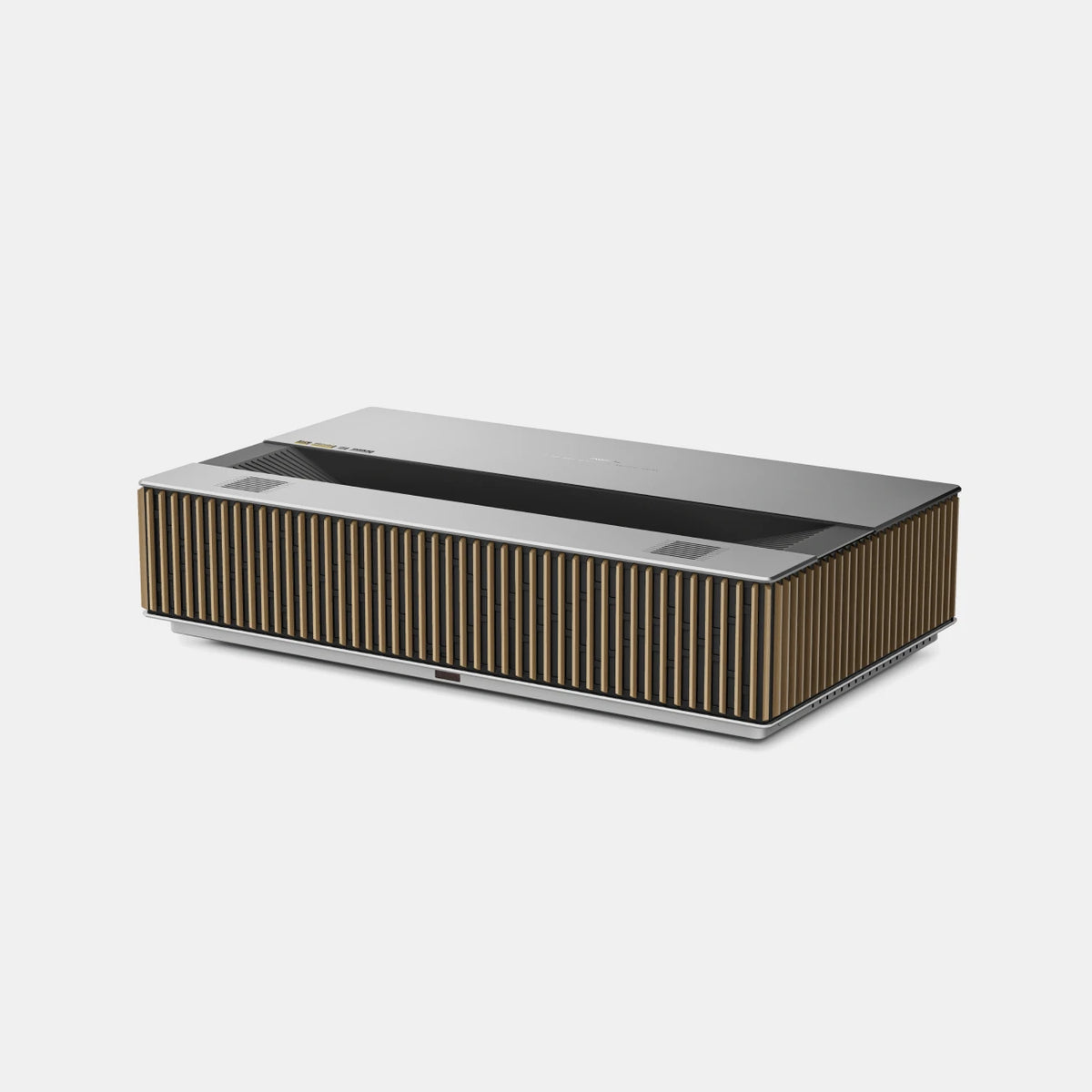
A standard-throw projector usually sits farther back, on a shelf or ceiling mount. Short-throw models make larger images at closer distances; ultra-short-throw (UST) models typically sit on furniture near the screen. A dedicated theater with ceiling access might suit standard throw, while a room with no usable rear placement could benefit from short throw or UST. Neither option is inherently better for every home.
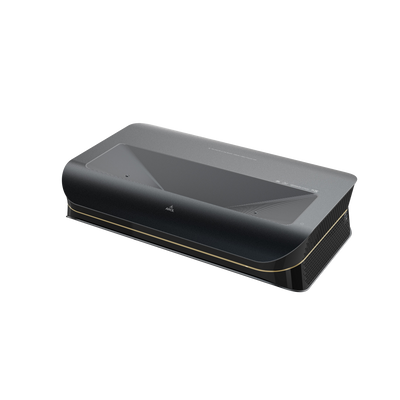
Optical lens shift and keystone correction serve different purposes: lens shift repositions the projected image optically, while keystone correction digitally adjusts its shape, potentially reducing usable image detail. This matters when the projector cannot sit perfectly aligned with the screen. AWOL LuxVision offers optical lens shift, though you'll still need to confirm its adjustment range against your setup.
Before settling on a model, account for screen height, ventilation, outlets, and cable routes—not merely the distance to the wall.
What Else Should You Check Before Buying?
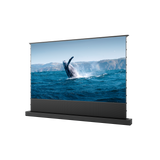
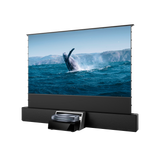
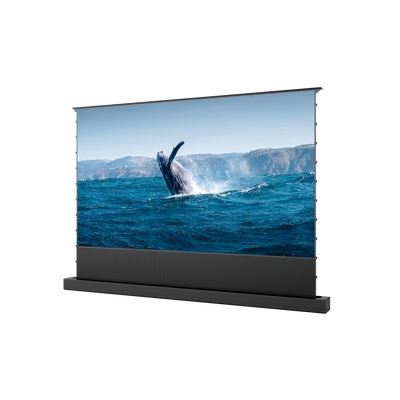
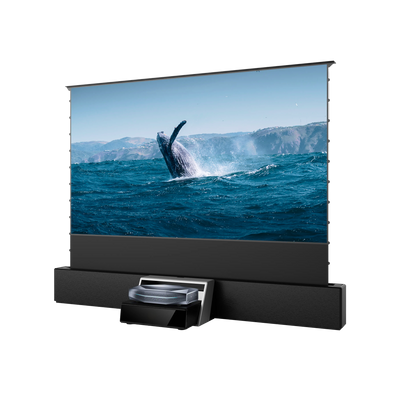
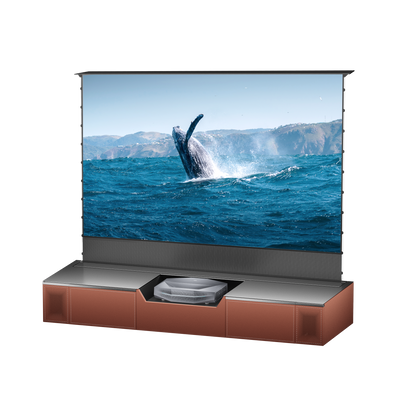
Screen compatibility. Do you need a projector screen? Not always. A smooth white wall can work for casual dark-room viewing. A dedicated screen provides a more consistent surface, while gain and viewing angle affect the image. In a bright room, an appropriate ambient-light-rejecting screen may help, but its optical design must match the projector's throw type. For a UST setup, Gen 2 Daylight ALR screen is one compatible example.
Gaming performance. For responsive gaming, input lag below 16 ms is a useful target, while roughly 16–33 ms can still work well for many casual players. These are practical guidelines rather than fixed performance categories. Check measured latency at the resolution, refresh rate, and picture mode you plan to use. A projector advertised as 120Hz may not support 4K at 120Hz.
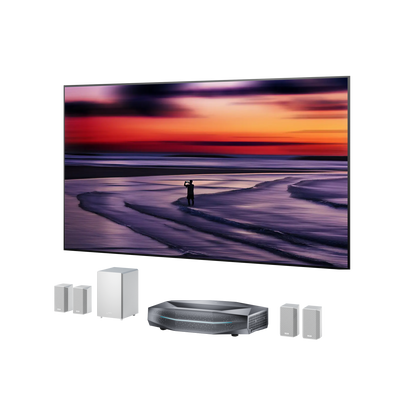
Connectivity and streaming. Make sure the projector supports your streaming devices, game consoles, and audio system. If you plan to use built-in apps, check whether services like Netflix and YouTube are supported or require an external streaming device.
Everyday comfort. Fan noise, speakers, menu responsiveness, and setup convenience affect daily viewing. Quiet modes may alter brightness, so published noise figures are best read alongside their operating conditions. Maintenance requirements and warranty coverage are also worth reviewing.
Final Projector Buying Checklist
A shortlist is most useful when it eliminates unsuitable models before comparing their strongest features.
|
Check |
Confirm before purchasing |
|
Viewing needs |
Main use, room lighting, picture priorities |
|
Brightness |
Measurement method and usable output for your screen |
|
Picture quality |
Displayed resolution, contrast, HDR, and color accuracy |
|
Room fit |
Screen size, throw ratio, clearances, image adjustment |
|
Compatibility |
Screen type, streaming apps, gaming signals, audio |
|
Spec claims |
Tested modes, installation documentation, missing specifications |
Once you've confirmed that a projector fits your room and supports your essential devices, compare the remaining options based on your picture-quality priorities. Where specifications are unclear, consult the manufacturer's documentation or independent tests before deciding.
Frequently Asked Questions
Is 10,000 Lumens Good for a Projector?
For most home theaters, 10,000 measured lumens is far more than necessary. Around 1,500–1,800 lumens can be a useful starting point for a 100-inch screen in a dark room, while brighter spaces may need more. If a budget projector advertises 10,000 lumens without specifying ANSI or ISO measurements, treat the claim cautiously.
How Can You Tell If a Projector Is Good Quality?
A good projector should deliver a sharp, evenly focused image, natural colors, and clear details in dark scenes. Picture quality also needs to hold up under your room's lighting conditions. Independent reviews that measure brightness, contrast, and color accuracy can help you distinguish genuine performance from impressive-looking specifications.
Which Is Better, a 1080p or 4K Projector?
For a large home theater screen, 4K is generally worth considering, especially if you sit relatively close and watch 4K content. A 1080p projector can still be a practical choice for smaller screens, longer viewing distances, or tighter budgets. If you're planning a 100-inch or larger setup, compare 4K options, but don't sacrifice contrast and brightness just to gain resolution.
Be the First to Know
Subscribe for special deals, news, and important product information, and get your exclusive $100 discount.
Related Articles
Projector with AirPlay: Setup, Compatibility & Buying Guide

How Much Does a Projector Cost? A Guide to Setting Your Budget

Best Projector Black Friday Deals 2026: Your Guide to Choosing & Saving Big on UST/Laser
What Is the Best Projector to Buy? Find the Right Fit for Your Home
Upgrade Your UST Setup: Is AWOL LuxVision Right for Your Room?