















A Projector in an Apartment: Make Room for the Screen, Not a Theater
At 7 p.m., your apartment is a living room. At 8 p.m., you want it to be a movie theater. By morning, you want the living room back. That changeover is the real design challenge behind a projector in an apartment. The picture has to fit the wall, but the setup also has to fit the way you live.
Apartment dwellers discussing projector setups often come back to the same practical questions: What if the only clear wall is small? Will sunlight wash out the picture? Can a renter avoid drilling? Where does a large screen go when the movie ends? Start with those questions and the right placement becomes much easier to see.
Which Apartment Layout Are You Working With?
Narrow Living Room
The couch faces a wall, but a doorway or shelving unit leaves less picture space than the floor plan suggests. Here, the width of the usable wall decides the image size. A 16:9 picture measures about 70 inches wide at an 80-inch diagonal, 87 inches at 100 inches, and 105 inches at 120 inches. Tape off those widths on the actual wall. Check that the picture clears the console and feels comfortable from the couch. A well-placed 80- or 100-inch image can be more enjoyable than squeezing in 120 inches.
Bright, Open-plan Apartment
You have a good wall and room for friends, but the windows are part of what makes the place pleasant. Check where sunlight lands at the time you actually watch. Afternoon sports and late-night movies are different lighting problems. Shades can keep direct sun off the image; a UST-compatible ambient-light-rejecting screen can help with remaining room light. You do not have to make every afternoon look like midnight, but direct sunlight on the picture will still reduce contrast.
Studio or Multipurpose Room
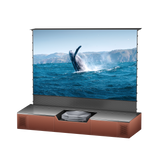
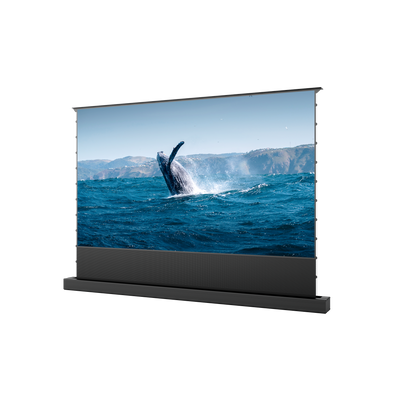
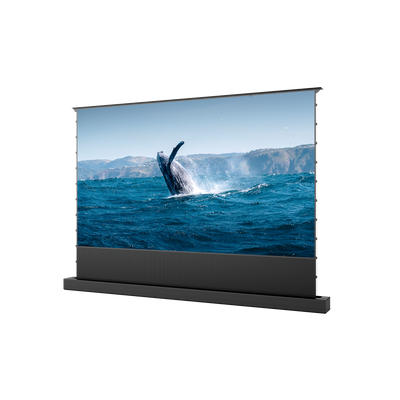
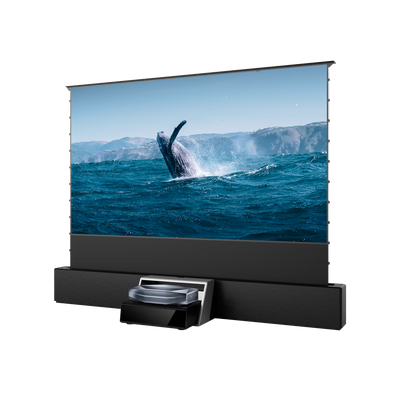
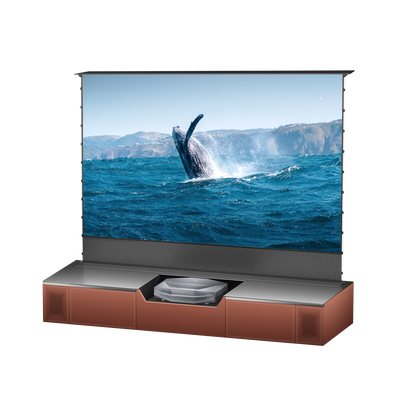
One wall may serve as a backdrop for work calls, dinner, and movies. A permanent screen might be too visually dominant. Try the wall itself if it is smooth and light-colored, or consider a floor-rising screen that stores near the media console. Think about where the screen case will sit and whether it blocks drawers, outlets, or a walking route. In a rental building, check that a large screen package will even fit through the elevator and doorway.
These are not three separate shopping lists. They are three ways to identify what your room can give you: usable picture area, light control, and a place for the image to disappear.

The Space in Front of the Wall Matters Too
A blank wall does not automatically make a projector setup viable. A conventional projector needs a position farther back, such as a shelf or table, and a clear path for its beam. In a compact room, the coffee table may shift every evening, someone may cross the image, or the lease may rule out a ceiling mount.
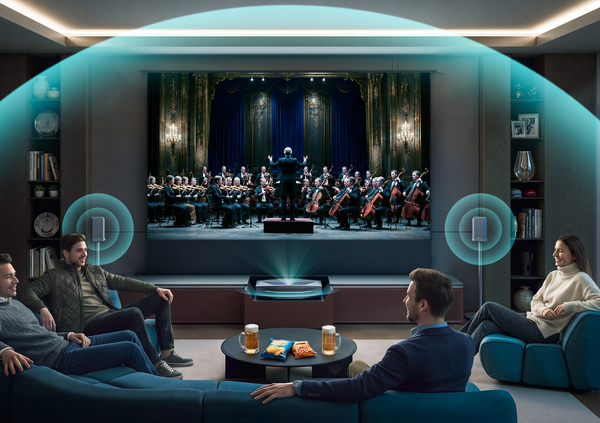
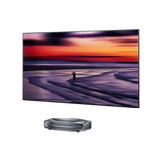
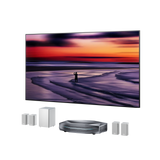
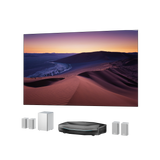
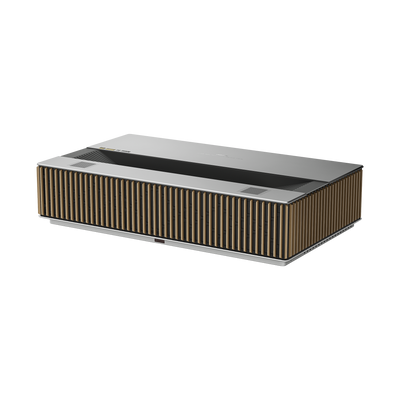
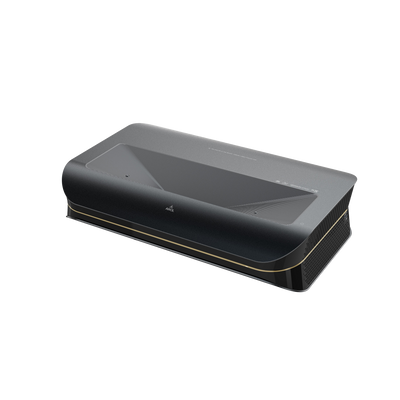
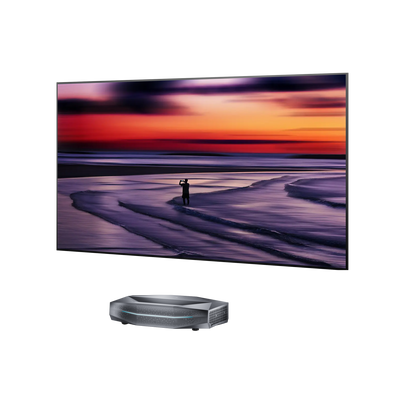
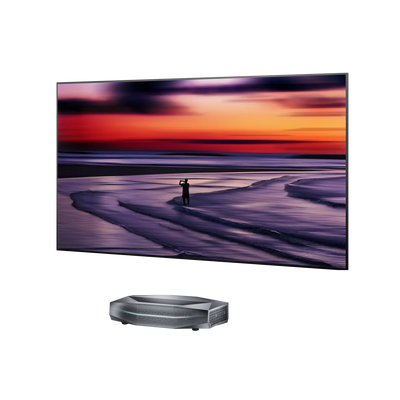
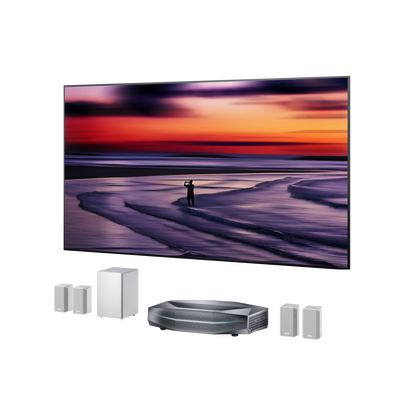
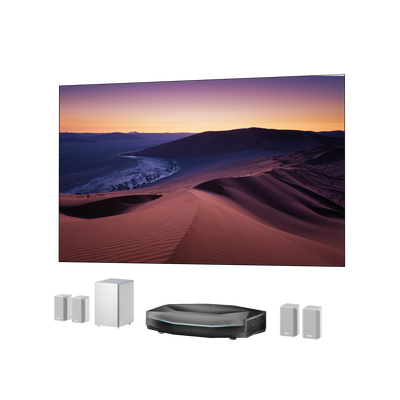
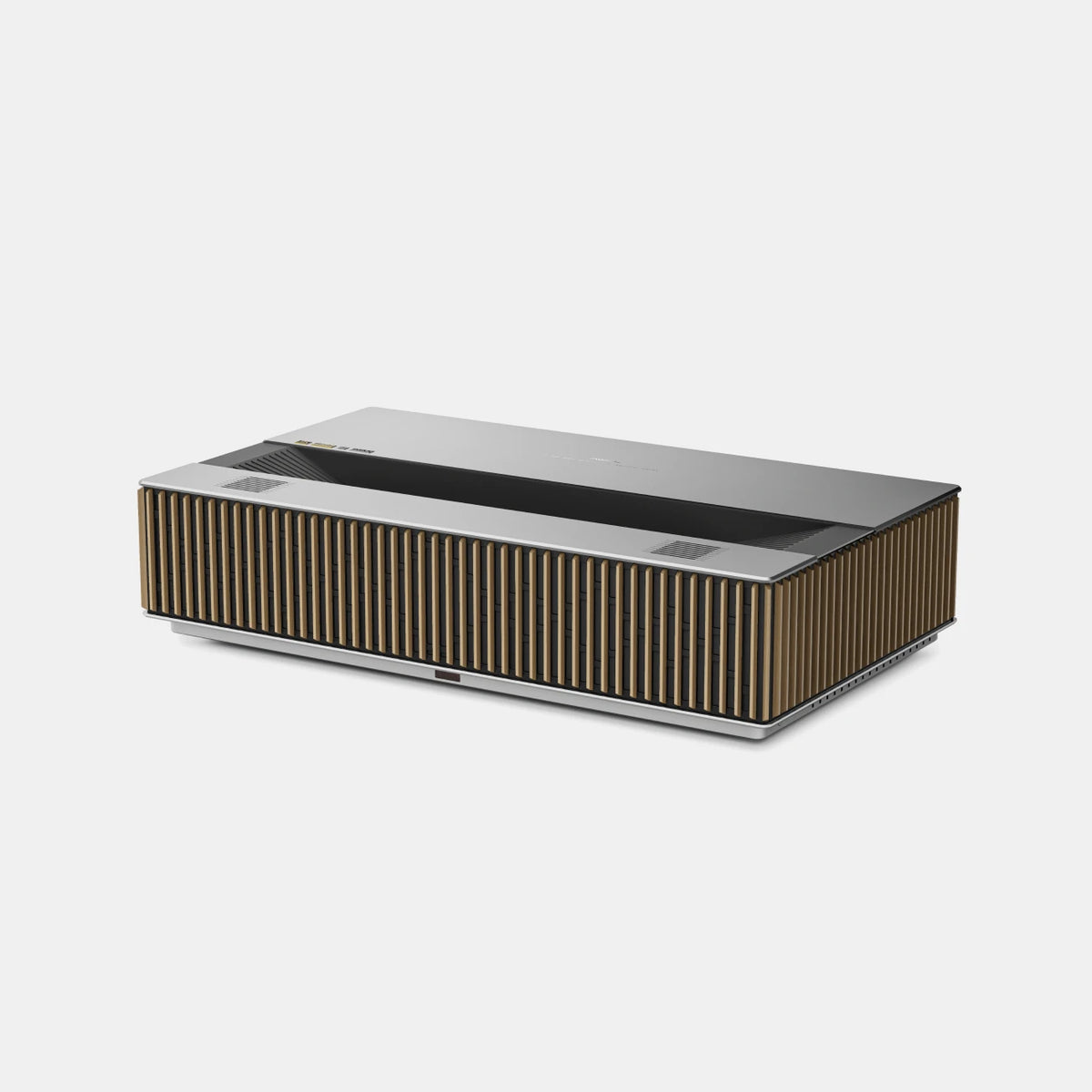
An ultra-short-throw (UST) projector moves the equipment to the front of the room. It sits on a low, stable media console, close to the image. That keeps the space between the couch and wall open and puts the power, streaming device, and game console near one another. But the console must accommodate the projector body and its required distance from the wall. An advertised wall gap is not the total depth of the setup.
Sketch the side view as well as the front view: wall, image height, projector, furniture, and the route people walk through the room. A UST projector should be level and square to the image surface. Before planning to correct a crooked image digitally, see whether moving the console a little solves it physically.
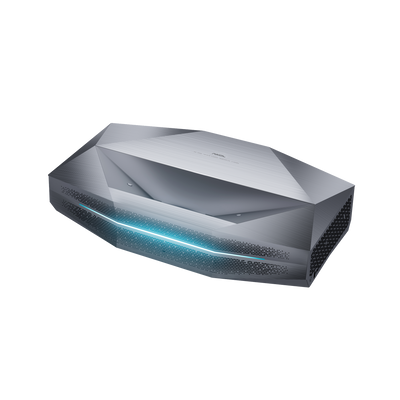
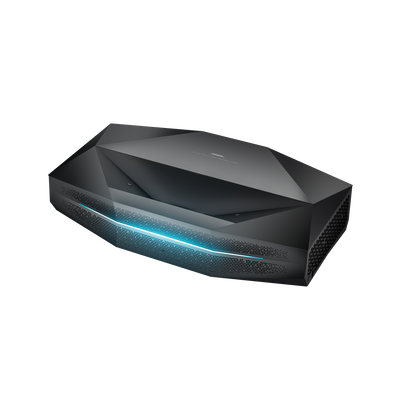
This is where AWOL LuxVision can fit a living room that already has a low console. Its 0.18:1 throw ratio produces a 120-inch image from a specified 7.5-inch distance, and its supported image range is 80 to 200 inches. Choose the size your wall and seating position support. LuxVision’s vertical optical lens shift offers more flexibility when matching the image to furniture or a screen without digitally resizing the picture. Use the placement calculator on the product page to check your own measurements before settling on a layout.
What Does the Room Look Like When the Projector Is Off?
This is a question a typical projector buying guide tends to skip. A 100-inch picture may be wonderful on movie night, but its surface is part of your decor for the other six days of the week.
A painted wall keeps the space simplest. For casual evening viewing, a smooth, matte, light-colored surface may be a sensible first test. If your apartment has textured plaster, uneven paint, or a strong wall color, project a sample image before deciding that the wall will be your permanent screen. An uneven surface is especially apparent when UST light skims across it.
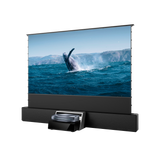
A dedicated screen gives you a more consistent image surface. A floor-rising model lets the wall return to its usual role afterward; a fixed screen makes sense when you want the picture area available every day. For daytime viewing, choose a screen intended for UST projection if ambient-light rejection is a priority. Screen materials made for a projector across the room are not necessarily suited to light arriving steeply from below.
There is no requirement to choose a screen before you have seen the projector in your space. Start with the room you have, then decide whether its wall, lighting, and daily use justify one.
A Week in the Apartment: Movies, Sports, and Games

On a Friday movie night, you can dim the room and enjoy the deeper contrast that controlled light brings. On a Sunday afternoon, the curtains may be partly open and friends may want to see the game without sitting in darkness. LuxVision’s RGB triple-laser light source and 6,000 ISO lumens provide brightness for that kind of shared living space, while keeping direct sun off the image still matters.
If the same room is also your gaming space, the signal chain becomes part of the plan. LuxVision supports 4K at 120Hz, HDMI 2.1, variable refresh rate (VRR), auto low latency mode (ALLM), and a stated 1 ms input lag at 4K/120Hz. A compatible console or PC, game, cable, and settings are needed to use those capabilities. The point is practical: the living room can handle responsive big-screen gaming without carving out a separate game room.
Sound deserves the same apartment-specific thought as the picture. A dramatic bass track can travel through a shared wall even when your own volume seems reasonable. Keep a subwoofer away from that wall, moderate the volume late at night, or switch to headphones. Arrange cables along the console and baseboard so the route to the kitchen does not become an obstacle course.
Try the Layout Before You Commit
Spend one evening doing a rehearsal. Tape the proposed image on the wall. Sit in your normal spot, then stand where someone would walk to the door. Open the curtains and check the wall in daylight. Measure the console from its front edge to the wall, leaving room for the projector body and ventilation. If you rent, review the lease before planning any fixed screen or cable attachment.
You will learn more from this rehearsal than from the apartment’s square footage. A small studio with a clear wall and stable console can make an excellent viewing space; a larger apartment with windows and doorways across every wall may need a more deliberate plan. Once the room works on paper and in person, explore LuxVision’s details to see whether its image range fits the setup you want.
Apartment Projector Questions
Can I use a projector in an apartment without drilling?
Yes. A stable console and suitable wall can be enough to begin. A freestanding or floor-rising screen is another option if you want a separate surface without a wall-mounted frame.
Is an 80-inch image too small for a UST projector?
It depends on the model and your seating distance. LuxVision supports images starting at 80 inches. Measure the wall and sit at your actual viewing position before choosing a size.
Will a bright projector work in a sunny apartment?
Brightness helps when some ambient light remains, but direct sunlight on the image reduces contrast. Check the wall at your usual viewing time and plan shades or a compatible UST screen if daytime viewing is important.
Be the First to Know
Subscribe for special deals, news, and important product information, and get your exclusive $100 discount.
Related Articles
Playing PS4 on a Projector: Setup, Settings, and Better Gaming
7 Basement Home Theater Ideas with a Style of Their Own
Projector Screen Paint: Is It Worth Painting Your Wall?
Small Man Cave Ideas: 10 Activity-Based Setups for Limited Space
Frame TV Alternative: A Smarter Vision for the Living Room