


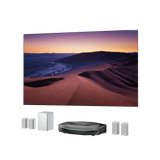



AWOL LuxVision Review: Real User Feedback and Testing
Early AWOL LuxVision users and reviewers have been putting the projector through its paces, from working around existing home theater furniture to watching with the blinds open and gaming at 4K 120Hz. Their experiences on Reddit, AVS Forum, and YouTube offer a closer look at what the projector is like to use beyond its specifications.
This AWOL LuxVision review brings together those firsthand impressions and hands-on tests. We'll look at how features like optical shift, MultiView, and 4K 120Hz perform in actual setups, along with the details that matter when bringing a new projector into your home.
Key Takeaways
- Optical Shift: A Reddit owner used vertical lens shift to resolve a screen alignment problem after LuxVision wouldn't fit inside an existing TV cabinet.
- Daytime Brightness: An AVS Forum beta tester reported better color retention than the Aetherion Max when using the same Fresnel screen in a fully lit room.
- Black Levels: Early reviewers had different impressions of dark-scene performance. Some tested older firmware versions, while the current official firmware supports both EBL and Dynamic Iris.
- MultiView: The optional built-in module supports up to four compatible sources, with customizable layouts and audio selection through the OSD menu.
- 4K 120Hz Gaming: Reviewers familiar with large-screen gaming appreciated the smoother motion compared with their previous 60Hz experiences.
- Fan Noise: Measurements varied with operating conditions and position, although one reviewer found the fan unobtrusive during everyday viewing.
First Impressions: Design and Home Theater Setup

LuxVision's design caught reviewers' attention before they even turned it on.
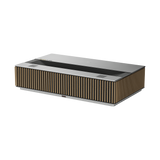
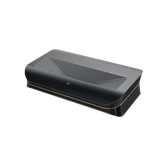
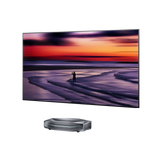
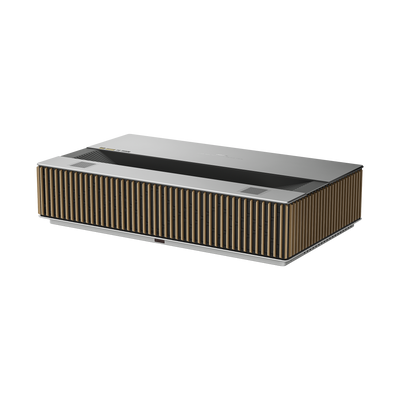
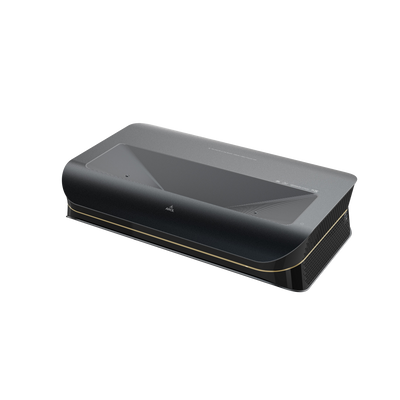
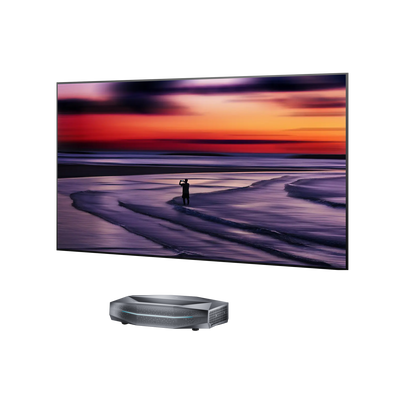
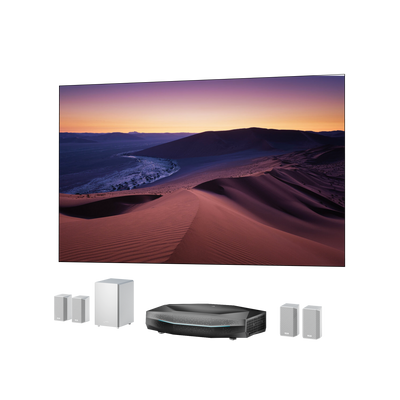
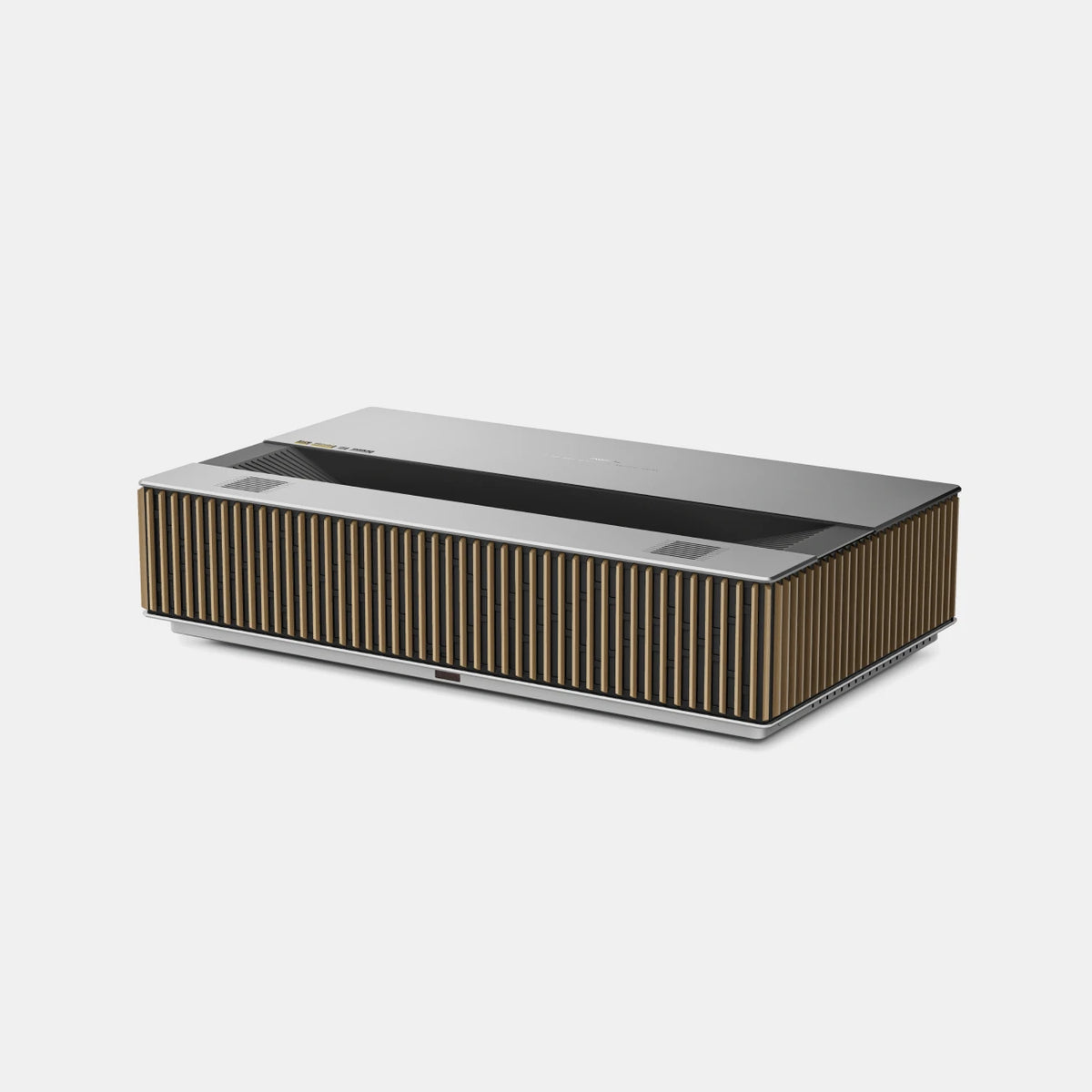
For a YouTube reviewer familiar with the Aetherion Max, the cleaner rectangular shape was a welcome change from his previous projector's more angular design. He liked the front grille and overall construction, particularly how the projector could fit into a living room or dedicated home theater.
The materials made an impression, too. In another hands-on review, an enthusiast who had handled numerous ultra-short-throw projectors took a closer look at the anodized aluminum, genuine wood elements, and detailed metalwork. LuxVision also had a substantial feel to it.
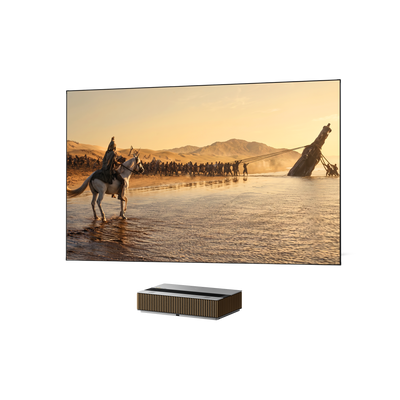
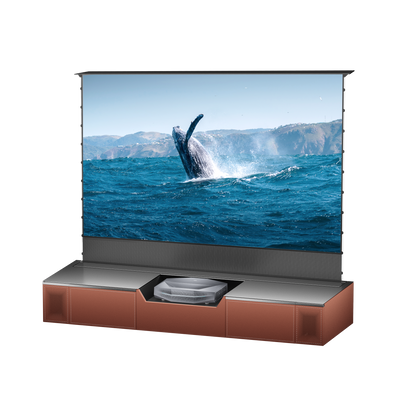
That reviewer raised an interesting point about where a projector belongs in the home. Instead of hiding it away inside a cabinet, LuxVision's exterior could become part of the living room aesthetic, sitting naturally alongside furniture and décor. That perspective also connects with LuxVision's design philosophy, where materials and living-room integration are part of the broader design approach.
The experience was positive for another reviewer who had previously moved from the LTV-3500 Pro to the Aetherion Max. After unpacking LuxVision, he was pleased with its appearance.
The reactions weren't identical, but the design received attention for reasons beyond the usual projector specifications.
Optical Shift: Does It Make UST Setup Easier?
Getting an ultra-short-throw projector to line up with an existing screen isn't always as simple as placing it on a cabinet. Even a small change in height can throw off the image.
One Reddit owner's upgrade from the Aetherion Max to LuxVision is a good example.
A Real User's Screen Alignment Challenge
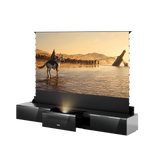
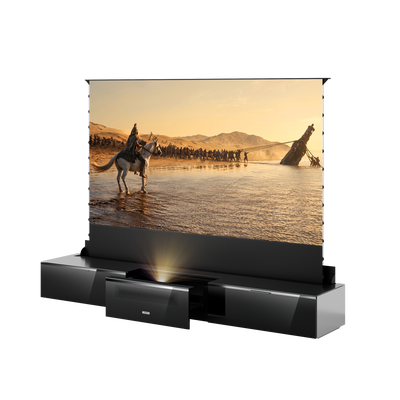
His previous projector had been installed on an AWOL sliding tray inside a TV cabinet, paired with a 120-inch screen. The setup worked, although he'd needed some keystone correction to get the picture aligned.
Then LuxVision arrived, and it wouldn't fit inside the cabinet.
Leaving the sliding tray extended wasn't an ideal solution, so he moved the projector onto the cabinet instead. That solved the space problem but created another one: the projected image now sat too high for the screen.
Moving the cabinet wasn't straightforward either, with the screen and center speaker already in place.
He turned to LuxVision's vertical Lens Shift setting. By shifting the image downward, he was able to bring it back onto the screen without using keystone correction.
It wasn't a perfect one-step fix. He reached the lower limit of the lens shift adjustment and still needed to move the projector slightly forward.
But the main alignment issue was resolved without having to rearrange his home theater.
Optical Shift vs. Keystone Correction
The difference between these two adjustments was particularly relevant to his setup.
Keystone correction digitally reshapes an image to compensate for misalignment, potentially reducing usable resolution. By contrast, optical lens shift moves the image through the projector's optical system without digitally altering its geometry.
A YouTube reviewer also discussed the practical benefit of vertical lens shift, particularly when a screen sits higher or lower than the projector's original placement would allow.
Daytime Viewing: How Bright Is LuxVision in Real Rooms?
Bright-room viewing came up repeatedly in the early LuxVision discussions.
On AVS Forum, a beta tester had the opportunity to compare LuxVision with the Aetherion Max using the same Fresnel screen. With the room lights fully on, LuxVision retained more color depth, making the image easier to enjoy during the day.
At night, the tester actually turned LuxVision's brightness down for a more comfortable picture, something they hadn't needed to do with the Aetherion Max.
Viewing with the Blinds Open and Lights On
A Reddit user had a similarly positive experience. After opening the blinds and turning on the lights, the picture still looked good, without appearing noticeably washed out.
YouTube offered a more visual demonstration.
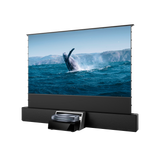
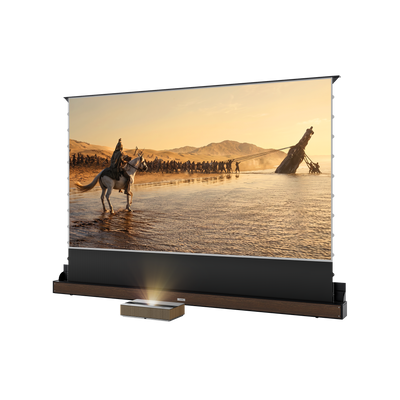
In one review, the creator opened the window shade completely and let natural light into the room while displaying content on an ALR screen.
The result impressed him. He felt LuxVision held up well in the brighter environment and considered an ALR screen especially valuable for people who want to watch during the day without closing their blinds.
He also showed the picture with the shade closed, giving viewers a look at the same setup under different lighting conditions. Direct sunlight wasn't hitting the screen, but the demonstration captured the kind of ambient light many living rooms deal with during the day.
How Screen Choice Changes the Experience
The screen itself was a big part of that viewing experience.
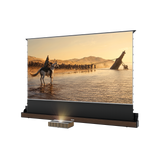
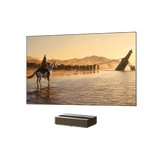
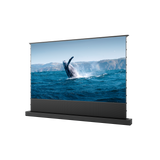
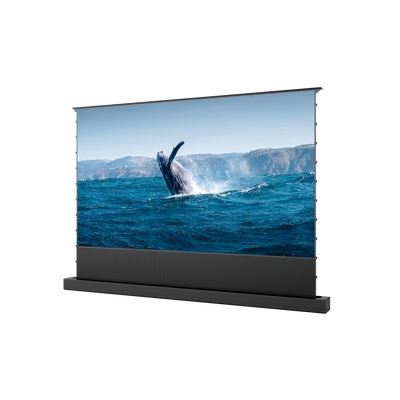
In the same YouTube review, the creator demonstrated LuxVision with a 130-inch ALR screen and a 150-inch conventional white screen. The comparison gave viewers a chance to see how the picture looked with two different screen setups.
Screen preferences also came up on AVS Forum. One community member preferred CLR screens in light-controlled rooms for their cinematic feel. For installations larger than roughly 120–130 inches, however, that user leaned toward Fresnel screens, where screen gain could become a more important consideration.
There's no single screen preference shared by everyone in these discussions. The choices reflected different room conditions, screen sizes, and viewing priorities.
Black Levels and Contrast: What Early Tests Reveal
Brightness earned plenty of attention in the early reviews, but black levels prompted a more mixed conversation.
Some viewers liked what they saw in darker scenes, while others hoped for deeper blacks.
Dark-Scene Detail and EBL Impressions
An AVS Forum beta tester using a Fresnel screen felt that LuxVision's black levels were somewhat elevated compared with the Aetherion Max in a dark room.
Over on Reddit, another user had a more positive impression. They described the blacks as good, with plenty of shadow detail still visible, and felt EBL provided some help in darker scenes.
Those observations put the focus on something that matters in home theater viewing: keeping shadow detail visible while maintaining satisfying blacks.
The YouTube tests added another perspective, particularly through hands-on experiments with LuxVision's iris settings.

IRIS Settings and Firmware Limitations
Some early LuxVision reviews were recorded before all picture-control features were available in their current form.
An AVS Forum beta tester couldn't try EBL on the firmware they had. In another review, EBL was working but still needed refinement, while Dynamic Iris wasn't available in that test version. A different early reviewer also reported that Dynamic Iris hadn't yet been enabled.
The current official LuxVision firmware supports both EBL and Dynamic Iris. Those early experiences reflect the firmware versions available when the reviews were recorded.
The two features control light differently. EBL adjusts laser output based on image content, while Dynamic Iris uses an adjustable optical aperture.
Reviewers also spent time experimenting with manual iris settings.
On an ALR screen, one YouTube creator tried the different positions and found the changes across the earlier settings relatively subtle. Positions five and six, however, made the image darker than he liked.
Another reviewer was comfortable with several of the brighter settings and noticed that darker positions could improve contrast, though at the expense of brightness.
Neither experience points to a universal favorite. The settings produced different results depending on the screen, room, and what each reviewer preferred to see.
MultiView in Real Life: More Than One Screen at Once
Being able to watch multiple games at once is one of the more interesting uses for LuxVision's MultiView feature.
The optional built-in module supports up to four compatible HDMI sources. It fits inside the projector rather than requiring a separate external switching box.
Setting Up and Customizing MultiView
After spending about a week with LuxVision, a YouTube creator explored the different MultiView layouts in a dedicated walkthrough.
He showed the required RS232 and HDMI connections, enabled MultiView through the projector's menu, and started experimenting with the available arrangements.
The four-way grid worked, but it wasn't his favorite.
He preferred one large picture with three smaller windows underneath, keeping the main event in focus while the other sources remained visible.
He also demonstrated how to assign inputs to individual windows and save layouts as profiles. Once he'd found an arrangement he liked, he could return to it without setting up every window again.
Bypass mode was another option he explored, allowing a selected source to fill the screen normally instead of dividing it into multiple windows.
The initial setup involves connecting the sources and choosing a layout, but saved profiles make the preferred arrangement easier to bring back.
Sports, Gaming, and Audio Switching
The layout isn't the only thing sports fans think about. On AVS Forum, users also asked how audio switching would work when following several games.
It's easy to imagine the situation: one match is on the main screen, but something interesting happens in another window, and you want to hear that commentary instead.
LuxVision lets users select the audio source through the MultiView OSD menu. Switching involves choosing the source in the on-screen settings rather than pressing a dedicated audio-switch button on the remote.
For someone who frequently changes between commentary feeds, that's an extra step. Others may be happy leaving the audio on their main event.
There's also a distinction between MultiView and the projector's dedicated gaming input. The built-in MultiView module supports up to 4K 60Hz, while the dedicated gaming input path supports 4K 120Hz.
The hands-on walkthrough makes the appeal of customizable layouts clear, especially when several live events are happening at once.
4K 120Hz Gaming: Hands-On Experience
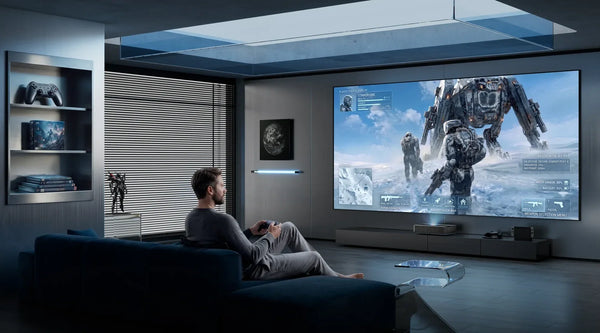
As a 4K 120Hz UST projector, LuxVision also caught the interest of reviewers who were already comfortable gaming on large projection screens.
For one YouTube creator, the real question was simple: how different would 120Hz feel after spending so much time gaming at 60Hz?
PC Gaming on a 120-Inch Screen
His test setup included a gaming PC, a light-controlled basement, and a 120-inch ALR screen.
He'd already enjoyed playing games at 4K 60Hz on projectors, so he had a familiar experience to compare against.
Moving to 4K 120Hz, the biggest difference was motion. Gameplay felt noticeably smoother, while the 120-inch screen still provided the scale he enjoyed.
Another reviewer with experience gaming on earlier AWOL projectors also welcomed the change.
For both, it wasn't simply about reaching a higher number on a specification sheet. It was about seeing smoother movement on a screen large enough to make gaming feel immersive.

Who Benefits Most from 4K 120Hz?
The appeal is clearest for PC gamers who already play at 60Hz and have hardware capable of running games at higher frame rates.
For them, the smoother motion of 4K 120Hz projectors can make fast-moving gameplay feel more fluid without giving up the large-screen experience.
Movie and television viewers may place greater importance on other aspects of picture quality.
Fan Noise: How Noticeable Is LuxVision?
Fan noise can be difficult to judge from specifications, so two YouTube reviewers took their own measurements.
In one test, LuxVision registered around 38 dB from a distance of approximately 20 centimeters. After running for about 30 minutes at maximum laser power, level 10, the reading settled near 40 dB.
Another creator measured the projector from several positions. He recorded approximately 36 dB at the front, 41 dB on the left, and 43 dB on the right.
Those numbers didn't translate into a distracting experience for him. With a movie or sports broadcast playing at normal volume, he found the fan relatively unobtrusive.
The measurements were taken under different conditions, so they aren't directly interchangeable. Still, the combination of readings and real-world listening impressions gives a useful sense of how LuxVision sounds in operation.
Final Thoughts: What Real-World Feedback Tells Us
The most useful parts of these LuxVision reviews often come down to ordinary situations: a projector that doesn't fit the old cabinet, a living room with the blinds open, or a gaming setup where smoother motion makes a noticeable difference.
What stands out isn't just what LuxVision can do, but how those features make a difference in real setups. From solving an unexpected installation problem to adjusting picture settings and finding a favorite MultiView layout, these firsthand experiences give readers a clearer sense of what using LuxVision can actually be like.
Be the First to Know
Subscribe for special deals, news, and important product information, and get your exclusive $100 discount.
Related Articles
Projector with AirPlay: Setup, Compatibility & Buying Guide
What to Look for in a Projector: A Practical Buying Guide

How Much Does a Projector Cost? A Guide to Setting Your Budget

Best Projector Black Friday Deals 2026: Your Guide to Choosing & Saving Big on UST/Laser
What Is the Best Projector to Buy? Find the Right Fit for Your Home