

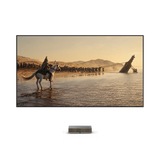



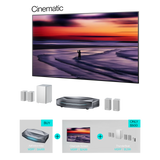











Placement Calculator


FAQ
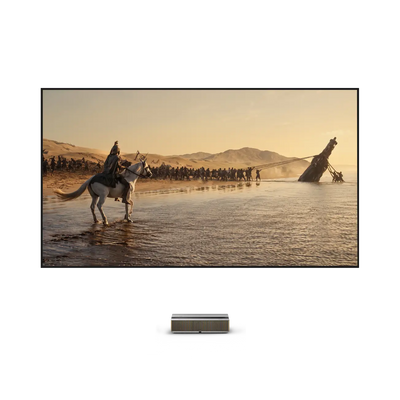
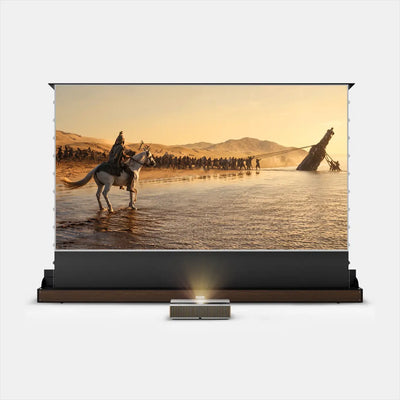
This projector calculator works by turning a few setup inputs into practical placement measurements. On this page, you enter the aspect ratio and image size, then the calculator uses the unit setting to estimate the screen dimensions, projector placement distance, and recommended viewing distance. The result is then shown in a placement diagram, so it is easier to understand how the screen and projector will fit within the space.
Projector distance is typically calculated using the image width, not just the diagonal screen size. The standard formula is: Throw Distance = Image Width × Throw Ratio.
This means you first need to know the screen’s actual width, which depends on its size and aspect ratio, such as 16:9. Once you have that width, you multiply it by the projector’s throw ratio. That result gives the approximate distance needed between the projector lens and the screen. For a more detailed breakdown, read our guide on how to calculate projector throw distance.
Throw ratio describes the relationship between how far the projector is from the screen and how wide the projected image is. It is calculated as Throw Distance ÷ Image Width. For example, a throw ratio of 1.5 means the projector must be 1.5 units away for every 1 unit of image width. A lower throw ratio lets the projector create a large image from a shorter distance, while a higher throw ratio requires more space.
Throw ratio directly affects how large the image appears at a given distance. If the projector stays in the same position, a lower throw ratio will produce a larger image, while a higher throw ratio will produce a smaller one. Looking at it the other way, if you want the same image size, a projector with a lower throw ratio can be placed closer to the screen.
Yes, screen height matters significantly, although it is usually a derived value based on your chosen diagonal size and aspect ratio. This projector calculator displays the Screen Size in both width and height (e.g., showing dimensions in cm or inches). Screen height is vital for installation because:
• Mounting: It determines how high the screen must be mounted on the wall for optimal eye-level viewing.
• Furniture: It ensures the screen fits above media consoles or fireplace mantels.
•Room Fit: It confirms the image fits within the physical vertical limits of your room.
Placement is important because projector performance depends on physical alignment, not just screen size. If the projector is too high, too low, too close, or slightly off-center, the image can appear distorted, uneven, or poorly aligned with the screen. This is especially important for UST projectors, because they sit very close to the screen and project upward at a steep angle. In that kind of setup, even a small positioning error can create noticeable image geometry problems.
There is no single fixed distance for a 100-inch screen because the answer depends on the projector’s throw ratio and the screen’s aspect ratio. For a 100-inch screen with a 16:9 aspect ratio, the image width is about 87 inches. The distance is then calculated by multiplying that width by the throw ratio. So if two projectors have different throw ratios, they will need different placement distances even when both are projecting a 100-inch image.
A 120-inch screen also does not have one universal projector distance. For a 120-inch 16:9 screen, the image width is roughly 105 inches. That width is then multiplied by the projector’s throw ratio to estimate the correct distance.
Neither closer nor further is automatically better. The best position is the one that matches the projector’s throw ratio and produces the image size you want without causing alignment or installation problems. That is why we recommend that you use this calculator for the best ust setup. The goal is accuracy, not simply choosing the shortest or longest possible distance.
