





High Lumen Projector: How Much Brightness Does a Living Room Really Need?
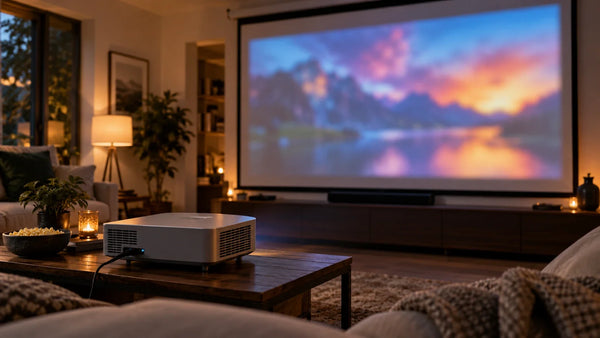
Your projector looks great at night. Then the afternoon sun comes through the windows, and suddenly the same 120-inch picture looks faded and washed out. Would a brighter projector solve the problem—or is something else affecting the image?
A high lumen projector can make a real difference in bright living rooms, especially with a larger screen. Choosing between 3,000, 4,000, or 6,000 lumens comes down to how much light enters the room, how large the image will be, and what you usually watch.
What Is Considered a High Lumen Projector?
There's no universal cutoff for what qualifies as a high-lumen projector. In home entertainment, 3,000 lumens is a useful starting point when comparing brighter models for rooms with some ambient light. At 5,000–6,000 lumens, you're looking at projectors with substantially higher light output.
Here's what the different brightness ranges mean for home use:
- 3,000–4,000 lumens: A starting range for living rooms where curtains or blinds can keep daylight under control.
- 4,000–5,000 lumens: An option to explore if you're moving to a larger screen or regularly watching during the day.
- 5,000–6,000 lumens and above: Designed for more demanding brightness needs, particularly large-screen setups in rooms with ambient light. The screen and room conditions still influence the final picture.
How Many Lumens Do You Need for a Bright Living Room?
How many lumens are good for a projector? Start with the size of the image and the amount of light reaching the screen.
A 100-inch screen in a room with curtains presents a different challenge from a 150-inch screen opposite a wall of windows.
Quick Brightness Guide by Screen Size and Room Lighting
The projector brightness comparison below offers general recommendations based on screen size and room lighting.
|
Screen Size |
Controlled Lighting |
Moderate Ambient Light |
Bright Daytime Living Room |
|
100 inches |
A 3,000-lumen-class projector may provide ample brightness |
Compare 3,000–4,000-lumen options and screen types |
Investigate 4,000–6,000-lumen options with an appropriate ALR screen |
|
120 inches |
A 3,000–4,000-lumen-class projector is a reasonable starting point |
Higher-output models and ALR screens become more valuable |
Prioritize strong light output, a compatible ALR screen, and window-light control |
|
150 inches |
Evaluate high-output models with attention to actual viewing modes |
Screen efficiency and available brightness become increasingly important |
A challenging setup that calls for careful screen selection and substantial ambient-light control |
With adjustable blinds and a 100-inch screen, a 3000 lumens projector may be sufficient for evening movies and some daytime viewing. If the room stays brighter throughout the day, compare a 4000 lumens projector with higher-output alternatives.
Planning a 150-inch image changes the requirements considerably. A 5000 lumens projector or 6000 lumen projector belongs on your comparison list, along with screen gain and the amount of daylight reaching the screen.
Will Upgrading from 3000 to 4000 Lumens Make a Noticeable Difference?
Moving from 3,000 to 4,000 lumens increases rated light output by 33%, provided both measurements use the same standard. The difference can help a dim picture, although it won't translate into a 33% improvement in perceived image quality.
The reason you're upgrading matters more than the number alone. A picture that lacks brightness across the entire screen calls for a different solution from one that loses contrast whenever sunlight enters the room.
Use the symptoms to narrow down the problem:
- The entire picture looks too dim: Additional light output could help, especially on a larger screen.
- Dark scenes appear gray or washed out: Look at ambient light and screen selection before replacing the projector.
- The image looks good at night but poor during the day: Check whether daylight reaches the screen directly.
- You're increasing the screen size: The larger image area may justify a brighter model.
Also compare brightness in the picture modes you intend to use. Switching to a more color-accurate mode can reduce the advantage suggested by a projector's maximum rating.
Why Do Projector Lumens Look Different in Real Rooms?
A brightness rating tells you how much light a projector produces under specified test conditions. The picture you see at home also reflects what happens to that light after it leaves the lens.
Ambient Light and Screen Size
Consider a dark movie scene projected near a sunny window. Daylight reaches the screen alongside the projected image, lifting dark areas and reducing the separation between highlights and shadows.
Increasing projector brightness helps the image compete with some of that light. It doesn't restore the black levels you would see in a darker room.
Light entering from the side can be easier to manage with curtains or blinds than sunlight falling directly onto the screen. If daytime viewing is a priority, understanding how many lumens a projector needs for daylight helps explain why window placement and light control deserve attention alongside the projector's specifications.

The screen's dimensions also affect the result. Spread the same amount of projected light over a larger surface, and the image becomes dimmer per unit of area. On a 16:9 screen, increasing the diagonal from 100 to 150 inches creates 2.25 times the image area. With unchanged light output and screen gain, brightness per unit area drops to roughly 44% of its original level.
Screen Gain and ALR Screens
Your screen may be limiting daytime performance even when the projector produces plenty of light.
One characteristic to examine is projector screen gain, which describes how a surface directs reflected light toward a viewing position. Higher gain can make the picture brighter from certain seats, sometimes at the expense of wider viewing angles.
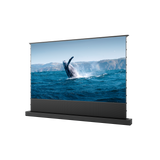
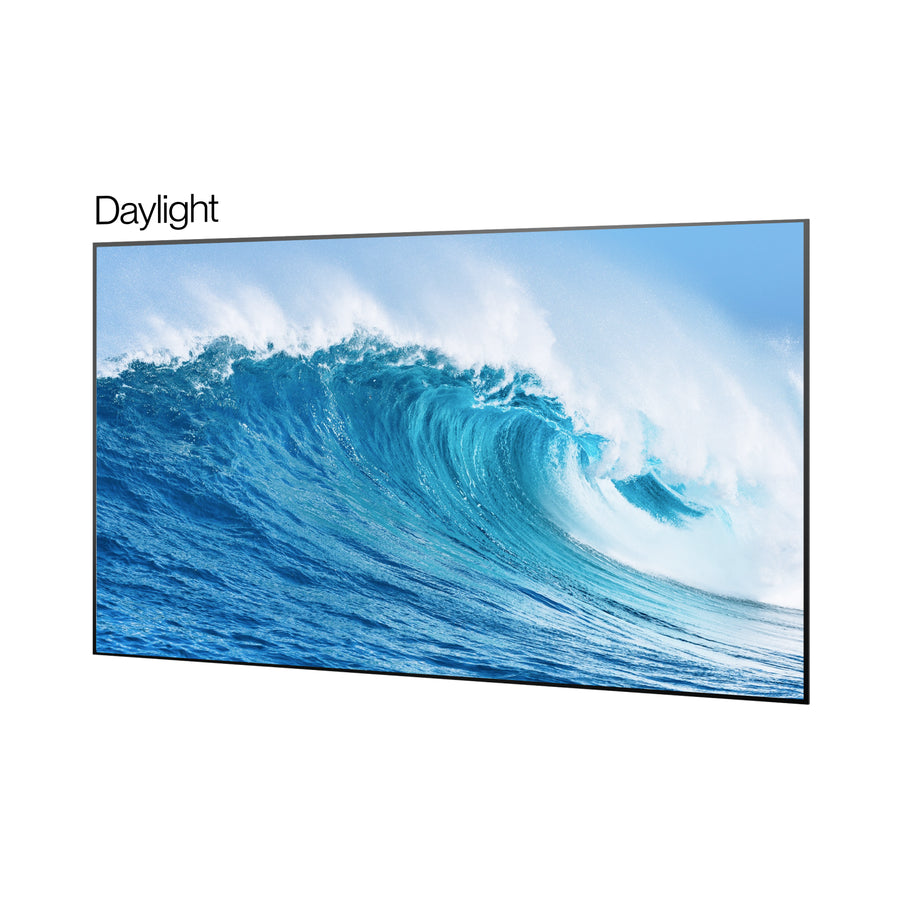
An Ambient Light Rejecting (ALR) screen is built to manage light from different directions. Its optical structure favors the projector's light while reducing unwanted ambient light, helping the picture retain contrast.
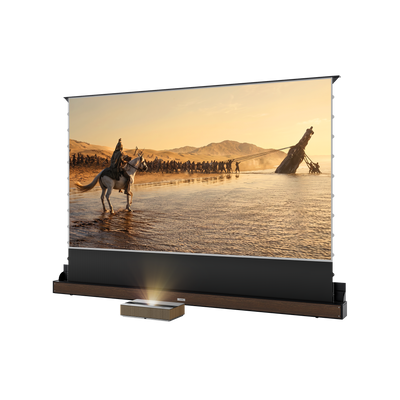
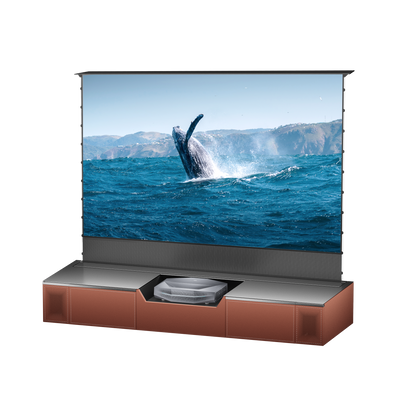
Ultra-short-throw (UST) projectors introduce an important compatibility requirement: they project upward from a steep angle below the screen. An ALR surface intended for a different projection angle may not work correctly with a UST setup.
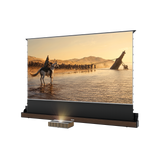
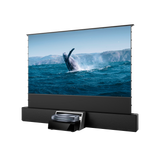
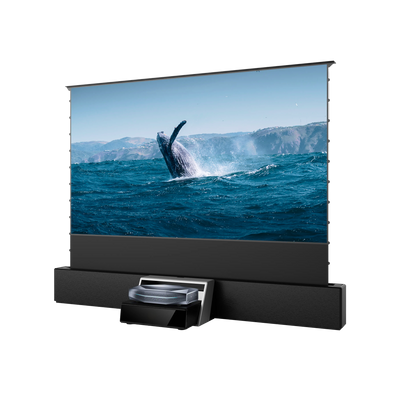
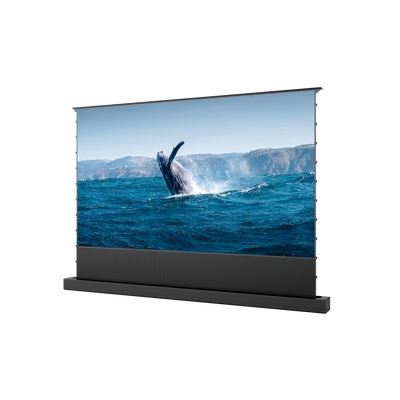
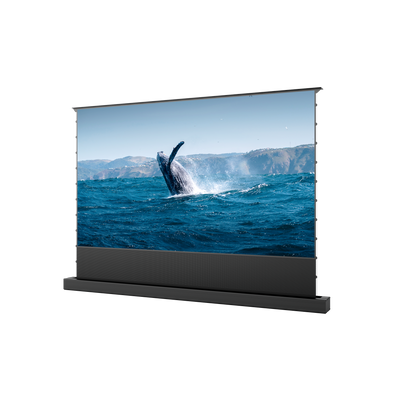
The New Gen Daylight ALR Screen uses Fresnel optics designed for UST projection. It has an ambient light rejection rate of at least 90% for light arriving from overhead and the sides, along with a peak gain of at least 1.5. The design helps maintain image brightness and contrast when complete room darkening isn't practical.
Should you upgrade your projector or your screen? Check how your current picture looks with the lights down. Good nighttime brightness followed by washed-out daytime viewing points toward ambient light and screen choice. If the image still looks dim in a controlled environment, a projector with more light output becomes the more relevant upgrade.
ANSI, ISO, and Rated vs. Usable Brightness
Two projectors labeled 5,000 lumens can deliver different results in everyday use. Before comparing their numbers, check the measurement methods.
ANSI and ISO lumens are both based on standardized testing, although the procedures differ. The distinction between ISO lumens and ANSI lumens becomes useful when you're comparing specifications from different manufacturers.

A projector's highest output may also come from a mode designed to maximize brightness. The mode you prefer for movies could produce less light as it balances brightness with color accuracy and other picture characteristics.
Try a brighter picture mode for daytime viewing. Once the room is darkened, switching to a more color-accurate setting may produce a more satisfying image.
Before comparing two models, look at:
- Measurement standard: ANSI lumens, ISO lumens, or another clearly specified method
- Comparable testing: Whether the measurements were taken under similar conditions
- Viewing modes: Brightness in the settings you expect to use
- Room and screen: Ambient light, screen gain, and intended image size
Is a Higher-Lumen Projector Always Better?
A brighter projector has a clear advantage when you're filling a large screen or dealing with unavoidable ambient light. In a light-controlled room, other aspects of picture quality become more noticeable.
Contrast and black-level performance affect the depth of dark scenes. A projector with strong contrast can produce a more convincing cinematic image than a brighter model that struggles to reproduce deep blacks.
Color accuracy presents another trade-off. Some projectors achieve their highest light output in modes that make skin tones and familiar colors look less natural.
Think about what you'll watch most often. Sports and daytime streaming benefit from a bright, easily visible picture. Movies with dark scenes give you more reason to pay attention to shadow detail and contrast.
When comparing a high brightness laser projector with lower-output models, consider the quality of the image in the mode you'll actually use. Maximum light output is only part of that comparison.
How to Choose the Right High-Lumen Projector for Your Living Room
Different viewing habits point toward different priorities:
- Mostly evening movies, with occasional daytime viewing: Focus on contrast, accurate colors, and sufficient brightness for your intended screen size. The highest-output model may offer little additional value.
- Regular daytime sports and streaming: Give brightness greater priority. Large windows also make screen selection important, especially if you can't fully darken the room.
- A 120–150-inch screen in a bright living room: Compare higher-output projectors alongside compatible ALR screens. The larger image needs more light, and the screen must cope with the room's lighting conditions.
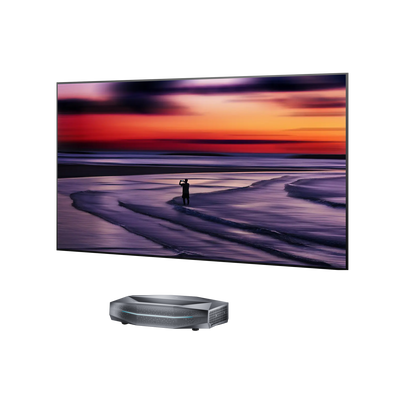
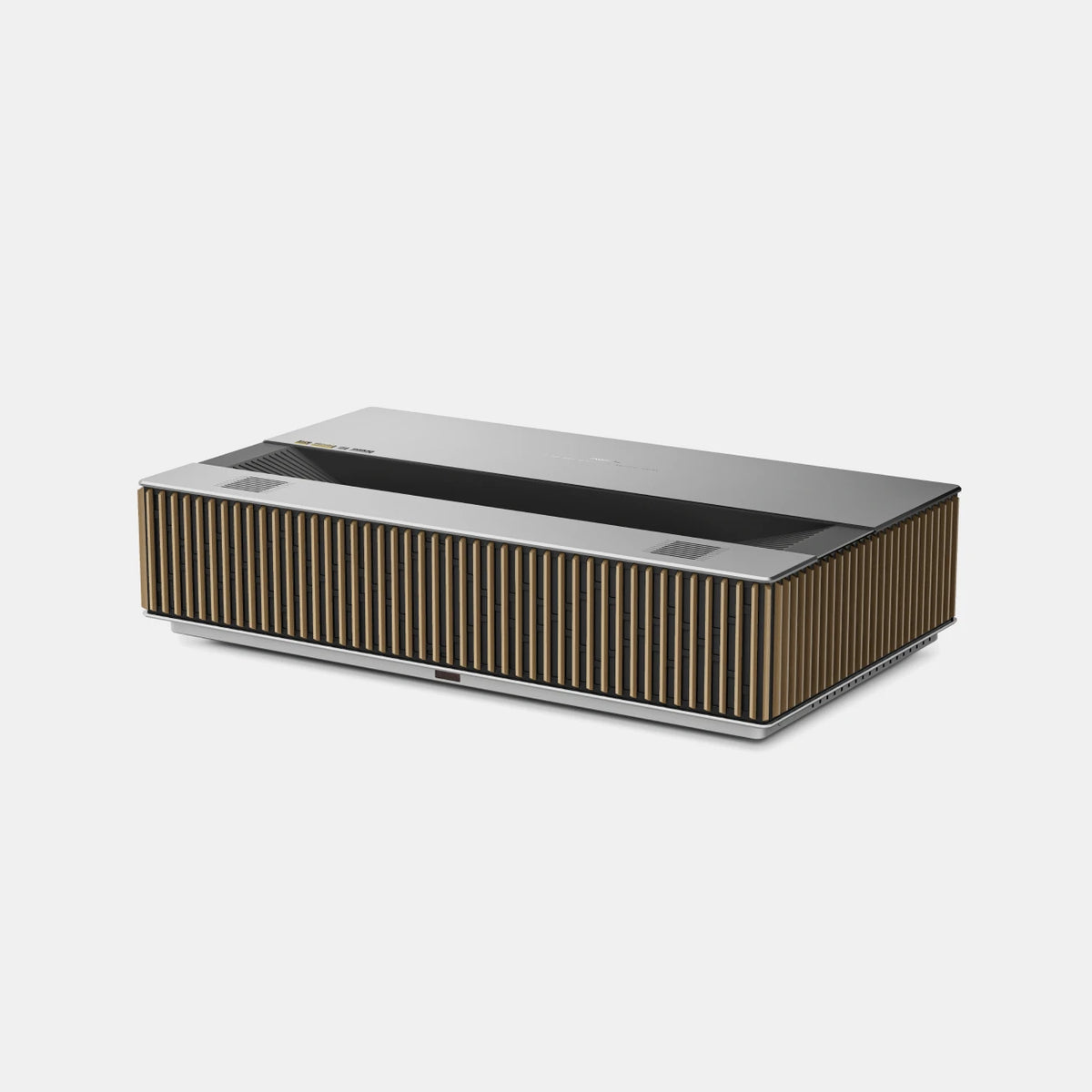
Next, consider where the projector will sit. Long-throw models need more distance from the screen, whereas ultra-short-throw projectors can produce a large image from much closer to the wall.
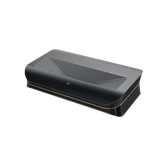
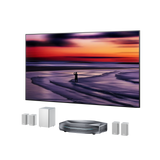
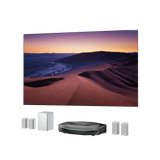
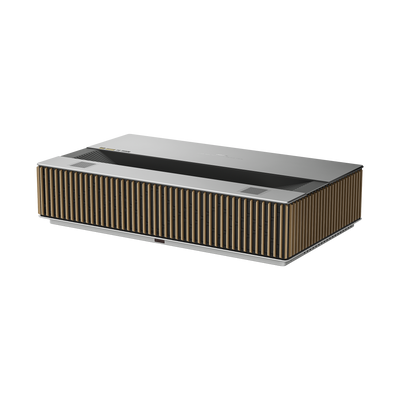
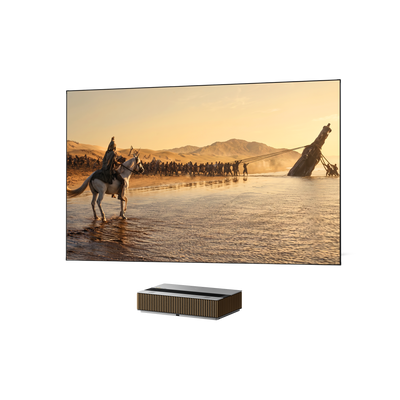
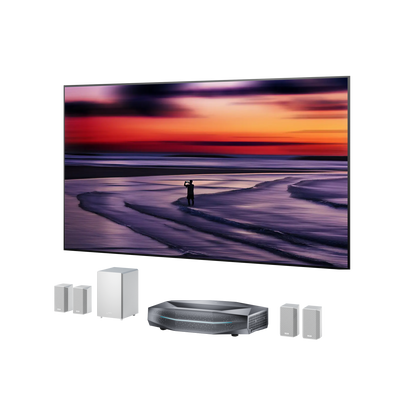
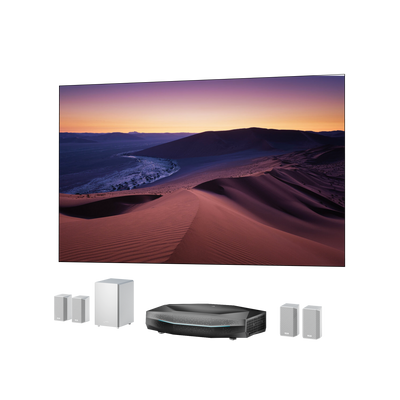
AWOL LuxVision combines 6,000 ISO lumens with an ultra-short-throw design, making it an option for households planning large-screen entertainment in a living room without placing a projector across the space.
It also supports 4K UHD at up to 120Hz, with optical lens shift to help align the image.
Before choosing a model, check the practical details of your setup:
- Light control: Can you keep direct sunlight off the screen?
- Screen size: What diagonal size can the room comfortably accommodate?
- Viewing schedule: Will you use the projector mainly during daylight or after dark?
- Compatibility: Does the screen suit the projector's throw type and your seating layout?
Frequently Asked Questions
Is 4000 Lumens Bright Enough?
In a living room where you can control daylight, 4,000 lumens is a reasonable starting point for a 100–120-inch screen. A larger image or stronger daytime light changes the calculation. Compare brighter projectors and compatible ALR screens if either applies to your setup.
Can a High Lumen Projector Replace a TV in a Bright Living Room?
Yes, a high lumen projector can serve as your main living room display, especially if you want a larger screen for movies, sports, and gaming. Pairing it with a suitable ALR screen and keeping direct sunlight off the image can make daytime viewing more practical. In rooms with strong, uncontrolled daylight, a TV still has an advantage in maintaining picture visibility.
Is a 5000-Lumen Projector Too Bright for a Dark Room?
You don't have to use all 5,000 lumens during a movie night. If the projector supports adjustable light output or different picture modes, try a lower-brightness or cinema-oriented setting for a more comfortable image. Screen gain and personal viewing preferences will also influence the ideal setting.
A bright living room calls for enough usable light output and a screen suited to its lighting conditions. Nighttime movie viewing puts greater emphasis on contrast and color performance.
Be the First to Know
Subscribe for special deals, news, and important product information, and get your exclusive $100 discount.
Related Articles
What Is Dynamic Iris on a Projector? A Smarter Way to Optimize Contrast

How Much Does a Projector Cost? A Guide to Setting Your Budget

How to Choose the Best Wall Color for a Projector

Rec2020 Explained: Color Gamut, HDR and Picture Quality
Projector Says No Signal? How to Find and Fix the Problem