















What Is the Best Projector to Buy? Find the Right Fit for Your Home
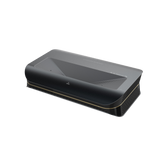
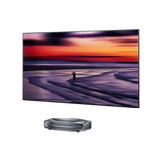
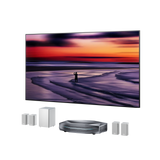
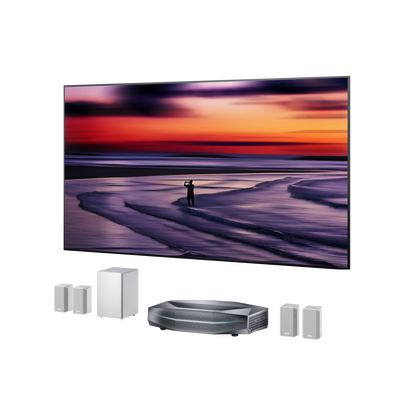
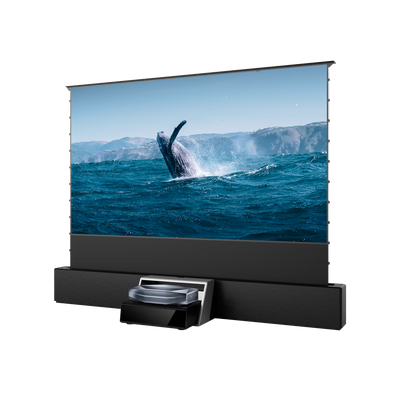
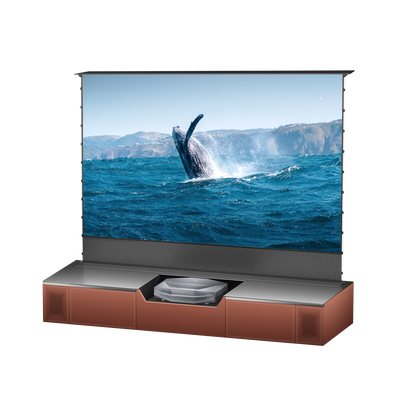
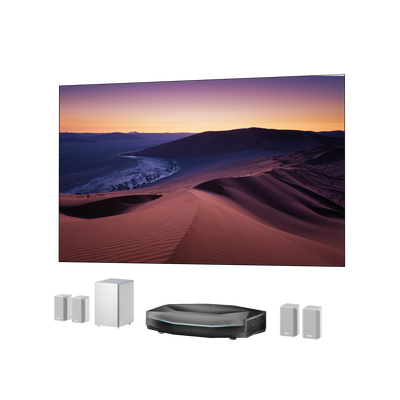
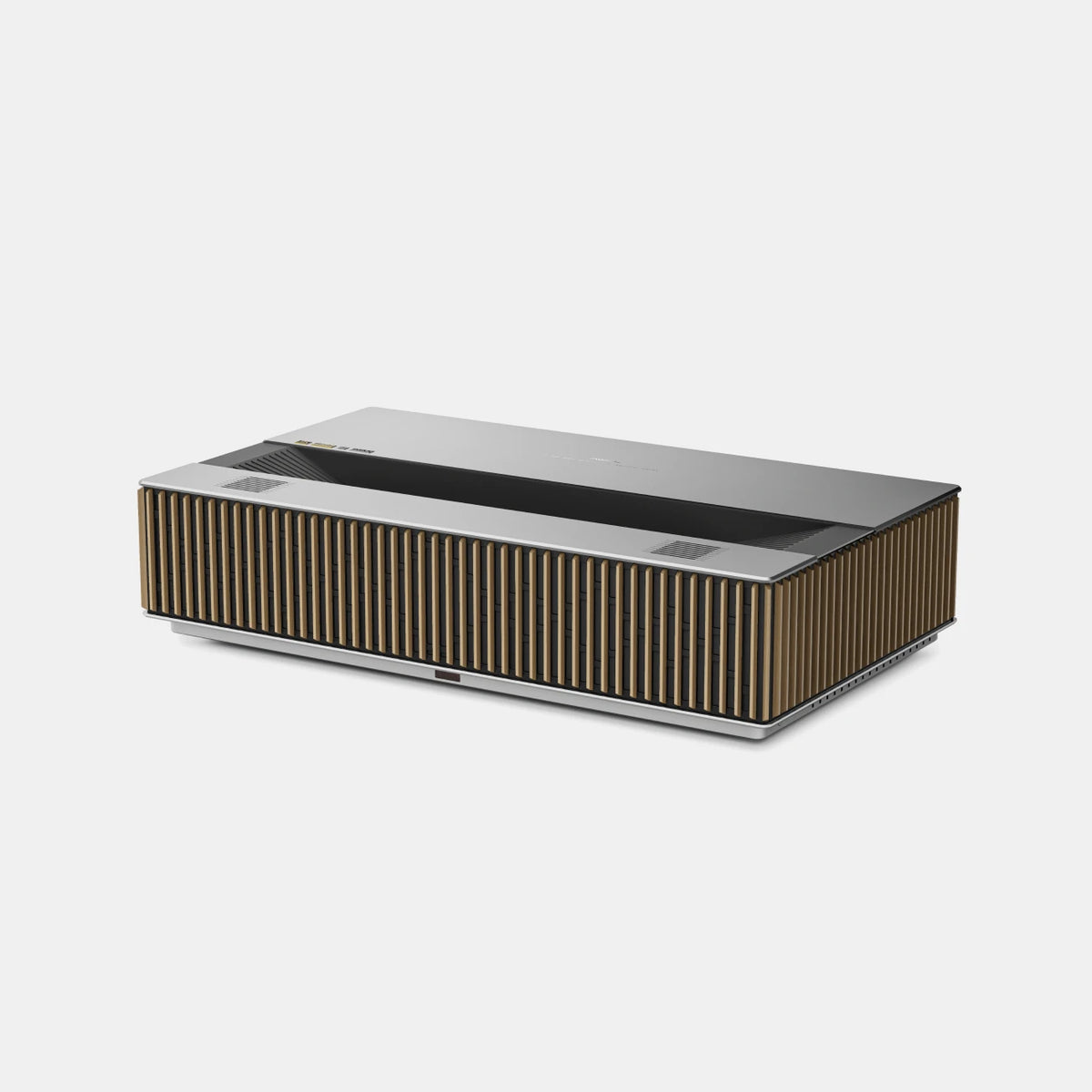
For regular home viewing, a 4K projector with good contrast, suitable brightness, and the right throw distance—such as AWOL LuxVision—is a great choice. For occasional movie nights on a tighter budget, a good 1080p model can be enough. Choose the installation type around your room.
That narrows the question more usefully than choosing the model with the longest feature list. A projector for Saturday movie nights has different priorities from one replacing the living room TV or handling fast-paced games.
This guide explains which differences matter, where spending more can help, and what to check before placing an order.
The Best Projector to Buy Depends on How You Watch
Start with the setup you actually want to use:
|
Your main use |
A good starting point |
Prioritize before buying |
|
Movies in a dedicated dark room |
A 4K home theater projector with suitable throw distance |
Black levels, shadow detail, accurate color, and HDR handling |
|
Everyday living room entertainment |
A bright 4K projector; UST if you prefer placement at the front |
Ambient-light performance, screen compatibility, and furniture fit |
|
Gaming and sports |
A projector with appropriate refresh rates and motion handling |
Input lag at your chosen resolution; 4K/120Hz and VRR for compatible games |
|
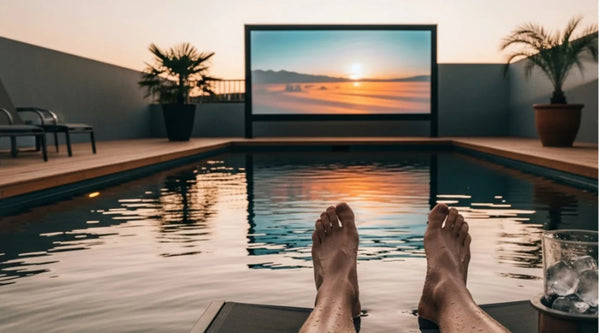
Occasional backyard movies or travel |
A portable projector |
Practical brightness after dusk, power, audio, and easy transport |
These categories overlap. A capable UST can serve both a living room and a dedicated theater. The point is to identify your main use before paying for extras.
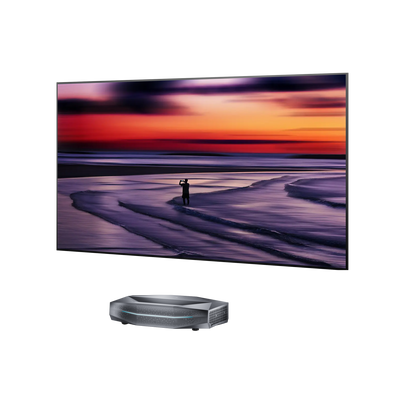
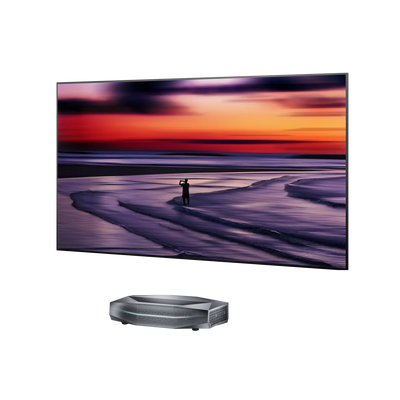
For placement, distinguish between long throw, short throw, and ultra short throw. Long throw suits installations farther from the screen; short throw works from a closer table or mount; UST sits near the screen at the front. Portability is a separate consideration: check weight, power requirements, and setup time if you plan to move the projector regularly.

Five Things to Check Before Buying a Projector
1. Placement and screen size
Measure the available image width, seating distance, and projector location. A 120-inch, 16:9 image is approximately 105 inches wide, before adding the screen frame. Check its height against furniture, outlets, and comfortable eye level, too.
Throw ratio connects image width with lens-to-screen distance. Long-throw models need more distance; ultra-short-throw models create large pictures from close to the screen.
Use the specific model’s installation diagram. For UST setups, cabinet depth and height matter alongside the advertised wall clearance. Optical lens shift can help position the picture without digitally resizing it.
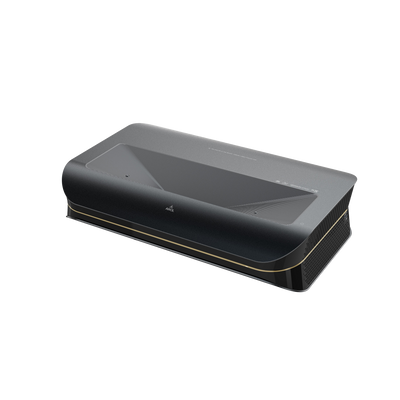
Some models, such as AWOL LuxVision, add motorized vertical optical shift to a UST design. If you already own a cabinet or screen, check whether that adjustment range matches the picture height you need.
2. Brightness for your actual lighting
Evaluate the room when you expect to watch. Afternoon football with lamps on needs a different setup from movies after sunset.
Look for clearly specified brightness, such as ISO lumens, rather than an unexplained headline number. Consider the intended screen size and picture mode, too. Spreading light over a larger image reduces its brightness per unit of area.
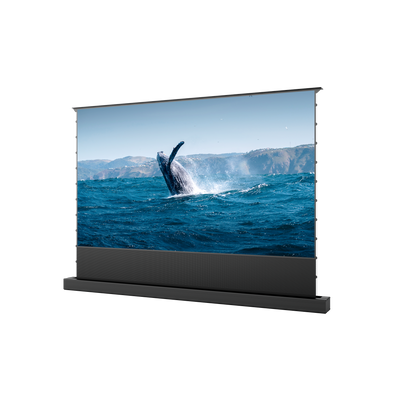
In a brighter room, a compatible ambient light rejecting screen can help preserve contrast. Screen design and light direction matter; an ALR screen cannot cancel direct sunlight hitting the picture. Plan window shades and lamp placement alongside projector brightness.
3. Contrast and resolution together
For movies, inspect dark scenes as carefully as bright demonstrations. Can you distinguish clothing, faces, and background details in shadows? Does the image retain depth?
A huge advertised contrast ratio does not answer those questions by itself. Native and dynamic contrast describe different conditions, and room reflections affect what you see.
For regular large-screen viewing, 4K is a sensible priority. On a tighter budget, a well-performing 1080p model can still suit occasional movie nights. Check the displayed resolution: accepting a 4K signal does not automatically mean displaying a 4K image.
4. Gaming performance at the resolution you use
A high refresh-rate headline deserves a closer look. Verify whether the projector delivers that rate at 4K or only at a lower resolution.
Check input lag in the exact resolution and refresh-rate combination you plan to use. VRR helps reduce tearing with compatible hardware, while ALLM can automatically select a low-latency mode.
Your source, receiver, HDMI connection, and projector must support the intended signal. For sports, look at motion handling as well; a 120Hz projector does not turn every broadcast into native 120fps footage.
5. The light source and long-term ownership
Lamp, LED, and laser describe the light source, rather than the whole projector’s quality. Lamp-based models require replacement lamps over time. LED and laser models avoid routine lamp changes, but still need ventilation and care.
For frequent use, compare the rated light-source life, warranty, and service options. For a used projector, investigate lamp hours, replacement availability, and condition. Do not assume that choosing laser automatically guarantees better black levels, quieter operation, or more accurate color.

How Much Should You Spend on a Projector?
Start with a budget for the complete setup: projector, any screen, mounting or furniture, cables, streaming equipment, and sound. With a $2,000 total allowance, spending all $2,000 on the projector only works if you already have everything else.
Then decide which improvements you will notice:
- Occasional movie nights: Prioritize a reliable 1080p picture, usable brightness, and straightforward connections.
- Regular large-screen entertainment: Consider 4K, stronger contrast, good HDR handling, and better installation controls.
- A premium theater or gaming setup: Pay for improvements you can verify, such as dark-scene detail, accurate color, flexible optics, or low-lag 4K/120Hz gaming.
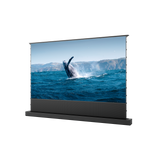
A smooth wall can help you try out image sizes before buying a screen. If you choose one, match the material to your projector and lighting; projector screens differ in more than diagonal size.
Everyday Details Buyers Wish They Had Checked
Owner discussions repeatedly raise concerns that a specification table can miss. Use these as questions for a demonstration or home trial:
- Fan noise: Listen during quiet dialogue, using the brightness mode you expect to keep.
- Rainbow sensitivity: Some viewers notice brief color flashes in high-contrast scenes. Try subtitles and dark movie sequences yourself.
- Streaming compatibility: Confirm that your services work at the resolution you want, through built-in apps or an external player.
- Picture alignment: Test readable text and focus across the image, using a level projector and suitable surface.
- Audio and connections: Check dialogue clarity and how your speakers, console, and streaming device will connect.
Check return terms before ordering, then use the trial period deliberately. Watch a familiar dark scene, a sports sequence, and a game if relevant. Repeat the test at your normal viewing time, from your usual seat. Your own room can reveal differences that showroom lighting hides.
Frequently Asked Questions
Is a 4K projector worth buying?
For frequent movies and gaming on a large screen, 4K is worth considering. The benefit depends on content quality and viewing distance. If your budget is limited, balance resolution with contrast, brightness, and the rest of your setup.
Is a laser projector worth the extra money?
It can be, especially for frequent use and avoiding scheduled lamp replacements. Compare the whole projector, including picture quality, noise, warranty, and light-source specifications. Laser illumination alone does not guarantee better results.
Do I need a projector screen immediately?
A smooth, neutral wall can work for an initial trial. A suitable screen gives you more control over the viewing surface. For UST projection, confirm the material is compatible with the projector’s steep projection angle before buying.
Be the First to Know
Subscribe for special deals, news, and important product information, and get your exclusive $100 discount.
Related Articles
Upgrade Your UST Setup: Is AWOL LuxVision Right for Your Room?
Black Projector Screen: Is It Right for Your Room?
WiFi Projector Buying Guide: Features That Actually Matter
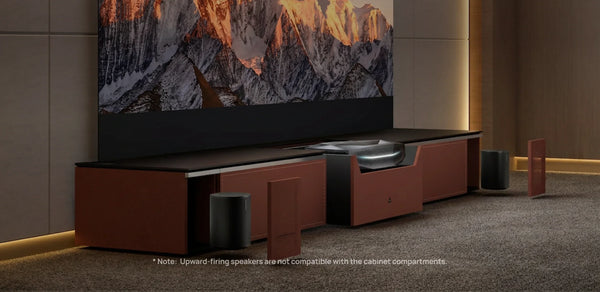
How to Create a Modern Living Room with an Ultra Short Throw Projector Cabinet?
Rear Projection Screen Guide: Best Materials Options