













Madden NFL 27 on the Big Screen: Elevate Your Gaming Experience with a 4K UST Projector
Football gaming is all about the details: reading the defense before the snap, finding an open receiver, making a last-second tackle, and celebrating a game-winning touchdown. With EA SPORTS Madden NFL 27, you can bring the excitement of professional football into your own home.
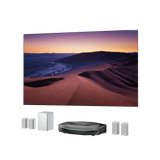
But playing on a standard TV isn't the only way to experience the game. Imagine taking the action to a 120-inch screen, where every play feels bigger and every matchup becomes a shared experience. Pairing a PS5 with a 4K ultra short throw (UST) projector offers a new way to enjoy Madden NFL 27, combining large-screen visuals with a flexible gaming setup.
Here's how to build an immersive Madden NFL 27 gaming setup with an ultra short throw projector.
1. What Makes Madden NFL 27 Worth Playing?
For football fans, Madden NFL 27 offers a chance to experience the excitement of the NFL from a completely different perspective. Instead of simply watching your favorite team compete, you get to take control of the action, make strategic decisions, and determine the outcome of every game.
The latest installment introduces several gameplay and presentation improvements designed to make the experience more engaging.
Experience the Excitement of NFL Gameplay
Madden NFL 27 brings authentic NFL football to your screen. Choose your favorite team, control players on the field, and compete through offensive and defensive plays.
From reading defensive formations to executing precise passes and making critical tackles, every decision can influence the outcome of a matchup.
The game also introduces improved wide receiver and defensive back interactions, more detailed physical battles, and expanded pre-play adjustments, giving players greater control over how they approach each snap.
Build Your Own NFL Legacy
Madden NFL 27 offers several game modes for different types of players:
-
Play Now: Jump straight into a matchup and take control of your favorite NFL team.
-
Franchise: Manage a team, make roster decisions, and build a franchise over multiple seasons.
-
Superstar: Create your player and pursue a career from the early stages of football to NFL greatness.
-
Madden Ultimate Team: Build and customize your roster with players and compete to create your ultimate lineup.
-
Online Head-to-Head: Challenge other players and test your football strategies.
Whether you prefer managing an entire franchise or competing against friends, Madden NFL 27 offers plenty of ways to enjoy football gaming.
2. Why Play Madden NFL 27 on a Big Screen?
Madden NFL 27 recreates the atmosphere of professional football, from detailed stadium environments to fast-paced action on the field. A larger display can make these elements more engaging, especially when playing with friends or family.
See Every Play in Greater Detail
Football involves more than following the player with the ball. You need to pay attention to offensive formations, defensive coverage, receiver routes, and the movement of players across the field.
A larger screen gives you more room to follow the action and appreciate the visual details of the virtual stadium.
With a 4K display, you can also enjoy detailed player models, field textures, uniforms, and stadium environments.
Enjoy a More Immersive Football Experience
Playing on a large screen changes the way you experience a football game.
Instead of looking at a relatively small display, you can fill a larger portion of your field of view with the virtual football field. This creates a more engaging experience, particularly during important moments such as long passes, defensive stops, and touchdowns.
A 120-inch projection screen can bring a more cinematic scale to your gaming space.
Make Multiplayer Gaming More Social
Madden NFL 27 becomes even more entertaining when you play with friends.
Whether you're competing head-to-head, taking turns controlling your favorite teams, or hosting a casual gaming night, a large projection screen makes it easier for everyone in the room to follow the action.
Rather than gathering around a small TV, everyone can enjoy the same large-screen experience.
3. Projector vs. TV: Which Is Better for Madden NFL 27?
Both TVs and projectors can deliver an enjoyable PS5 gaming experience. However, they offer different advantages depending on your gaming habits and available space.
Screen Size: Enjoy a Much Larger Gaming Display
One of the biggest differences is screen size.
Most living-room TVs provide a fixed display size. While large TVs can offer excellent gaming performance, moving beyond 100 inches can become expensive and difficult to accommodate.
A projector offers a different approach. With a compatible screen and suitable room setup, you can enjoy a much larger image without installing an equally large television.
For Madden NFL 27, a 100- to 120-inch screen provides plenty of space to enjoy the entire virtual football field.
Gaming Visuals: Experience Detailed 4K Graphics
Resolution matters when playing visually detailed sports games.
A 4K projector can reproduce fine details across the projected image, allowing you to appreciate player uniforms, stadium environments, and the visual elements of the game.
When paired with a suitable screen and properly configured PS5, a 4K projection setup can deliver an impressive large-screen gaming experience.
Gaming Performance: Don't Overlook Refresh Rate and Input Lag
A large display is only part of a good gaming setup. Responsiveness is equally important.
When choosing a projector for PS5 gaming, pay attention to:
-
Refresh Rate: Higher refresh rates can support smoother motion when the game and console output a compatible signal.
-
Input Lag: Lower input lag helps reduce the delay between controller input and on-screen response.
-
VRR: Variable Refresh Rate helps synchronize the display with compatible game output to reduce visual tearing.
-
ALLM: Auto Low Latency Mode automatically switches to a suitable low-latency setting when supported devices and content are detected.
For competitive gaming, these features can make a meaningful difference.
Space and Setup: Make the Most of Your Living Room
Traditional projectors often require considerable distance between the projector and the screen. This can make installation challenging in smaller rooms or shared living spaces.
An ultra short throw projector solves much of this problem by producing a large image from a much shorter distance.
This makes UST projectors particularly attractive for living rooms where you want a large gaming display without dedicating the entire room to a traditional projection setup.
4. Why Choose an Ultra Short Throw Projector for PS5 Gaming?
If you want the scale of a large projection screen without complicated installation, an ultra short throw projector is worth considering.
Unlike conventional long-throw projectors, UST models sit close to the projection surface, making them suitable for everyday living spaces.
Big-Screen Gaming Without a Long Throw Distance
A traditional projector may require ceiling installation or a dedicated position at the back of the room.
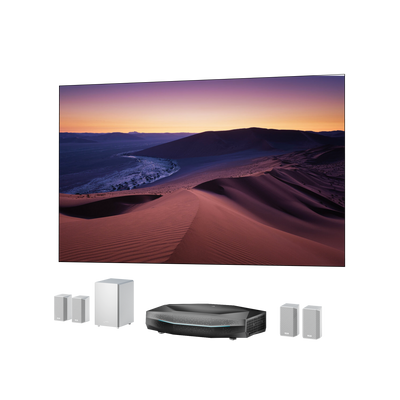
An UST projector can sit on a TV cabinet directly in front of the screen, creating a much larger image without requiring a long projection distance.
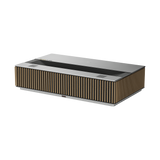
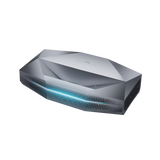
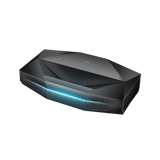
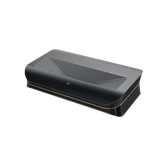
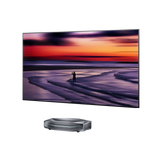
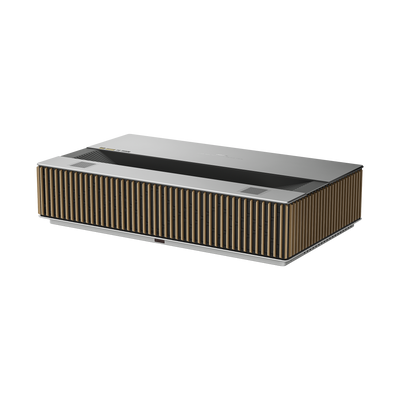
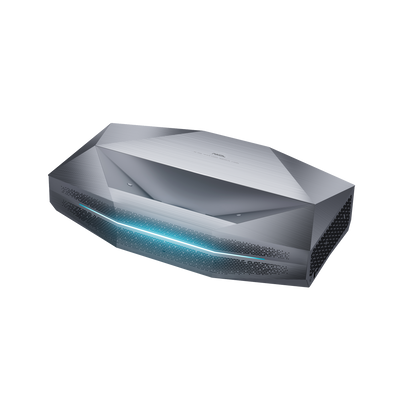
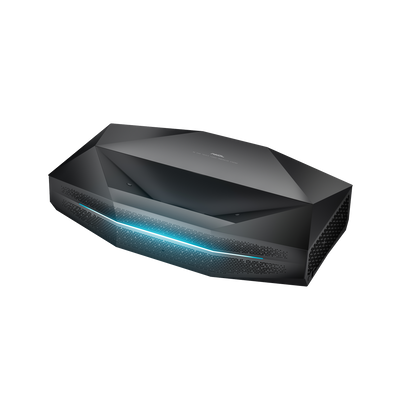
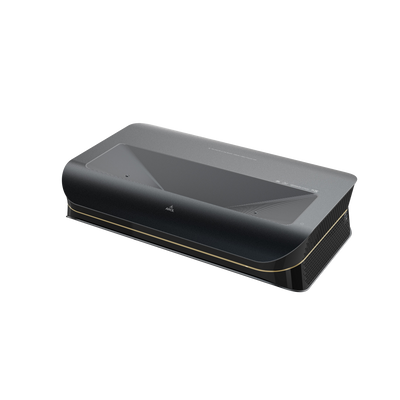
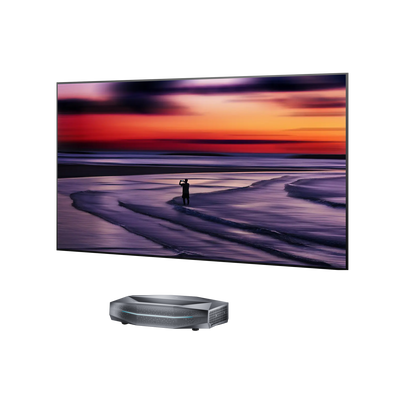
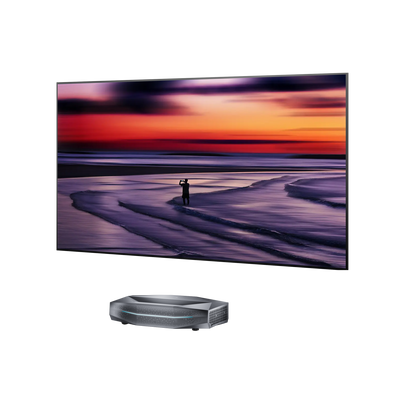
For example, AWOL LuxVision features a 0.18:1 throw ratio and can produce a 120-inch image from approximately 7.5 inches away, measured from the lens.
This allows you to enjoy a large Madden NFL 27 gaming display while keeping your gaming area relatively uncluttered.
A Cleaner and More Flexible Gaming Setup
A living room doesn't always need to look like a dedicated gaming room.
With an ultra short throw projector, you can keep your projector on a cabinet and connect it directly to your PS5 through HDMI.
There's no need to place a projector behind your sofa or run a complicated ceiling installation.
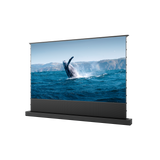
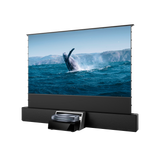
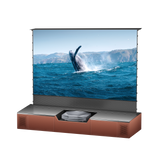
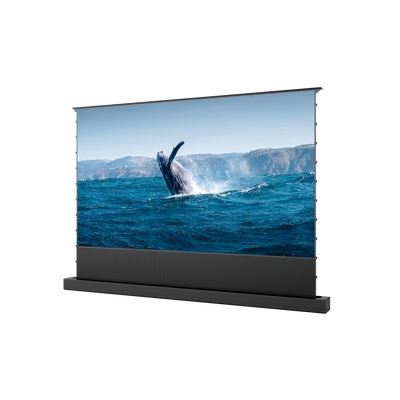
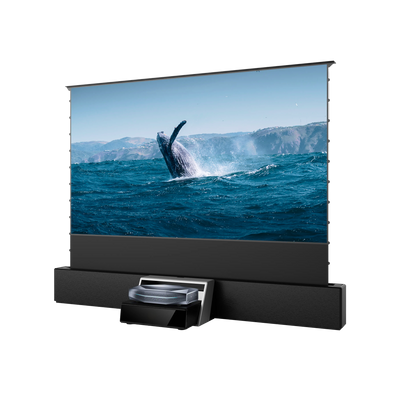
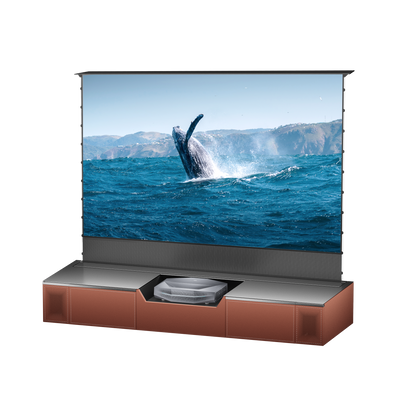
You can also pair the projector with a compatible floor-rising screen, allowing the screen to retract when you're finished gaming.
This gives you more flexibility to use the same room for gaming, movies, sports, and everyday entertainment.
Enjoy 4K 120Hz Gaming Performance
Fast-paced gameplay benefits from a display that can respond quickly to changing action.
AWOL LuxVision combines 4K 120Hz projection with gaming-focused features, including:
-
4K 120Hz input support for detailed and smooth compatible content.
-
1ms input lag at 4K 120Hz for responsive gameplay.
-
Variable Refresh Rate (VRR) to help reduce screen tearing.
-
Auto Low Latency Mode (ALLM) to automatically activate low-latency settings.
These features make LuxVision an appealing option for players who want more than just a large screen.
Keep in mind that the actual frame rate depends on the game's rendering capabilities and PS5 output settings. A projector supporting 4K 120Hz does not automatically mean every game runs at 120 frames per second.
5. Build Your Ultimate Madden NFL 27 Gaming Setup with AWOL Vision
Ready to take your football gaming experience to the next level? The right projector, screen, and gaming equipment can help turn an ordinary living room into a large-screen gaming space.
AWOL LuxVision: A Flagship Projector for Big-Screen Gaming
For gamers who prioritize image quality, responsiveness, and screen size, AWOL LuxVision brings several gaming-focused technologies together.
Its key features include:
-
4K 120Hz: Enjoy detailed visuals and smooth motion with compatible content.
-
1ms Input Lag: Designed for responsive gaming at 4K 120Hz.
-
VRR and ALLM: Gaming features that help optimize display performance.
-
6,000 ISO Lumens: High brightness for a more versatile viewing environment.
-
0.18:1 Throw Ratio: Create a 120-inch image from approximately 7.5 inches away.
-
Up to 200-Inch Projection: Explore even larger screen sizes when your room and screen setup allow.
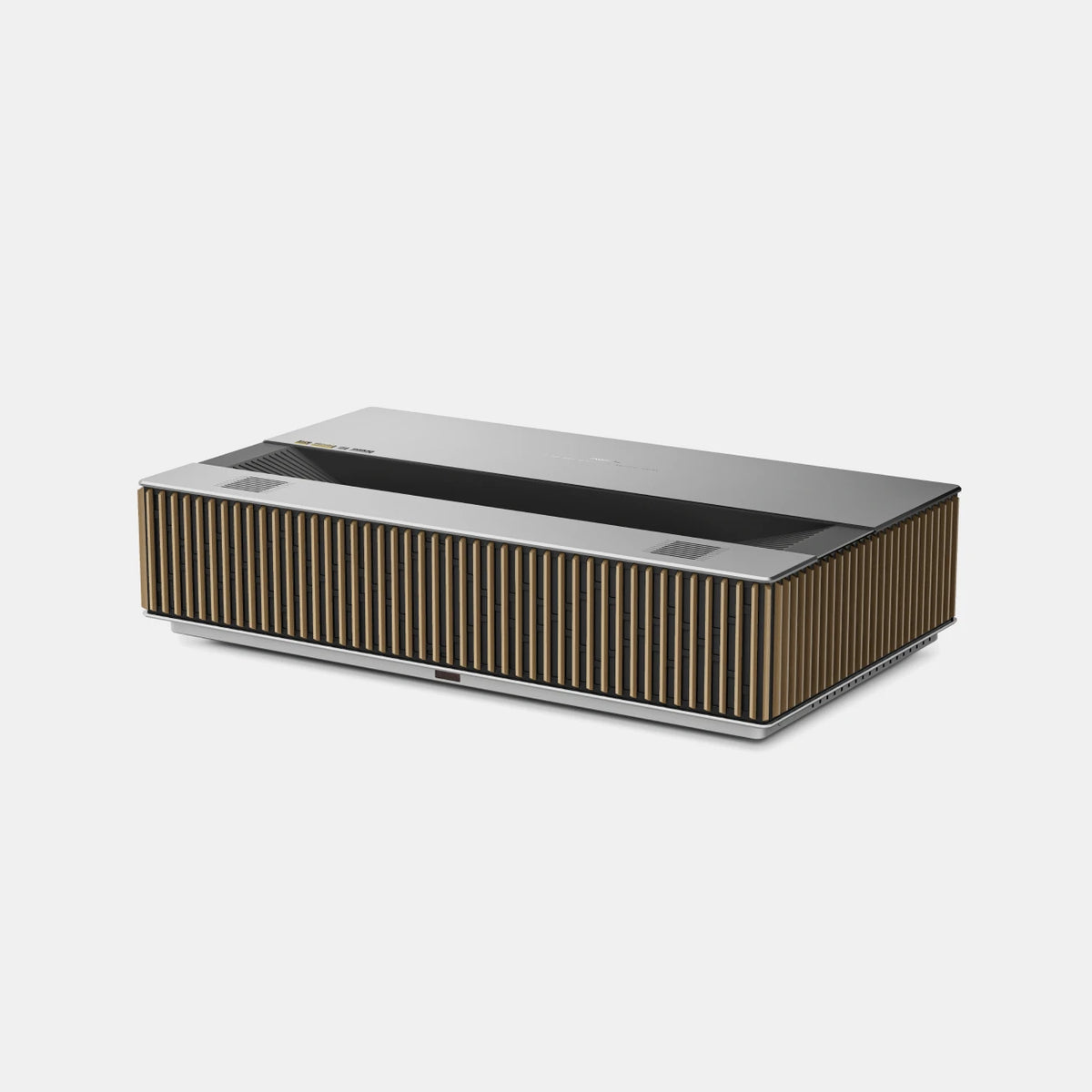
Whether you're executing a last-second pass or competing against friends, LuxVision brings the scale of a giant screen and gaming-focused performance into your living room.
Complete Your Gaming Setup
A great gaming experience involves more than the projector itself. Consider combining the following components:
1. PS5 Console
Connect your PlayStation 5 directly to the projector through a compatible HDMI 2.1 connection to take advantage of supported gaming features.
2. 100- to 120-Inch Projection Screen
Choose a projector screen size that fits your room and seating distance. A suitable ALR screen can also help improve image visibility in rooms with ambient light.
3. Gaming Audio System
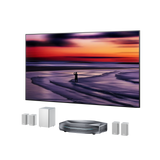
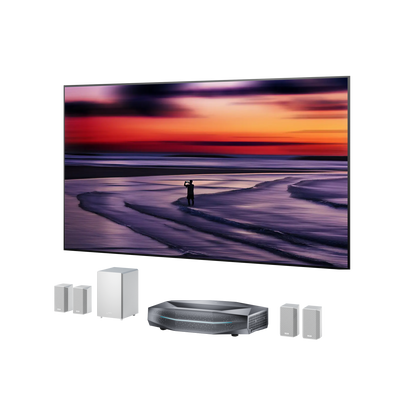
Add an external audio system to bring more impact to stadium announcements, crowd reactions, and in-game sound effects.
4. Comfortable Seating and Gaming Space
Arrange your seating so everyone has a comfortable view of the screen. Leave enough room for controllers, consoles, and other gaming accessories.
With the right combination, your living room can become a flexible entertainment space for football games, racing games, action adventures, and movie nights.
6. FAQs About Playing Madden NFL 27 with a Projector
Can You Play Madden NFL 27 on a Projector?
Yes. You can connect a PS5 running Madden NFL 27 to a compatible projector through HDMI. A 4K projector can provide a large-screen gaming experience, making it easier to enjoy the game's stadium environments and on-field action.
Is a 4K Projector Good for PS5 Gaming?
Yes. A 4K projector can display detailed game visuals on a much larger screen than most conventional TVs. For an even better gaming experience, look for features such as low input lag, VRR, ALLM, and high refresh rate support.
What Is the Best Screen Size for Madden NFL 27?
A 100- to 120-inch screen is a good starting point for many living-room gaming setups. The ideal size depends on your viewing distance, room dimensions, and personal preference.
Does a 4K 120Hz Projector Support PS5 Gaming?
Yes, provided the projector supports the necessary HDMI input and signal format. The PS5 supports compatible 4K 120Hz output, but individual games must also support the relevant performance mode. Not every game runs at 120 frames per second.
Is an Ultra Short Throw Projector Good for Gaming?
An ultra short throw projector can be an excellent choice for gaming, particularly if you want a large screen without complicated installation. Look for models with low input lag, high refresh rate support, VRR, and ALLM to ensure a responsive experience.
Take Your Football Gaming Beyond the TV
Madden NFL 27 brings the excitement of professional football into your home. But your gaming experience doesn't have to stop at a conventional TV screen.
With a 4K ultra short throw projector like AWOL LuxVision, you can enjoy a much larger gaming display, responsive performance, and a flexible setup that fits naturally into your living space.
Whether you're building your dream franchise, competing against friends, or enjoying a quick matchup, bring every play to life on the big screen.
Ready to upgrade your gaming setup? Discover AWOL LuxVision and experience big-screen gaming at home.
Be the First to Know
Subscribe for special deals, news, and important product information, and get your exclusive $100 discount.
